



FAQ
Can't sync time with other devices
Possible reasons: network connection issues, device compatibility issues, etc.
Solution: Make sure the device is connected to a stable network, check and update the device's operating system and software version.
What are some useful desktop clock software?
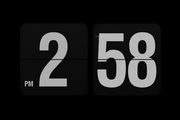
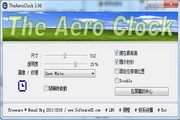
Desktop clock software:(Free Desktop Clock): This is a digital desktop clock that displays time, date and calendar. It supports changing the software shell and customizing the display color of time and date. It also has the function of shutting down the computer regularly, allowing you to have a desktop clock that is both beautiful and practical! Huajun Software Park download address:http://softwaredownload4.com/soft/976586.htm
desktop clock:PocketClock: Gorgeous clock/alarm tool. Comes with desktop plug-in and screen lock. It has the common functions of most alarm clocks, including world time, moon phase, timer, stopwatch, event, sunrise and sunset waiting views. Huajun Software Park download address:http://softwaredownload4.com/soft/243404.htm
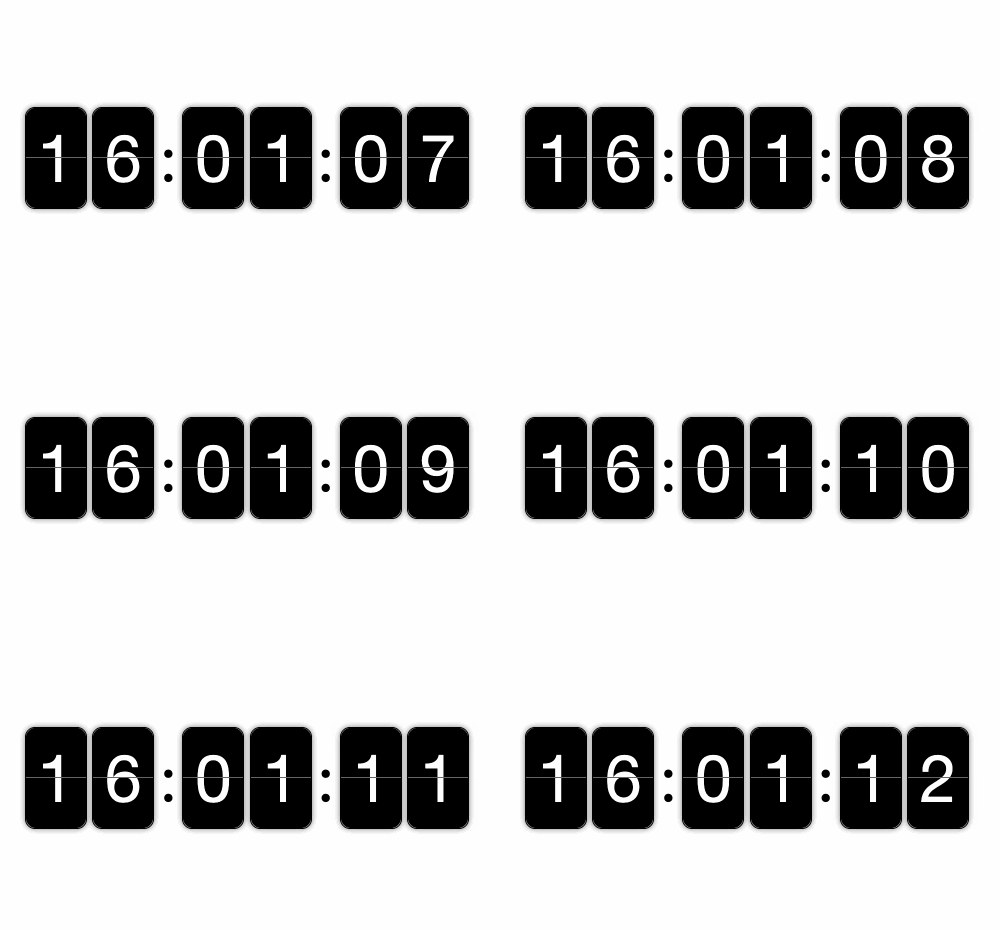
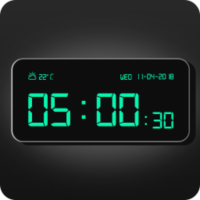
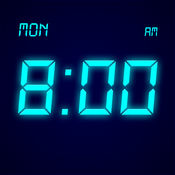
desktop clock- Simple LED clock: This desktop clock software comes with functions such as time, calendar and date LED digital clock. Providing you with real-time services, not only that, you can also see that this APP also has a very simple interface design, which makes you look very comfortable. Huajun Software Park download address:http://softwaredownload4.com/soft/1005800.htm
Desktop clock update log:
1. Fixed other bugs;
2. Optimized software compatibility.
Huajun editor recommends:
Desktop clock software takes up little memory, has stable performance, is free of any bundles, is green and safe, and is truly a conscientious software! This site also hasJiujiu desktop calendar,Desktop timer (Metro Timer),SnapTimer,bero countdown software,Calendar Maker (Photo Calendar Maker), available for you to download!











Useful
Useful
Useful