




Application introduction
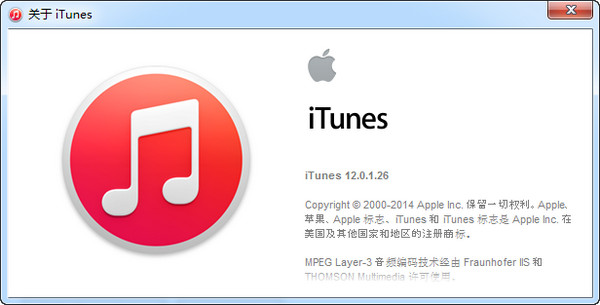
Since the latest version of itunes cancels the built-in App Store, if you need to browse and download software in itunes, you need to go back to the old version. Here we bring you the itunes version, the download of the last version with the App Store, and a tutorial on how to install it for your reference.
After some Apple fans upgrade iTunes to the latest version, they will find that Apple has completely removed the App Store download and ringtone functions. This means that if you want to download APP through iTunes, you can only use the iPhone or iPad to open the built-in App Store to download.
Installation method
If you still want to download through iTunes, there is no way. Just restore iTunes to the version. This article will teach you how to restore it.

This article mainly focuses on the Windows version tutorial:
1. Go to the console (Windows Settings) and select "Apps".
After clicking to enter, find iTunes, click it, and select Uninstall.
The iTunes Library.itl file is a library of songs in the library, as well as user-created playlists. To downgrade the new version of iTunes back to the old version, this file must be deleted, otherwise iTunes will not be able to open normally.
Enter the "C:UsersusernameMusiciTunes" folder. Users is the name of your computer. You can also click "This Computer" > "Music" to directly enter the folder.
Rename "iTunes Library.itl" in the folder to "iTunes Library.old".
After all the above is completed, just download the old version of iTunes and install it. After the installation is complete, if the new version of iTunes update pops up, click Cancel.









Useful
Useful
Useful