


If you are looking for software to use, go to Huajun Software Park! software release AI product list

Hello, if there is a need for software inclusion, please package the software and attach the software name, software introduction, software-related screenshots, software icon, soft copy, business license (if you do not have a business license, please provide the front and back of the corresponding developer ID card and a photo of yourself holding the ID card), and send it to email http://softwaredownload4.com/sbdm/user/login

Close >>

Send to email:news@onlinedown.net

Close >>

Location: Home pagePC softwareSystem softwareFile management Video to text assistant
Video to text assistant

Video to text assistant 1.0.0

QR code
  • Software licensing: shareware
  • Software size: 2.76MB
  • Software rating:
  • Software type: Domestic software
  • Update time: 2024-12-30
  • Application platform: WinAll
  • Software language: Simplified Chinese
  • Edition: 1.0.0

Download the service agreement at the bottom of the page

Software introduction Related topics FAQ Download address

Basic introduction
Video to text helper logo
Video to text assistantIt’s a simple and easy-to-useword processingtools, not only with commonly usedvideoConvert text, video to audio function, also supports recording to convert text,text to speech, picture text recognition, text translation, picture translation, and document translation operations to easily meet your needs for text extraction, translation, and speech conversion. Huajun Software Park provides you with free download of Video to Text Assistant 2024. Friends who like video to text assistant, come to Huajun Software Park to download and experience it!

Video to text assistant software features

Video conversion function: supports video to text, video to audio and other functions between multiple formats

Audio to text: can convert multiple audio formats such as MP3, M4A, aac, flac and other formats into text

Text-to-speech: Import text content with one click, dozens of voice types to choose from, batch transcription, multi-person broadcast and other functions

Image text recognition: supports batch import of images and one-click recognition of text content in images

Multifunctional translation: supports text translation, document translation, picture translation and other functions

How to use the video to text assistant

1. Download the software

Search video to text assistant software, click to enter the official website to download and open the software
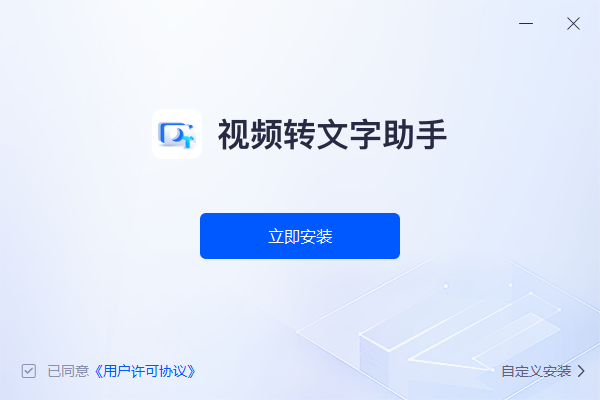
Video to text assistant screenshot

​ ​ 2. Select function

After opening the software, click and select "Video to Text Function" on the left
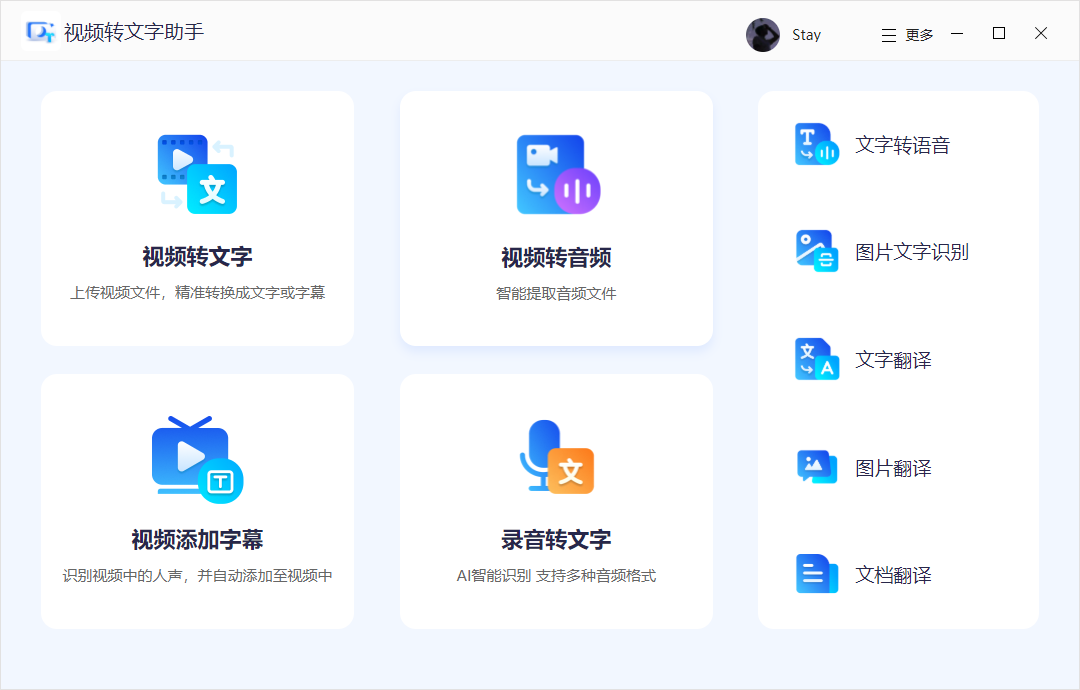
Video to text assistant screenshot

3. Modify settings

​ ​ Then import the video files that need to be converted. You can also select the output format, recognition language, usage scenario, etc. below.
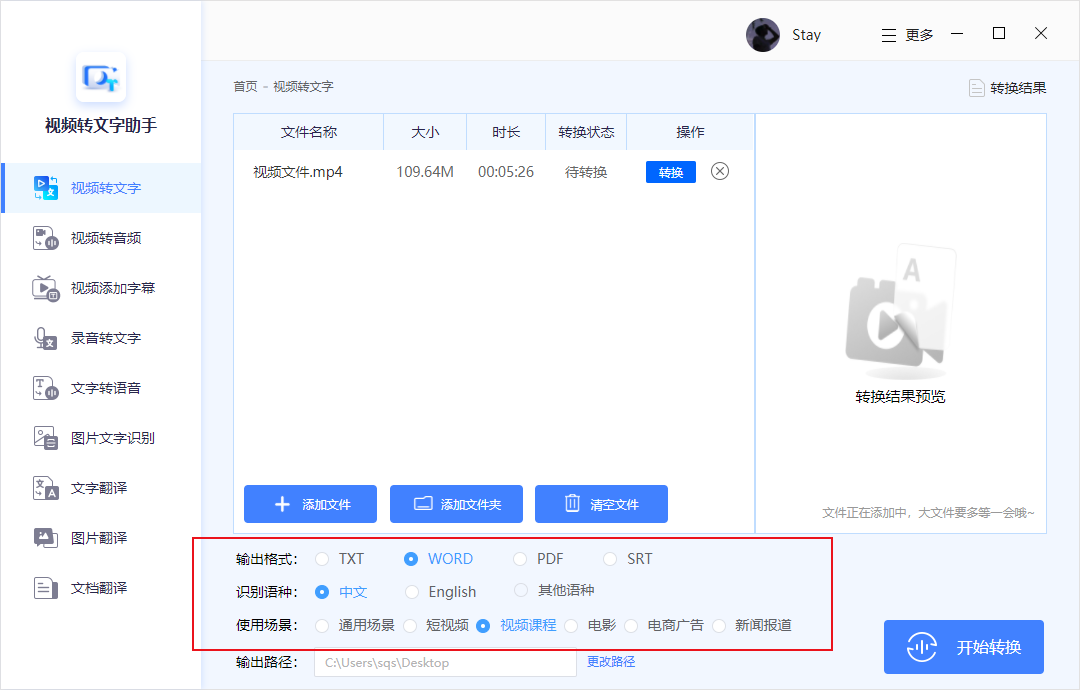
Video to text assistant screenshot

4. Start conversion

After the setting is completed, click the Start Conversion button in the lower right corner and wait for the conversion to complete.
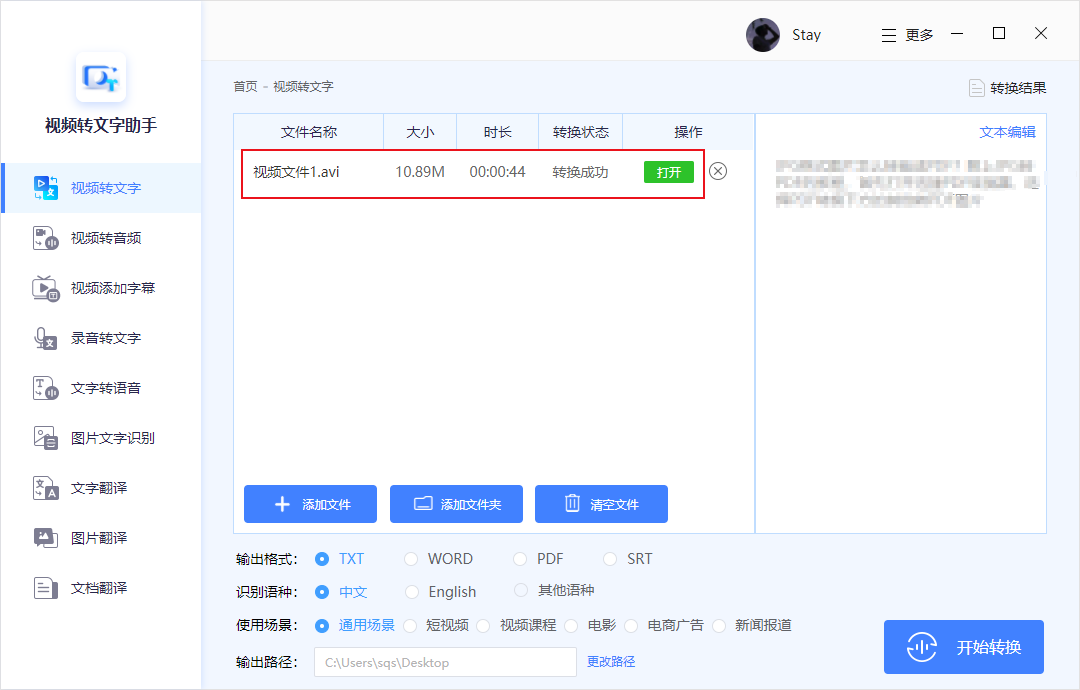
Video to text assistant screenshot

Video to text assistant update log

Working day and night just so you can be happier

Mummy, Mummy, coax~all the bugs are gone!

Huajun editor recommends:

The operation steps of the Video to Text Assistant software are very simple and very fast, so users can use it with confidence. Also recommendedLenovo Filez,PDF Editor Abdio PDF Editor,EXCEL merge gadget,Dianju AIP general document processing system,FileLocator ProDownload and use related software.

FAQ

