




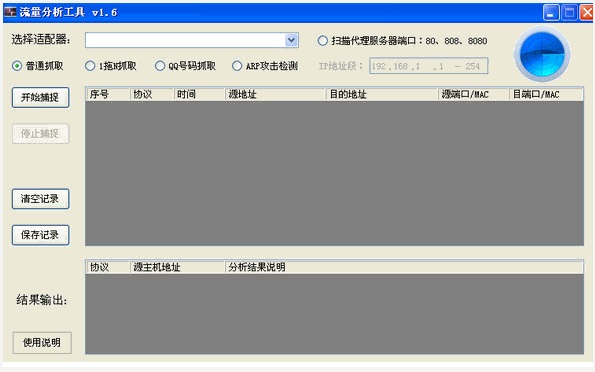
Introduction to traffic analysis tool software
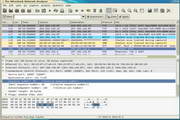
Traffic analysis tool is a powerful traffic analysis software that can be used for LAN traffic analysis, troubleshooting network faults, analyzing network traffic, etc. Through it, users can analyze their own traffic usage details in detail. The software will scan the computer network in detail, and then confirm the network usage. Through the data analyzed by the software, the traffic usage can be obtained, so that the causes of various network problems can be found.
Traffic analysis tool software features
1. 1 drag n detection: detect shared traffic such as portable wifi, private routers, etc.
2. ARP detection: detect various arp attacks on the LAN
3. QQ number capture: capture QQ traffic to extract QQ number and corresponding host IP
4. Proxy server detection: Scan the host of the private proxy server on the LAN
Traffic analysis tool installation steps
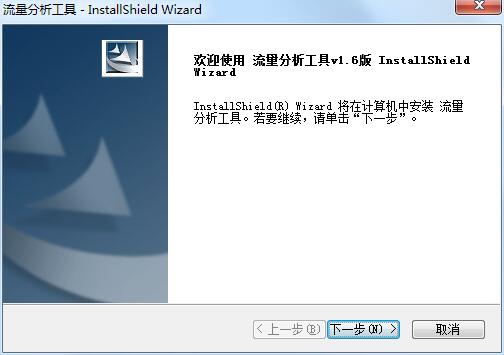
1. Download the official version of the traffic analysis tool installation package from Huajun Software Park. After unzipping, double-click the exe program to enter the installation wizard and click Next
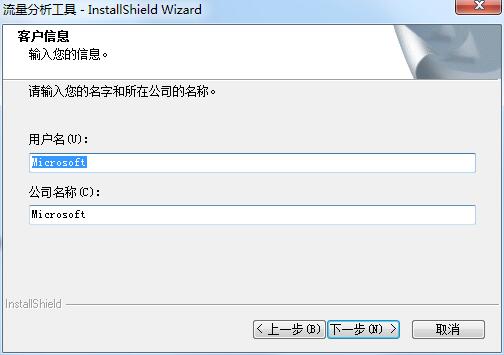
2. Enter customer information and click Next
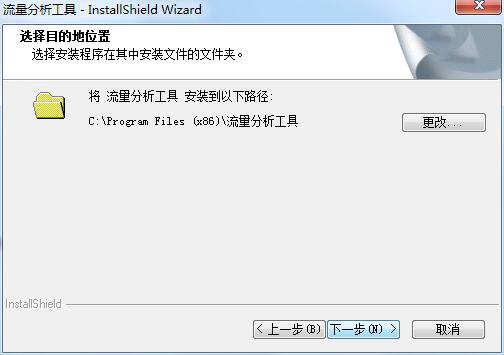
3. Click "Change" to select the installation folder. Generally, it is installed on the C drive of the computer by default. It is recommended to install on the D drive. Click Next.
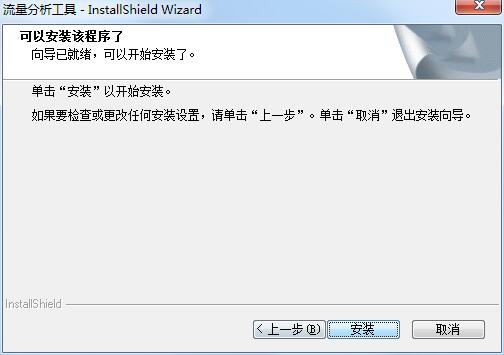
4. The installation program is ready, click Install
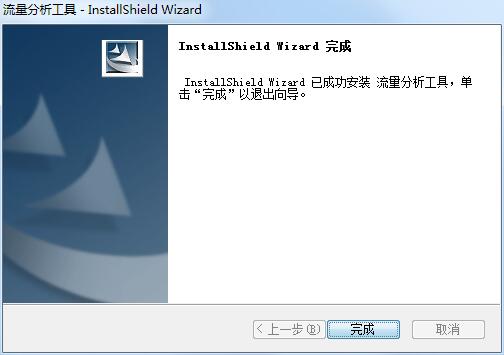
5. The installation of the traffic analysis tool is completed, click Finish to exit the installation wizard
Things to note about traffic analysis tools
1. .NET 4.0 or above
2. WinPcap4.1.2 or above
Traffic analysis tool update log
1.Fix BUG, the new version has a better experience
2. Some pages have been changed
Special instructions:
Hello, the software you are about to use is an auxiliary tool and may be intercepted and checked by major anti-virus software. This software may have risks, please pay attention to avoid it. If you want to continue using it, it is recommended to close various anti-virus software before use.
Attached is the software package decompression password: softwaredownload4.com
Huajun editor recommends:
This site also prepares a variety of related software for you, such as:Network traffic statistics tool,Webcam search tool,TrafficMonitor (computer network speed monitoring floating window),FPort,FreePortScannerWait, you need to go to the editor of Huajun Software Park to satisfy you!










Useful
Useful
Useful