



Function introduction
Protect your files and folders from being easily opened, read, modified, deleted, moved, and copied by others. You can even set them so that others cannot see their existence at all.
After running, there is no background process and it does not occupy system resources, so it will not slow down the system. The software is green and can be used directly without installation.
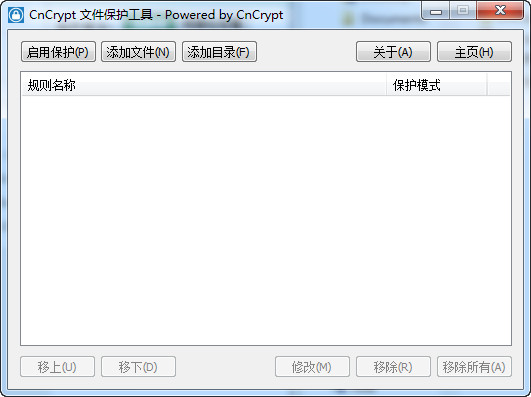
1. When using it for the first time, you need to click the "Start Protection" button on the main interface.
2. Drag and drop the files or folders that need to be locked directly into the main window to add rules.




Useful
Useful
Useful