




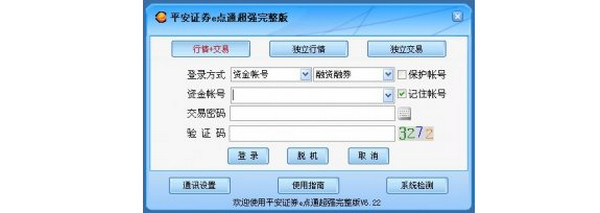
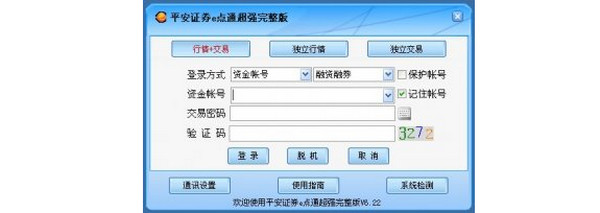
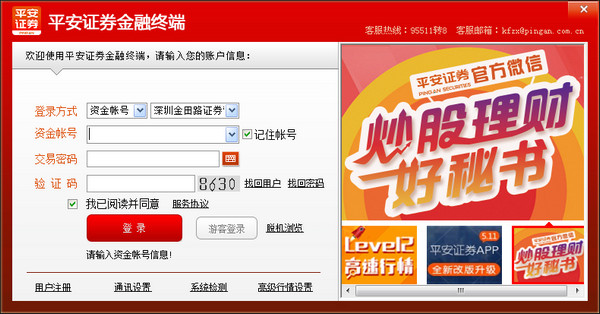
Provides functions such as buying, selling, canceling orders, querying funds and shares, third-party custody query, and transfer of securities types in Shenzhen and Shanghai stock markets. Provide margin financing and securities lending functions. Individual stock recommendations, stock market dynamic information, financial and securities news, investment skills, main research on Hong Kong and Macao information, listed company economic indicator disclosure and performance reports, industry market performance, macroeconomic research, etc.
FAQ
How do individual investors open an A-share shareholder code card?
I can bring my original ID card and bank card or passbook with the same name to any of our business outlets from Monday to Friday from 9:30-11:30 am and 1:00-3:00 pm. The account opening fee for Shenzhen A is RMB 50, and the account opening fee for Shanghai A is RMB 40. Overseas natural persons can open Shenzhen and Shanghai B share accounts with their overseas resident ID cards (passports) and their copies.
I have opened an account at another securities firm, how do I transfer my account?
1. Click "Open Account Now", select "Transfer Account Now", and follow the account transfer process to complete identity verification, sign an agreement, and third-party custody to open a Ping An Securities capital account.
2. Go to the original securities firm’s account opening business department to cancel the designation, transfer custody, cancel the third party, and cancel the capital account. Specifically, the following four items should be handled:
Cancellation of designated transactions on the Shanghai Stock Exchange (Shanghai A) (Please note: Cancellation of designated transactions does not mean cancellation of shareholder accounts)
Handle the transfer of custody of Shenzhen Stock Exchange stocks (Shenzhen A) (please note the business department and seat number where the account is opened) *If you do not hold Shenzhen A shares in the account, you do not need to handle this step
Fund account interest settlement transfer (transfer funds to bank card)
Cancel the third-party custody and cancel the capital account
3. Please use our company’s capital account to log in between 9:00 and 15:00 on the trading day. Go to “My Account” -> “Account Type” to check the opening status of the shareholder account under your capital account. If there is no automatic addition or designated transaction, you can complete it yourself.














Useful
Useful
Useful