




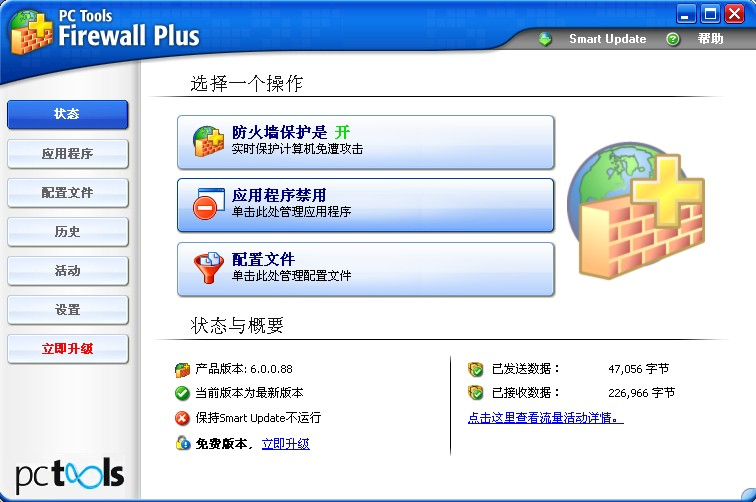
PC Tools software features
Hide your PC so Internet hackers can't find it.
Granular control of inbound or outbound traffic.
Designed for both novices and experts, it's easy to use.
Advanced rules protect your computer from common attacks.
Rules and settings can optionally be password protected.
The best feature is: it's free, with no gotchas, feature limitations, or time limits.
PC Tools software features
Protect your computer while you work, surf the web, and play games.
Intelligent automatic protection eliminates the need to answer various questions.
Designed for both novices and experts, it's easy to use.
It's free and has no gotchas, feature limitations, or time limits.
Download the latest version of PC Tools Firewall Plus for free and enable powerful network protection!
Platform: Designed for 32-bit and 64-bit Windows 7, Vista, and XP.
PC Tools installation method
1. After downloading PC Tools Firewall Plus from this site, find "fwinstall.exe" and double-click to run it to enter the software installation wizard interface;
2. Enter the software installation wizard interface and click the red box to proceed to the next step;
3. Click inside the red box. I agree to the agreement in this clause and proceed to the next step;
4. For the file installation location, it is recommended to install it on the D drive. Click the red box in the picture below to proceed to the next step;
5. The installation is in progress, please wait patiently...
6. When the installation is complete, click the red box










Useful
Useful
Useful