




The firewall is part of the COMODO Internet Security Suite 2011 and is bundled with the COMODO anti-virus software. You can choose to install only a firewall if you prefer.
Firewall is also part of COMODO Internet Security Suite 2011 Professional Edition, giving you the most powerful defense. It also includes other components such as WiFi security and 7*24-hour expert online support for numerous computer needs. 30-day free trial.
Features of firewall:
Easy-to-understand and helpful alerts No complex configuration issues - suitable for non-expert users Extensive configuration options let technicians configure just how they like DDP-based security allows you to understand and protect PC security Quickly understand user behavior to provide personalized protection Easy-to-use, attractive graphical interface The first step to keeping your computer safe is to download and activate a good firewall to keep intruders at bay. Only this free firewall software has access to COMODO's extensive list of PC security applications, which is also the key to Deny-by-Default protection. Check out our firewall software today, or upgrade to 360-degree protection with COMODO Internet Security 2011 Professional Edition.
How to install comodo firewall
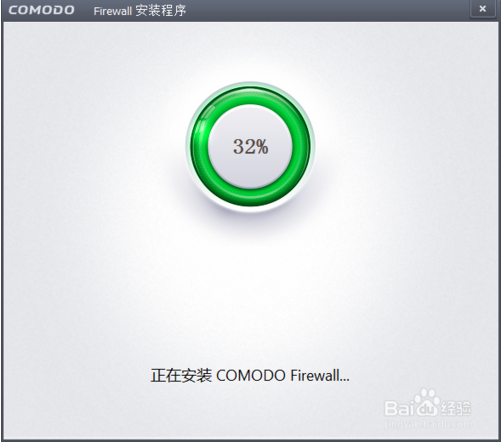
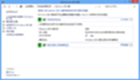
After the download is complete, just double-click the downloaded file and install it step by step according to your needs. When you get to this page, just wait for a while and the installation will be successful!
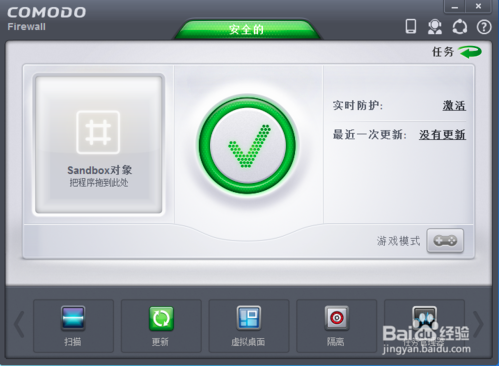
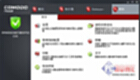
After the installation is successful, the page will appear as shown below. Click the activation button in the picture below to use it.
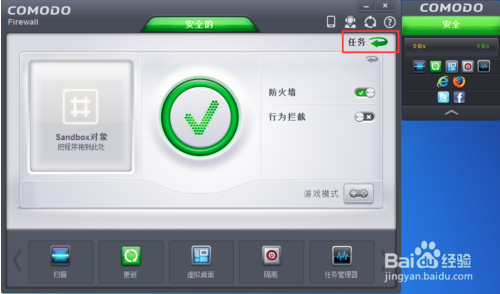
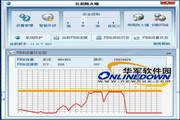
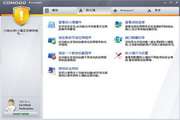
When we use it, we will find the situation as shown below. There is a small window on the right. If you want to remove it, click the task button in the red box in the picture to set it.
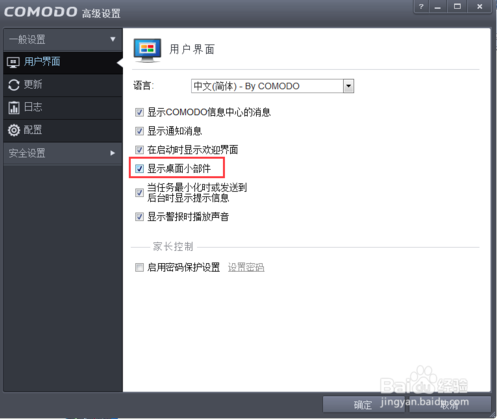
As shown in the picture below, cancel ‘Show desktop widgets’!













Useful
Useful
Useful