




 You may like




Introduction to Qitian Network Software
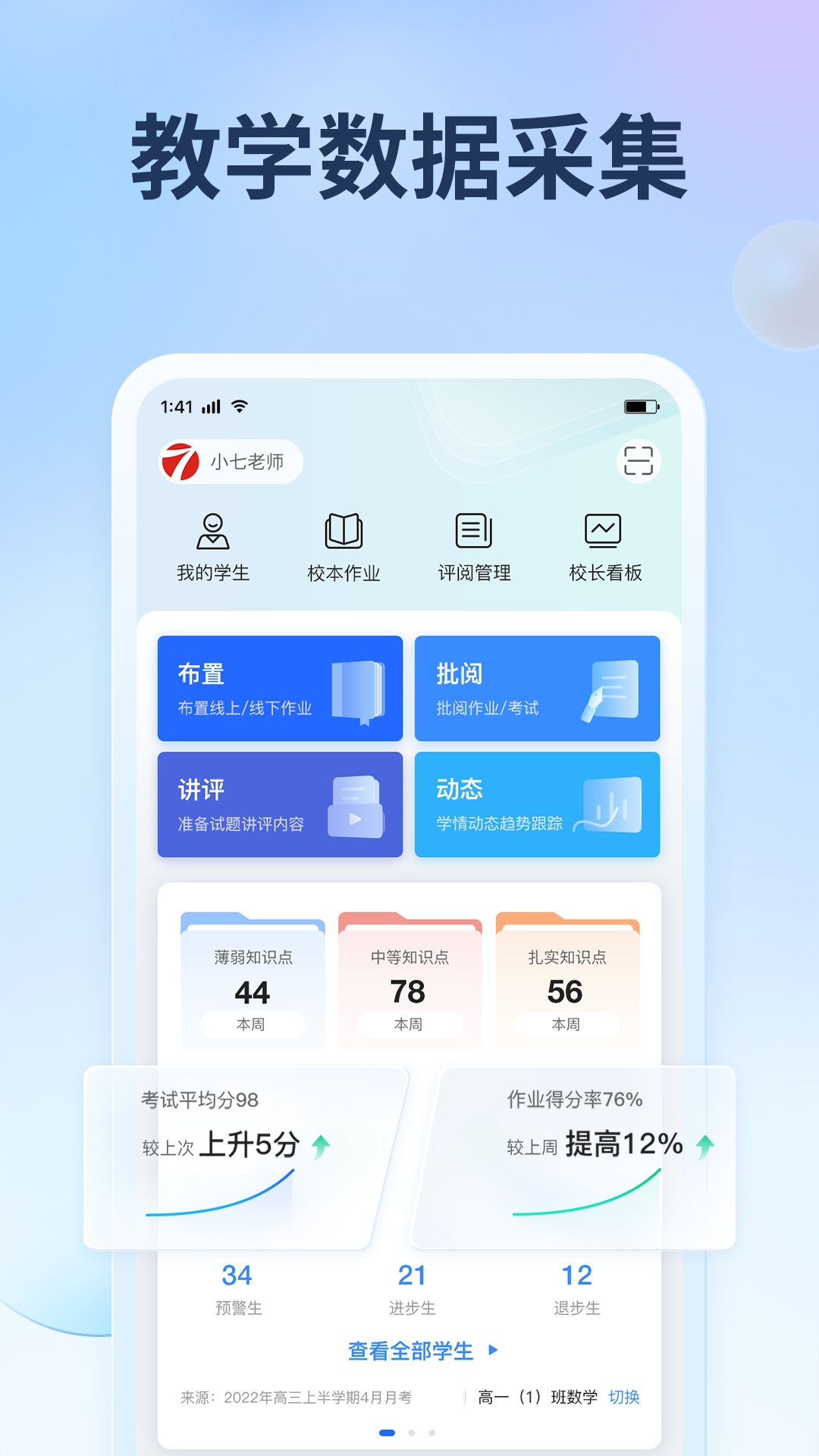
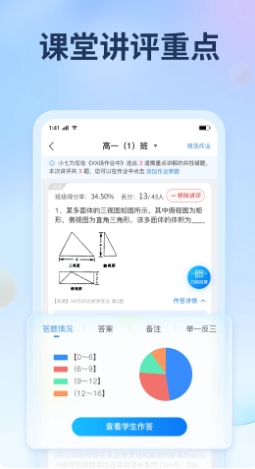
Qitian Network app is a cloud service, multi-tenant, and universal network marking platform independently developed by Qitian Education Technology Co., Ltd. It provides teachers with examination data statistics, mobile marking, teacher-student interaction and other services, establishes a smooth communication and interaction bridge for parents and schools, and opens up an independent, shared and personalized mobile learning space for students.
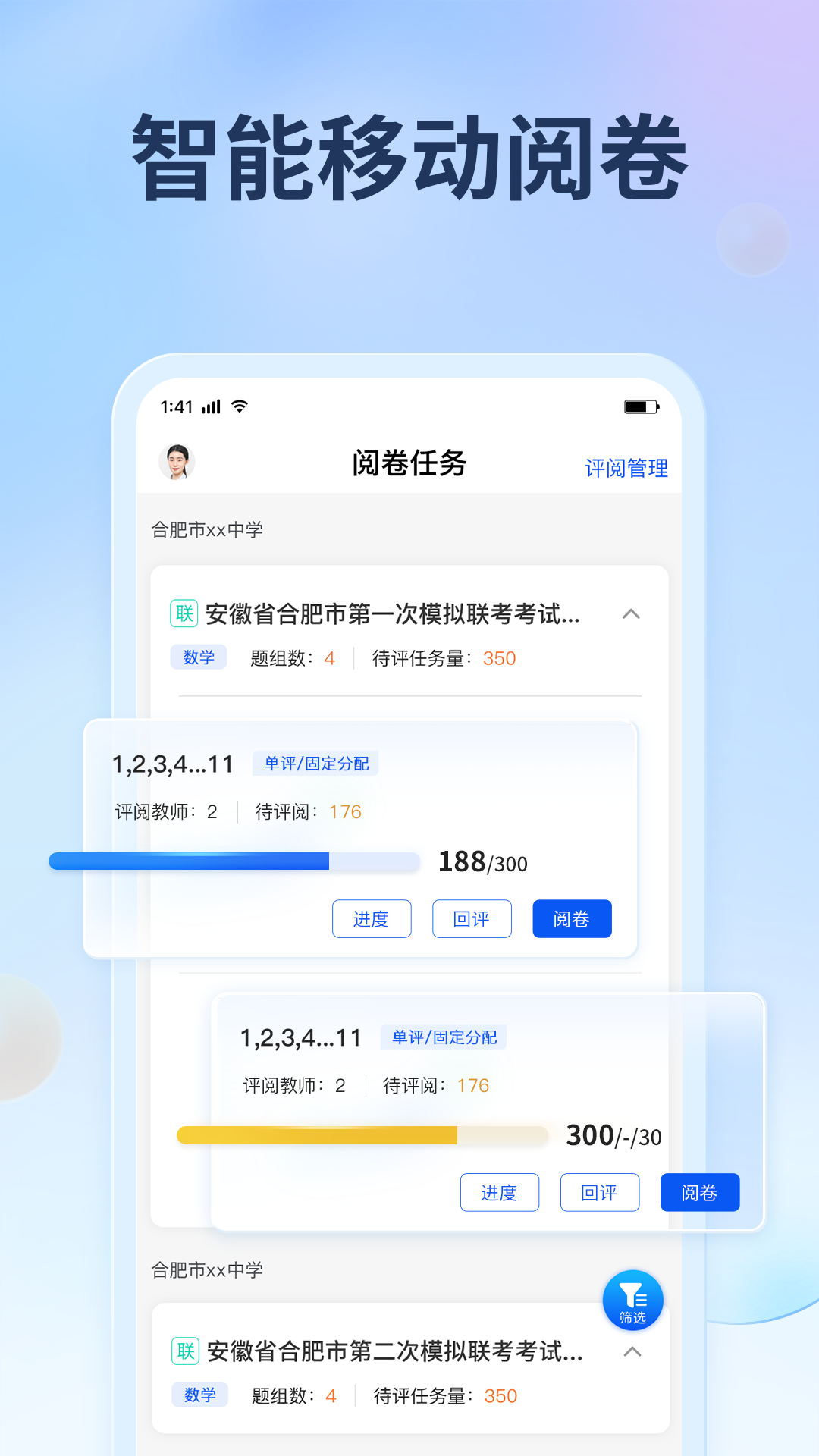
Features of Qitian Network Software
【Teacher Space Convenient Teaching Assistant】
· Intuitive subject radar chart, you can quickly understand the strengths and weaknesses of subjects;
· Add a personalized report library, from which you can select and customize to reflect the school's teaching characteristics;
· Contains rich and detailed general reports, showing trend charts of important indicators from macro to micro;
· Establish a "labeling" system for knowledge points to easily check students' knowledge mastery and achieve personalized teaching management;
· Whether it is a cross-regional, unlimited large-scale joint examination or a grade-level class examination, generate analysis reports for different user types;
【Student/parent space exclusive academic profile】
· 给出个人学科分析雷达图,让优劣势学科一目了然;
· Accurately locate the relative position of students' scores and say goodbye to "puffy" personal scores;
· Presenting hierarchical analysis can formulate scientific hierarchical advancement plans for students;
· Provide ranking comparison so that students can understand each other’s subject performance rankings and know themselves and their enemies;
FAQ
Function not available
Check whether the software version is the latest version. Older versions may have functional defects or may not support certain functions.
Try restarting the software or device and try using related functions again.
If the function still cannot be used, you can contact Qidian Online Customer Service for feedback and assistance.
Data synchronization problem
Confirm whether the network connection is stable and ensure that the device can normally access the server of Qitian Network.
Check whether the device's time setting is correct to avoid data synchronization problems caused by time differences.
If the data still cannot be synchronized, you can contact Qidian Network customer service for assistance.
Seven Days Network Update Log
1. Optimized some functions
2. Solved many unbearable bugs
Huajun editor recommends:
The editor has also usedABCmouse,Homework help live class,Homework Help takes photos and solves problems online,Researcher,Uighur version of Driving Test GuideSoftware with similar functions to this software is available in Huajun Software Park and can be downloaded and used!















Useful
Useful
Useful