




 You may like


Personal Income Tax APP Frequently Asked Questions
How to change the password of the official version of the Personal Income Tax app?
Open the official version of the Personal Income Tax app, click [Personal Center]; click [Security Center]; click [Modify]Password】;Enter the original password and new password;GetVerification codeAnd enter the verification code; click the [Save] button to complete the above steps.personal income taxYou can change your password using the app.
How to get tax refund in the official version of Personal Income Tax APP?
Open the official version of the Personal Income Tax APP, use it for the first timeRegister. After entering the homepage, click Personal Center. Set bindingbankcard. Click on the annual summary of comprehensive income in the tax process. Fill in the informationtax refund.
Introduction to Personal Income Tax APP Software
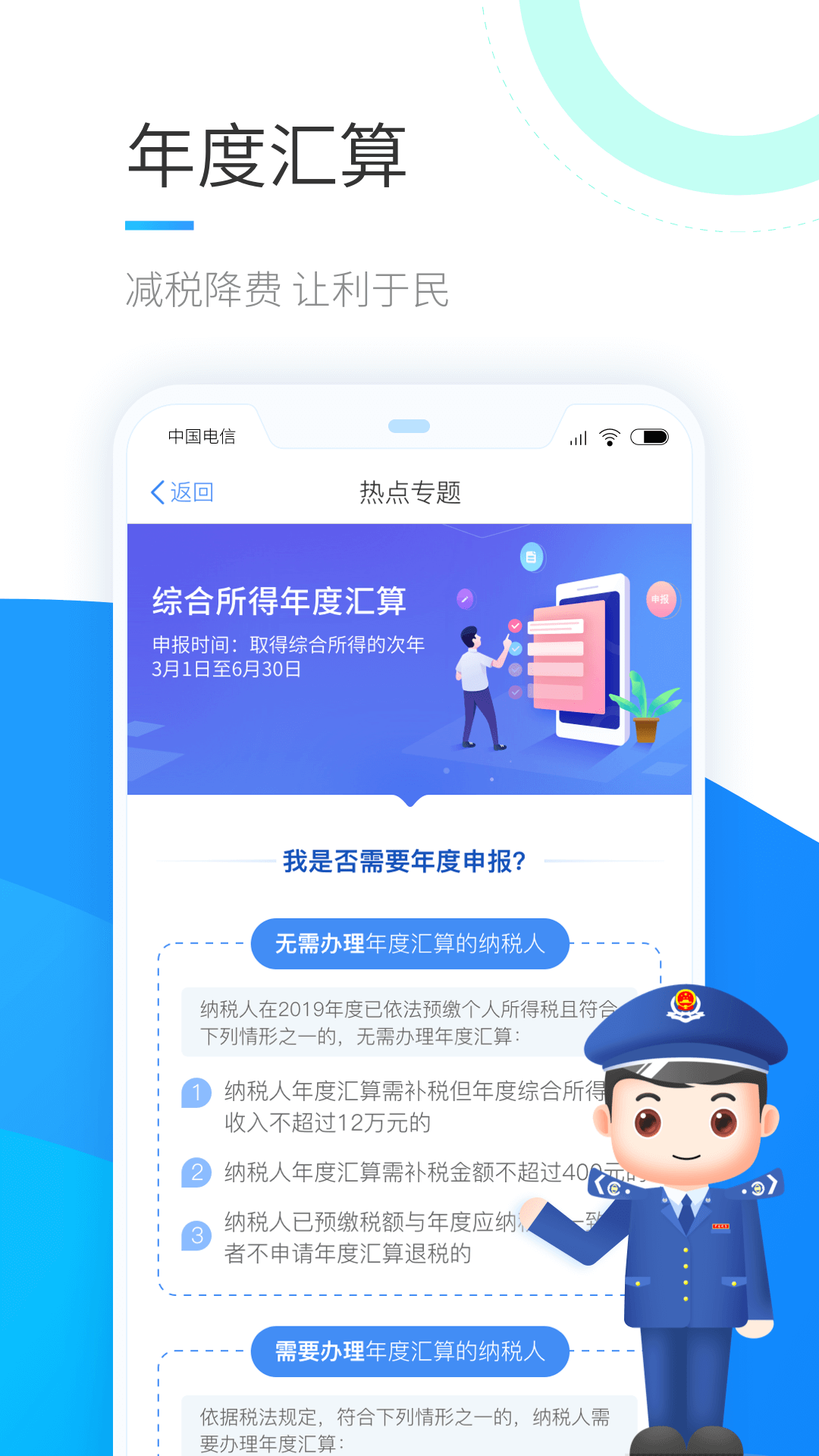
The Personal Income Tax Platform is an APP sponsored by the State Administration of Taxation to implement the tax system reform requirements of combining comprehensive and classified personal income tax proposed by the Party Central Committee and the State Council, and to ensure that natural person taxpayers nationwide can enjoy the dividends of tax reform in a timely manner.
In addition to supporting the implementation of personal income tax reform policies, this platform also actively implements the reform requirements of "delegation, regulation and service"; by relying on the 12366 tax service platform, it unblocks the channels of "policy consultation hotline + diversified tax reminders" to help taxpayers pay clear taxes; and gradually obtain Obtain information such as children's school status and mortgage interest payments from external departments to achieve related comparisons. After discovering risk doubts, we urge taxpayers to self-examine and make corrections, conduct tax inspections on high-risk ones, and help taxpayers pay standardized taxes. Help taxpayers pay standardized taxes; provide diversified real-name authentication, third-partypay, electronic paymenttax refund, electronic tax invoices and tax payment certificates and other services, allowing taxpayers to travel less on the road and more online; Applicationbig data, cloud computing technology, providing natural persons with pre-filled tax forms, policy risk reminders andtaxProvide services such as discount reminders; promptly respond to reasonable demands of natural persons, verify and resolve disputes; and help taxpayers pay assured taxes.

Personal income tax APP software functions
1. VariousReal nameThe registration method makes it more convenient and safer for you to use the system for the first time;
2. Complete your personal information so that the tax bureau can contact you easily;
3. Provide special additional deduction information collection, which can collect children’s education, serious illness medical treatment, continuing education, and loansinterest, rent, elderly care and other special additional deductions; you can choose the yeardeclareThe withholding agent can also be designated to deduct and enjoy the withholding when declaring withholding and prepayment;
4. Provide discount registration to let you know whether you can enjoy the discount;
5. Inquiry of tax payment information at any time and electronic tax payment certificatePrintand download for easy use in other government departments and agencies;
6. Provide pre-filled forms for the annual declaration of comprehensive income. After confirmation, the declaration can be completed with one click;
7. Provide electronic tax payment. Taxes need to be paid after declaration. You can choose a variety of tax payment methods to quickly complete tax payment;
8. Electronic tax refunds are provided. If an overpayment occurs after filing and requires a tax refund, the tax refund application can be completed quickly;
9. Provide taxpayers with self-reported income when they obtain classified income and have no withholding agent.declarefunction;
10. Provide monthly (quarterly) personal income tax prepayment declarations, annual declarations, and multiple annual summary declarations for business income for individual industrial and commercial owners, sole proprietorship investors, and partnership partners;
11. Provide news reminders and policy risk tips for taxpayers,taxDiscount reminder and other services;
12. You can check the information collection, declaration, tax payment, tax refund and other business processes you handle.
13. If it is discovered that the identity information has been used fraudulently, a dispute verification can be initiated, and the tax authorities will conduct verification and processing.
How to use the Personal Income Tax APP
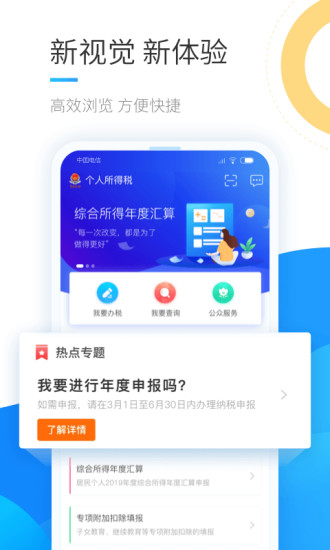
Run the APP and select "Login/Register" on the personal center page;

New user registration method:
1.Face recognition authenticationRegister. The authenticity of the user's identity is verified through facial recognition. This method compares the face collected in real time with the photos retained by the police. After the verification is passed, the real-name registration can be completed. This method only supports mobile APP clients.
2. Register with the hall registration code. You can bring your valid ID to the local tax office to apply for a registration code, and then choose the hall registration code registration method on this platform to complete the real-name registration. You need to fill in the registration code and identity information when registering. The system completes the real-name registration by verifying whether the registration code matches the identity information. The registration code is valid for seven days. If you accidentally lose it, you can apply again.
③After registering/logging in, you can return to the homepage to fill in the special additional deductions (you will also be reminded of the materials you need to prepare).

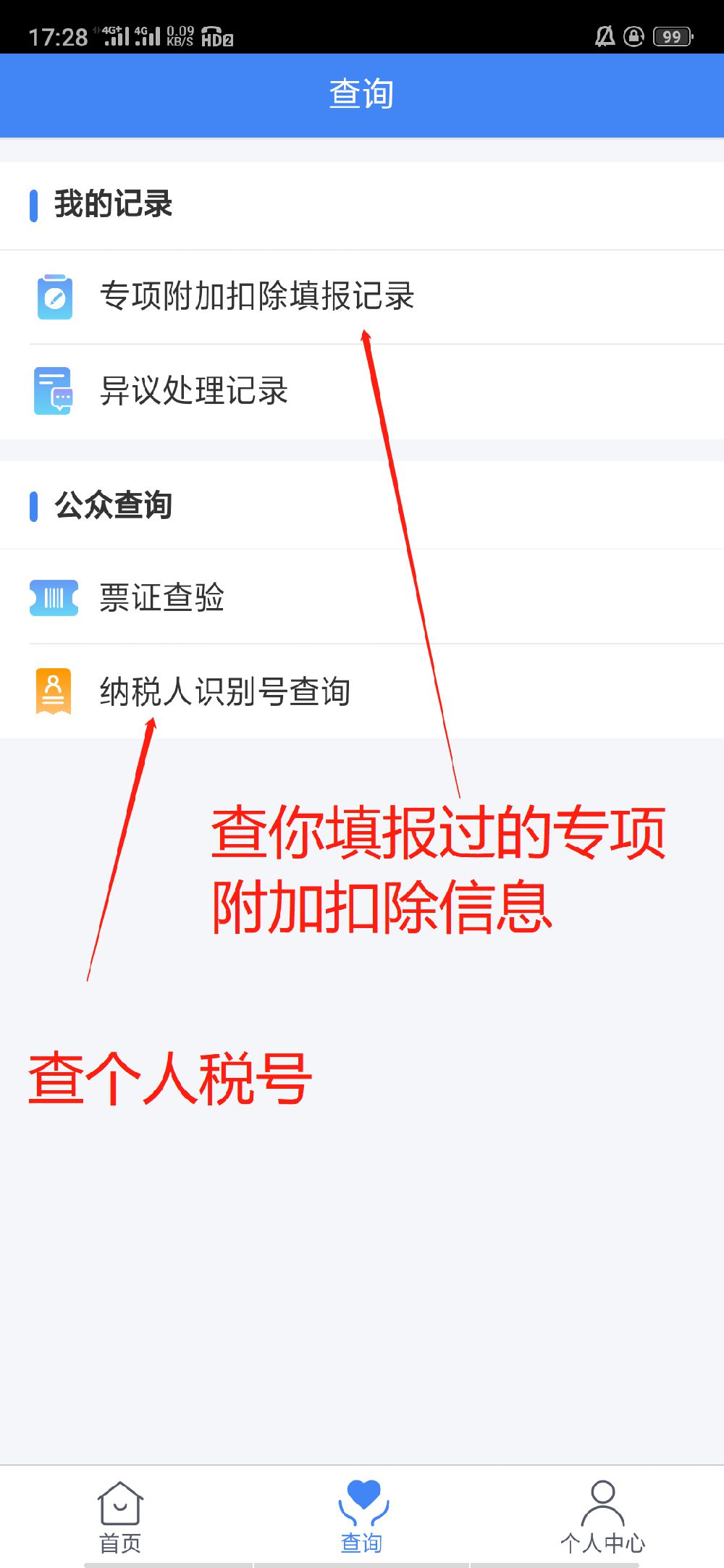
The query page can also check filing records, personal tax ID numbers, etc.
Personal Income Tax APP Update Log
1. When filing the annual final report, when adding new income details, when the income is greater than 0, the tax paid is greater than 0, and the three insurances and one fund are greater than 0, you need to fill in the corresponding payment voucher number, voucher number, remarks, etc.; when adding new tax exemptions and donation schedules, you need to fill in the remarks; when adding new commercial health insurance and tax-deferred pension insurance, you need to fill in the insurance company.
2. The "Feedback" function is offline. You can use the "I want to consult" function to consult questions or provide feedback on needs and suggestions.
Huajun editor recommends:
The official version of the Personal Income Tax APP provides a variety of real-name registration methods, making it more convenient and safer for you to use the system for the first time. This site also prepares a variety of related software for you, such as:Yingfa Financial ServicesWait, you need to go to the editor of Huajun Software Park to satisfy you!

























Useful
Useful
Useful