




 You may like





Features of Jinzhou virtual camera
High-quality real-time video: high-definition connection quality, stable connection, no delay in the picture, and fast speed.
High-quality real-time microphone: supports transmitting microphone information, no need to worry about the computer not having a microphone device.
前后置摄像头随心切换:支持切换前置、后置摄像头,以及横版、竖版视频方向。
Turn on beauty filters with one click: Provide beautification and filter adjustment functions to improve the visual effects of video calls or live broadcasts.
Compatible with mainstream screen recording and live broadcast software: it can be used directly in live broadcasts and meetings, without the need to purchase additional external camera equipment.
Highlights of Jinzhou Virtual Camera网络教育:老师教学使用软件,画面高清稳定,提升教学质量。
Online classes: Students use software to attend classes without the need to purchase additional camera equipment, reducing learning costs.
Live screen recording: low-cost live screen recording, the mobile phone can instantly transform into a computer high-definition camera to meet the needs of live broadcast.
Online written test: Mobile phones can meet the camera requirements for online recruitment written tests, which is convenient and fast.
Video conferencing: No matter the scene or device, your mobile phone can be used as a computer camera for online meetings to improve meeting efficiency.
Jinzhou virtual camera function
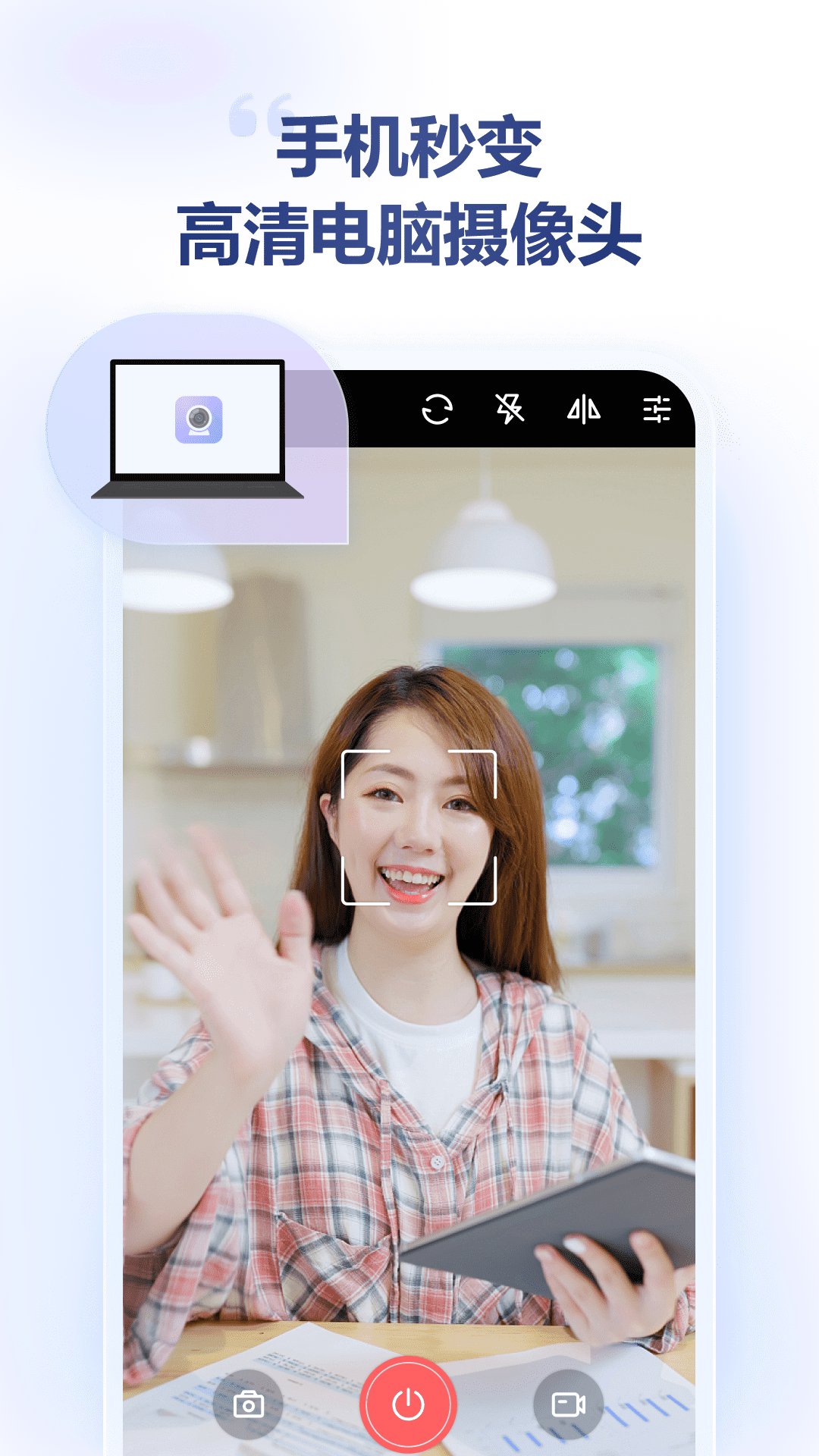
Device conversion: Convert an Android phone or iOS device into a computer camera and microphone, supporting high-definition video (including virtual resolution settings) and real-time audio transmission.
Image quality adjustment: Provides parameter customization functions such as brightness, ISO, exposure time, white balance, etc. Users can directly adjust through the mobile phone or computer interface to meet shooting needs in different scenarios.
Connection mode: Supports WiFi wireless connection, USB wired connection and IP address connection, enabling ready-to-use and ultra-low latency transmission to ensure the smoothness of video calls or live broadcasts.

Jinzhou Virtual Camera FAQ
Device not found:
Reasons: The mobile phone and computer are not under the same WiFi or LAN; network configuration problems; firewall or anti-virus software interception; router setting problems (such as AP isolation).
Solution:
Make sure your phone and computer are on the same WiFi or LAN.
Restart your phone, computer and router.
Check whether Jinzhou Virtual Camera is the latest version.
Turn off the computer firewall or anti-virus software, or allow the Jinzhou Virtual Camera to pass through the firewall.
Check the router settings and turn off the AP isolation function.
When using on a virtual machine, change the virtual machine's network sharing method to "Bridged".
Jinzhou virtual camera update log:
1. Fixed other bugs;
2. Optimized software compatibility.
Huajun editor recommends:
In addition to Jinzhou Virtual Camera, a very convenient utility tool, there are alsoJianxin Rongtong,Universal charger,professional ability,Orange Heart Digital,calculatorRelated software is available for download. If you need it, please click to download and use it.















Your comment needs to be reviewed before it can be displayed