





Features of Jinzhou electronic photo album software
1. Select background music and customize your own electronic photo album
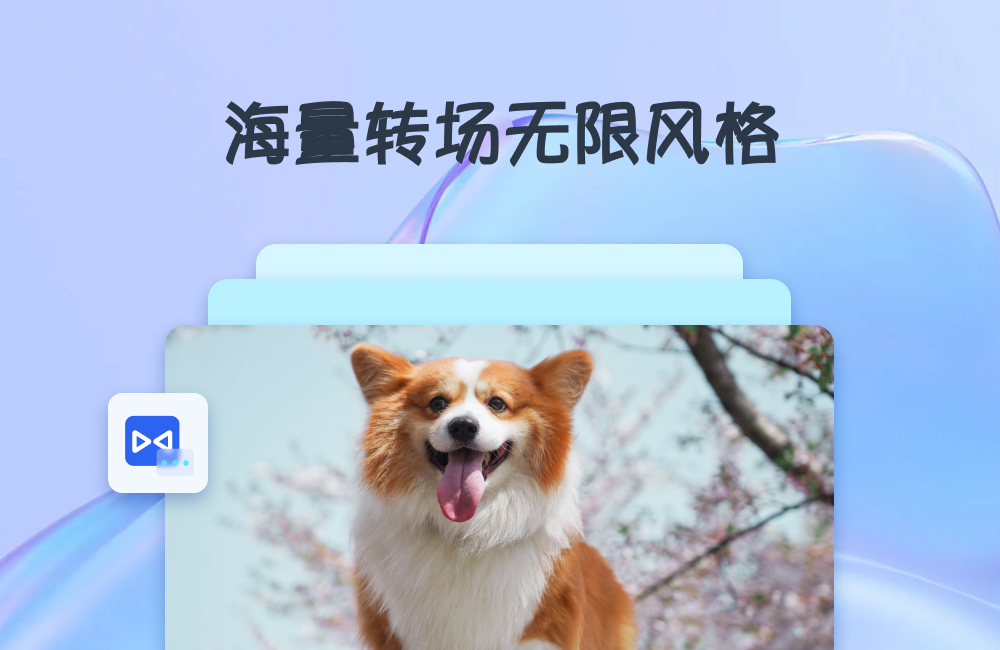
2. Random effects, random animations, and one-click video generation
3. Select pictures to edit freely and create your own photo album
4. You can freely set video and audio parameters to export high-quality videos
Jinzhou electronic photo album usage tutorial
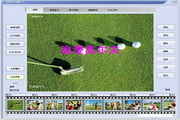
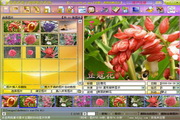
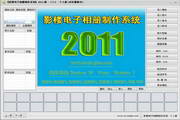
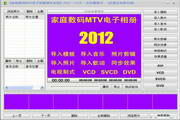
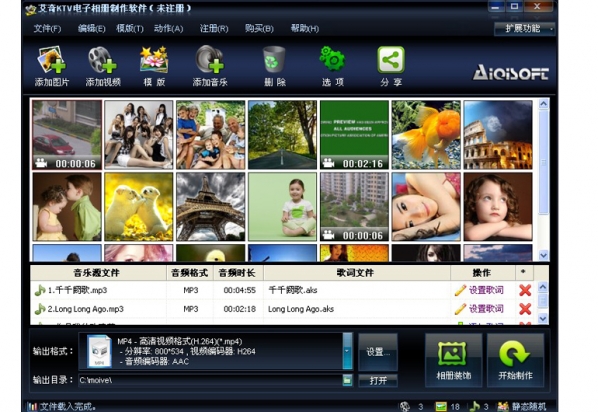
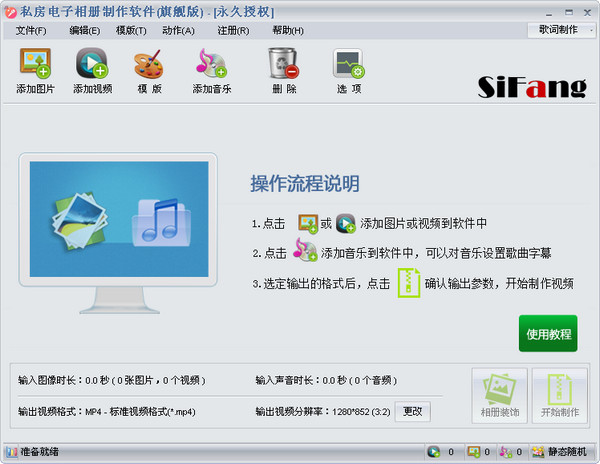
1. Open the software, click the button below to upload picture materials, and select all files with one click;
2. After uploading the picture material, select the proportion of the electronic video here according to the size, and select it in combination with the proportion of the picture;
3. The resolution of the photo album can be selected from the following. It is generally recommended to choose a resolution that is consistent with the picture material;
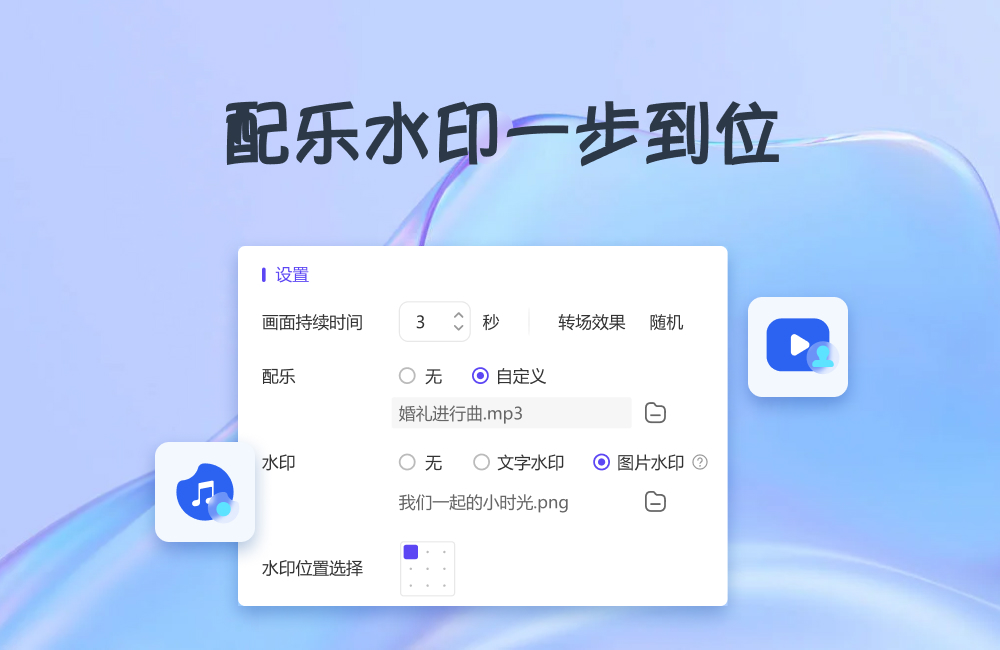
4. The picture duration can be customized. It is recommended to choose 3 seconds or more. The larger the value, the longer the picture will play;
5. All electronic photo albums for display need to add background music, which can adjust the atmosphere and facilitate viewing;
6. In order to protect the rights of the author, you can add watermarks, text or pictures here;
7. After completing the settings, click "Export";
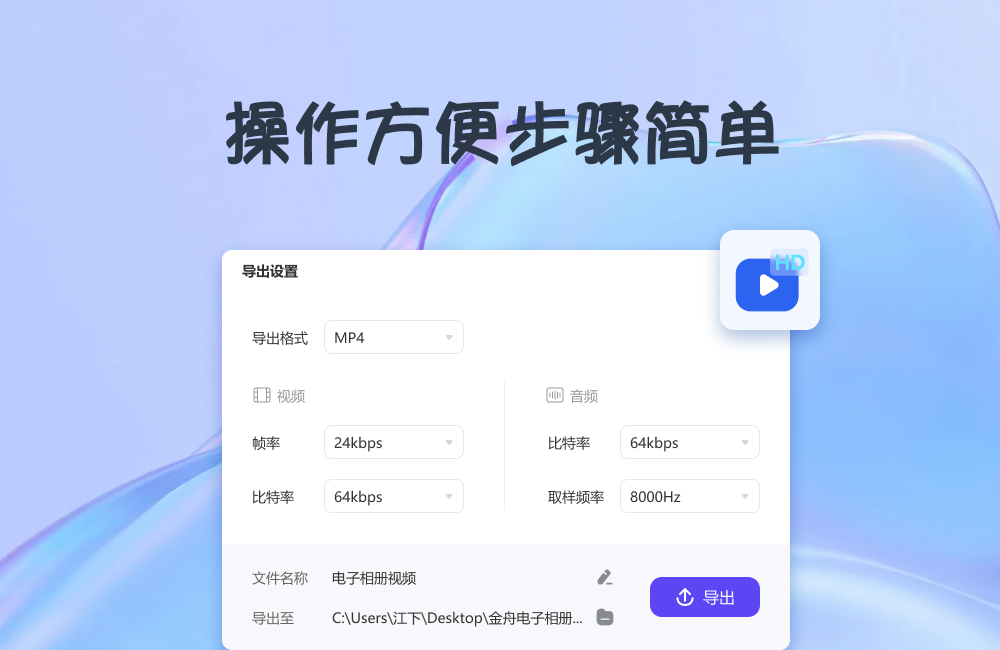
8. In the pop-up export settings, select the export format, set the file name and file export location, and click "Export";
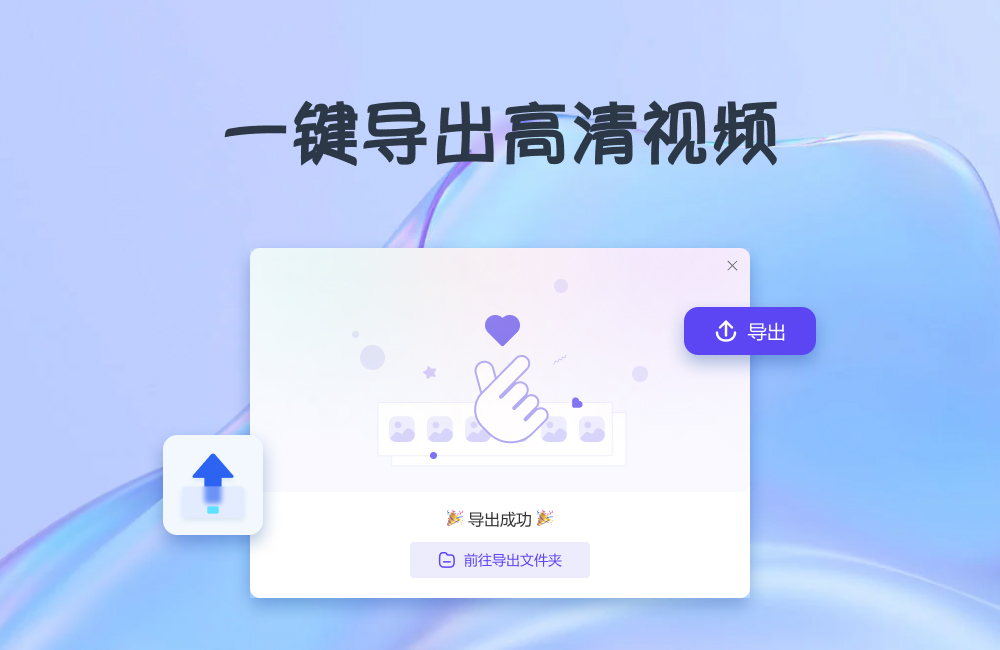
9. After the export is completed, click to open the export folder to view the files.
Jinzhou electronic photo album update log:
1: Optimized performance
2: We are serious about solving bug problems
Huajun editor recommends:
After so many years of updates and optimizations, Jinzhou Electronic Photo Album has become more user-friendly and more technological. It is highly recommended to everyone and welcome to download. Those who are interested can also downloadVueScan (image scanning software),Jinshan Painting King 2006 Free,(ActiveBarcode) Barcode Generator,3A mind map,Image filter.















Useful
Useful
Useful