
-
Waiter
- Size: 3.52M
- Language: Simplified Chinese
- Category: commercial trade
- System: winall






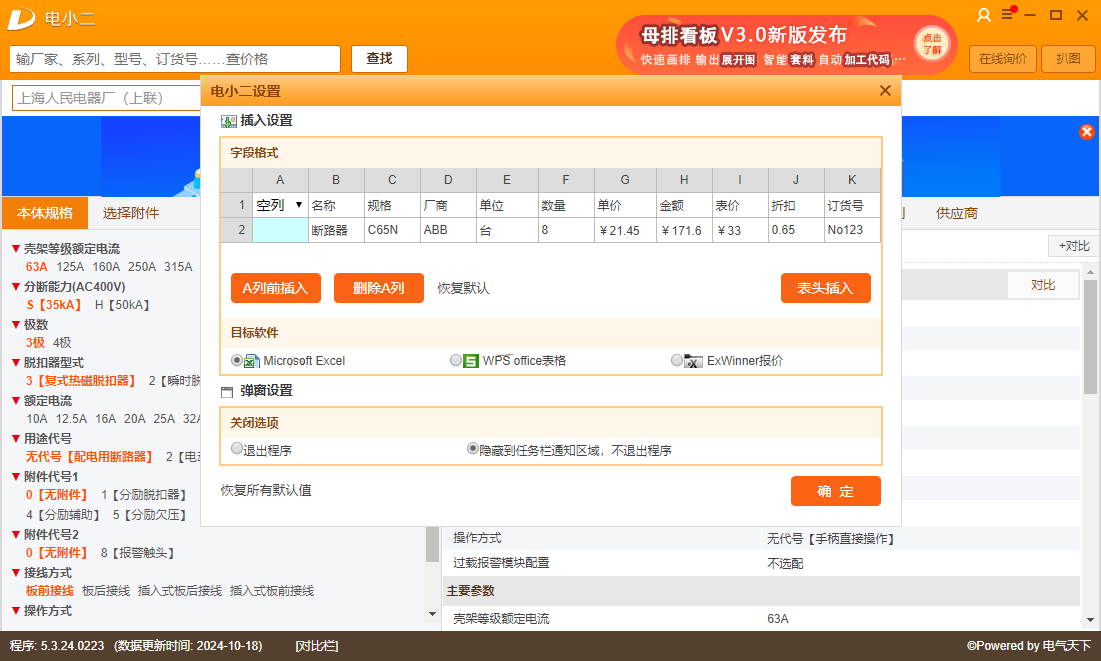
Dianxiaoer is an electrical selection software with powerful functions, convenient operation and comprehensive data. It is a powerful assistant for electrical engineers and purchasers.
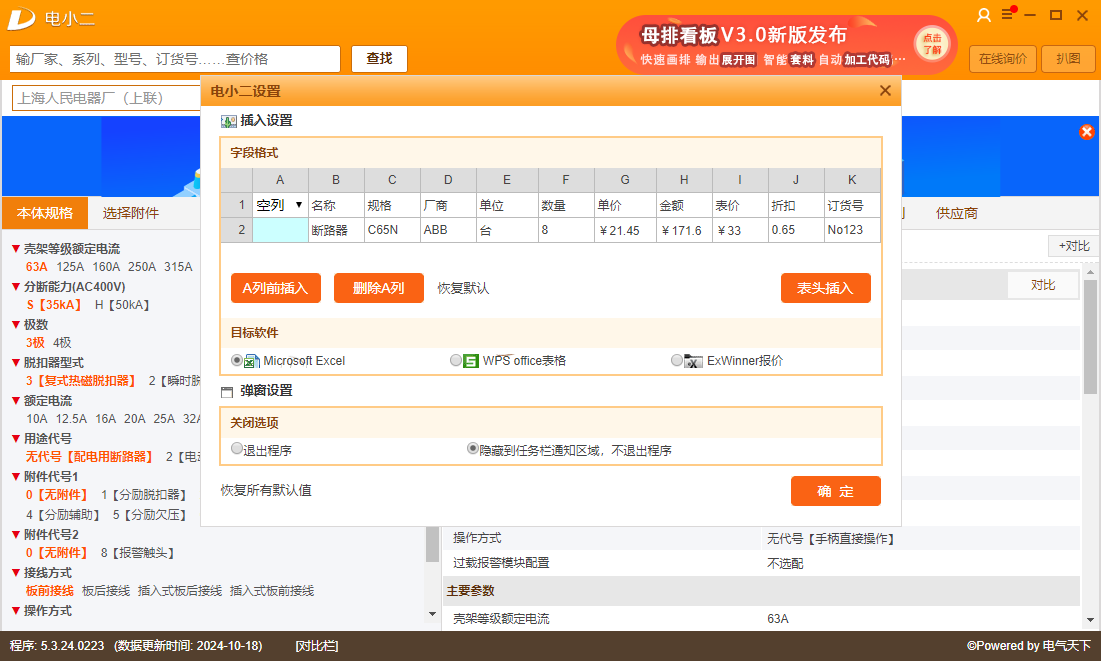
Main functions
Component query: Users can query relevant component information, including parameters, prices and sample information, by entering the component model, series or manufacturer name.
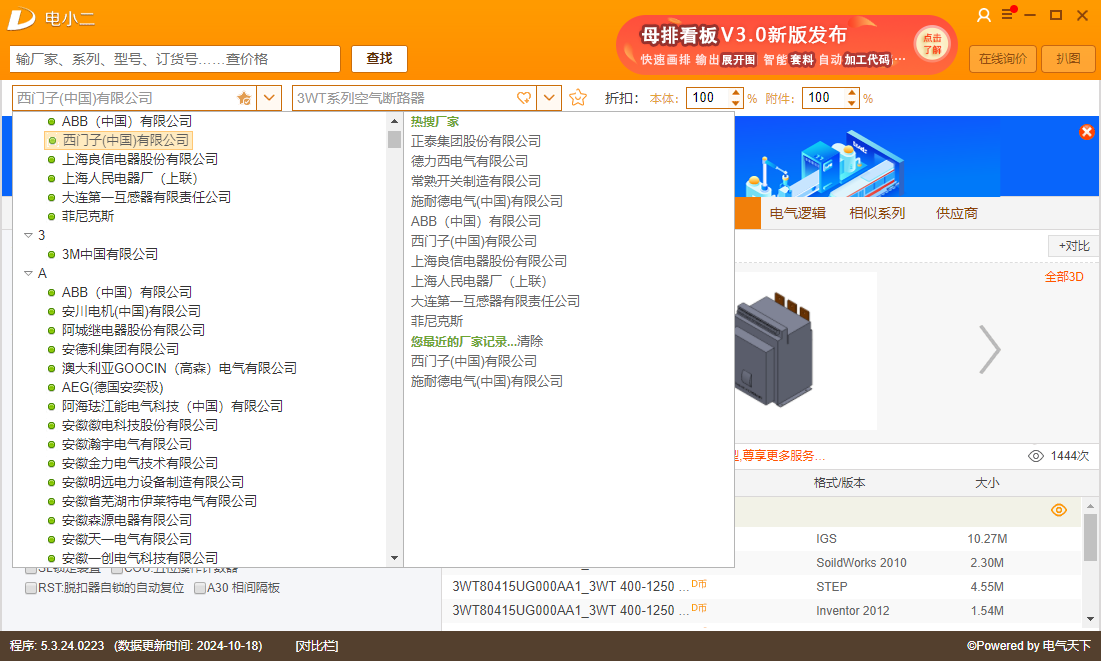
Brand summary: Dianxiaoer has collected hundreds of commonly used electrical component brands. Users can choose the appropriate brands and products according to their own needs.
Real-time updates: The software will continuously update component information to ensure that the information obtained by users is the latest so that they can make more accurate selection decisions.
3D model preview and download: Dianxiaoer provides a large number of 3D models. Users can preview and download the required models online to facilitate design and simulation.
Quotation and procurement: The software supports quotation and procurement functions. Users can check prices, place purchase orders directly within the software, and enjoy direct communication services with suppliers.
FAQ
Unable to log in
Possible reasons: The Windows system firewall is turned on, causing the network to be unable to connect.
Solution: Add port 8585 to the firewall. The specific operation is to open "Control Panel", find "System and Security" and open it, then click "Windows Firewall", click "Advanced Settings" in "Windows Firewall", click "Outbound Rules" in "Advanced Security Firewall", click "New Rule" in "Outbound Rules", then select "Port" in the pop-up window, next step. Select "TCP", "Specific local port", fill in "8585", and next step. Select "Allow Links" and click Next. Check "Domain", "Private", and "Public" all and click Next. After entering the port name in "Name", click "Finish" to save. If you cannot log in after adding an outbound rule, add this port to the inbound rule as well.
Registered account cannot log in
Solution: Refer to the solution to the login problem and check the firewall settings and port openings. If the problem persists, you can try to contact Dian Xiaoer’s official customer service for help.
Dianxiaoer update log:
Working day and night just so you can be happier
Mummy, Mummy, coax~all the bugs are gone!
Huajun editor recommends:
The editor of Dianxiao Er personally verified it, and it is clear that children and adults are not deceived! This site also has similar software such as Shaanxi Coal Trading Center Trading Client, Hanwang Attendance Management System, and Cloud Manager. Welcome to click to download and experience it!
Version: 5.3.20.0616 | Update time: 2025-03-08
Similar recommendations




Latest updates





Electronic waiter reviews
Recommended products
-

Max(TM) Procurement Management System
-

Meituan Takeout Merchant Edition
-

new business alliance
-

Ele.me Business Edition
-

Fool's Invoicing Software
-

Xingyu Free Supermarket Cashier Software
-

Medical device purchase, sale and inventory financial management system software
-

Taobao Alliance PC version
-

Excel purchase, sales and inventory
-

MT4 (MetaTrade) mobile platform
- Diablo game tool collection
- Group purchasing software collection area
- p2p seed search artifact download-P2P seed search artifact special topic
- adobe software encyclopedia - adobe full range of software downloads - adobe software downloads
- Safe Internet Encyclopedia
- Browser PC version download-browser download collection
- Diablo 3 game collection
- Anxin Quote Software
- Which Key Wizard software is better? Key Wizard software collection




