
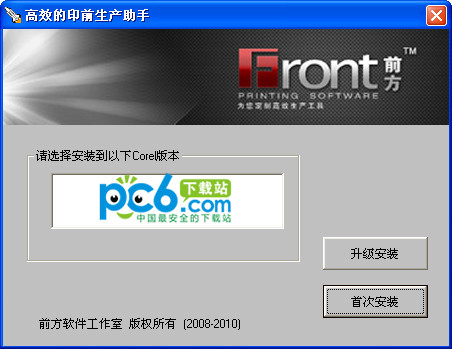



Setup diagram
Features
1. Automatic booklet assembly board
It can automatically lay out multiple pages of the entire document, and preset the most commonly used layup mode to directly select it and complete it with one click! And draw the cutting line, color mark, printing layout number and other information to meet the printing output requirements. There is no need to export to other formats and use other imposition software to impose again. At the same time, it is compatible withCorelDRAWThe built-in output imposition is very different. The latter is more about imposition during output, and what we need is often a large version of the cdr file!
2. Picture album automatically splits pages
If you are used to placing two left and right layouts (opposing pages) on one page to meet visual needs, during the final output, you often need to split the file into single pages for imposition. The plug-in solves this problem very well. It can automatically split the two group objects on the page into separate pages.
New features
1. One-click PS retouching adds layer memory function. After the retouching is completed, the image returns to its original logical level.
2. One-click conversion to PSD layered format function. Real CDR>PSD. No need for manual layering. Fully automated.
3. New effect functions: text, graphics, quick addition of special effects or transparency adjustment
4. Added a new shortcut toolbar that integrates multiple convenient function buttons and allows you to set your own shortcut keys.
5. Added the function of clearing wires with one click and unlocking all objects with one click
6. Added similar object selection function to quickly select similar page objects with image/text/or line thickness attributes.
7. New quick layout tool. Objects can be easily copied by dragging and dropping them with the mouse. The copy direction can automatically recognize the gesture direction.
8. Added safe save to solve the problem of gradient storage changing direction after X3
9. The card function has added large version fine-tuning, which can easily align the generated large version with the template frame lines provided by the customer.
If a startup error occurs after installation, please install again.




Useful
Useful
Useful