





Features of the Antelope plug-in software
Easy to operate
Just drag the file in and it will automatically output a standard PDF.
No technical expertise required
Even if you don’t know PS, corldraw, or AI, you can still be competent in prepress document sorting and inspection work.
Automatic processing
Automatically convert non-standard Yinqian design files into standard PDF files
completely free
The official version of the Antelope plug-in software is free to use and does not charge any fees.
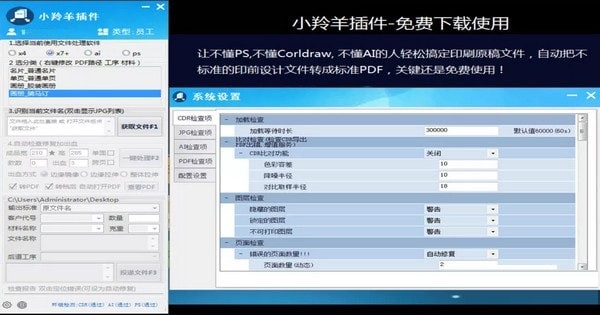
Antelope plug-in installation instructions
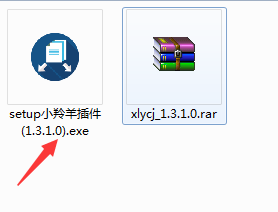
1. Unzip the official version of the Antelope plug-in software package downloaded from the Huajun Software Park, find the setup Antelope plug-in (1.3.1.0).exe program and double-click it to start the installation.
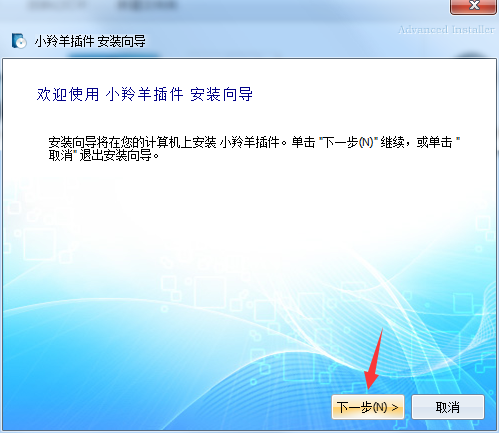
2. Enter the software welcome interface and click "Next" to continue the installation.
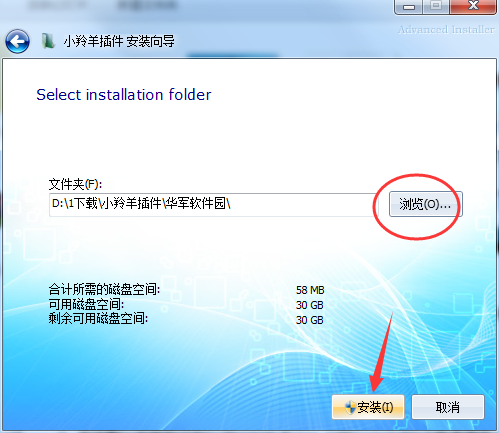
3. The default installation path of the software is C:Program Files (x86)
4. Wait for installation

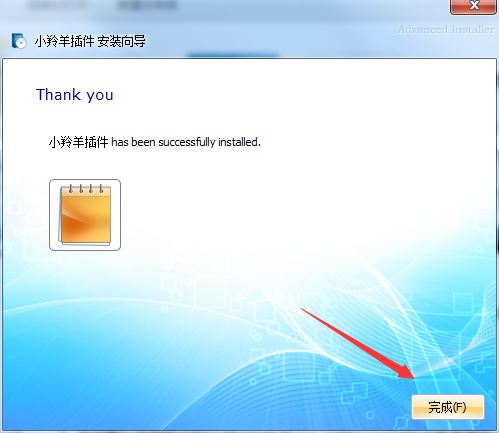
5. The installation is complete, click "Finish" to exit the installation wizard.
Antelope plug-in update log
1. Fix bugs in the previous version
2. Optimize some functions
Huajun editor recommends:
It is highly recommended to download the Antelope plug-in. Whoever uses it will know. Anyway, I have already used it. In addition,Ruida carton factory management software,Ruitian author number automatic generation system,Tuoxin barcode generation system,No typos - Chinese automatic proofreading Word plug-in,Hongda Press Information Management SystemIt is also a good software. Welcome to click to download and experience it!




Useful
Useful
Useful