




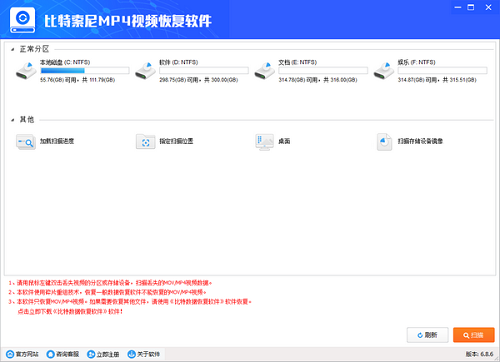
Features of BitSony MP4 Video Recovery Software
It can recover Sony MP4 video files lost due to various reasons such as accidental deletion, accidental formatting, virus damage, etc.;
or or or a combination of fast data recovery and deep data recovery.
BitSony MP4 video recovery software installation method
Download the Chinese version software package of the BitSony MP4 video recovery software from the Huajun Software Park download website, unzip it, and run the “exe. file”
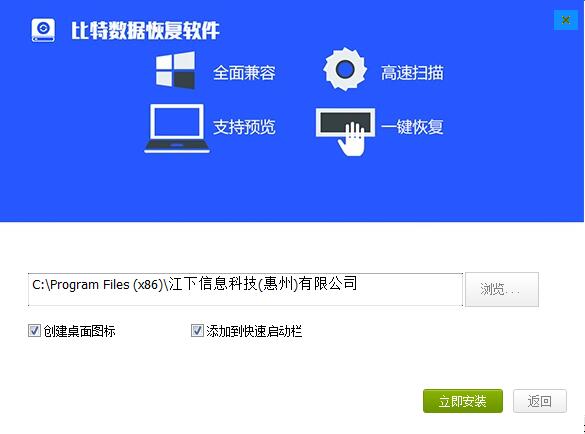
Double-click to open, enter the installation wizard, click Customize

Select the installation location, the default is C drive, click Install Now
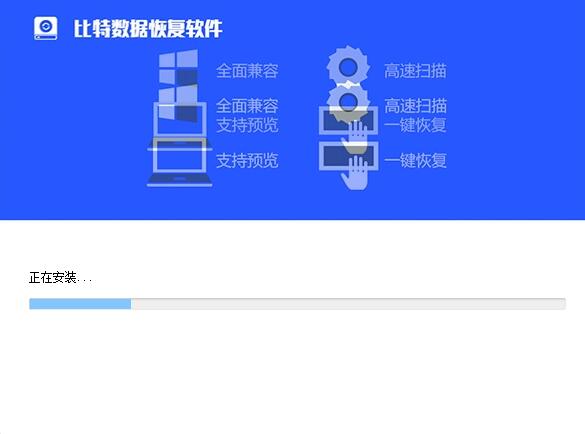
The Chinese version of BitSony MP4 video recovery software is being installed, please wait patiently.
The installation is complete, click to complete the installation and exit the installation wizard.

How to use BitSony MP4 video recovery software
1. Select the disk you want to restore.
2. Click Scan to scan the file. It will be displayed while scanning. You can recover the found data at any time without waiting for the scan to complete.
3. After finding the file you want to recover, click Recover.
BitSony MP4 Video Recovery Software Update Log
1. Fixed other bugs;
2. Optimized software compatibility.
Huajun editor recommends:
BitSony MP4 Video Recovery Software This software is completely fool-proof and super simple to operate. In addition, the editor also recommends it.Foxit Data Recovery,DiskGenius Free Edition,filerecovery 2016,Gecko Data Recovery,YumSote Universal Data Recovery MasterDownload and use related software.




Useful
Useful
Useful