




Software function
DataFrog Android Recovery Expert supports recovering many types of data from Android phones, tablets or SD cards, including but not limited to:
SMS: Recover deleted SMS content and SMS photos, including username, phone number, date, type and other details.
Contacts: Recover deleted contact information, such as phone number, name, email address, position, etc., and export deleted contacts to VCF, CSV or HTML files.
Call records: Restore call records, including call name, phone number, date, type, duration, etc.
Photos and videos: Recover photos and videos lost due to phone manager cleaning, factory settings restoration, formatting, accidental deletion, accidental clearing, etc. It supports MP4, WMV, MP3 and other formats.
Audio: Supports recovery of audio files.
Documents: Recover documents in Word, Excel, PPT, PDF, TXT and other formats.
Social application data: Supports the recovery of WhatsApp chat history, WhatsApp WeChat friends, WhatsApp WeChat attachments, WhatsApp WeChat groups and other data.
FAQ
What should I do if the scanning phone crashes or the scanning fails?
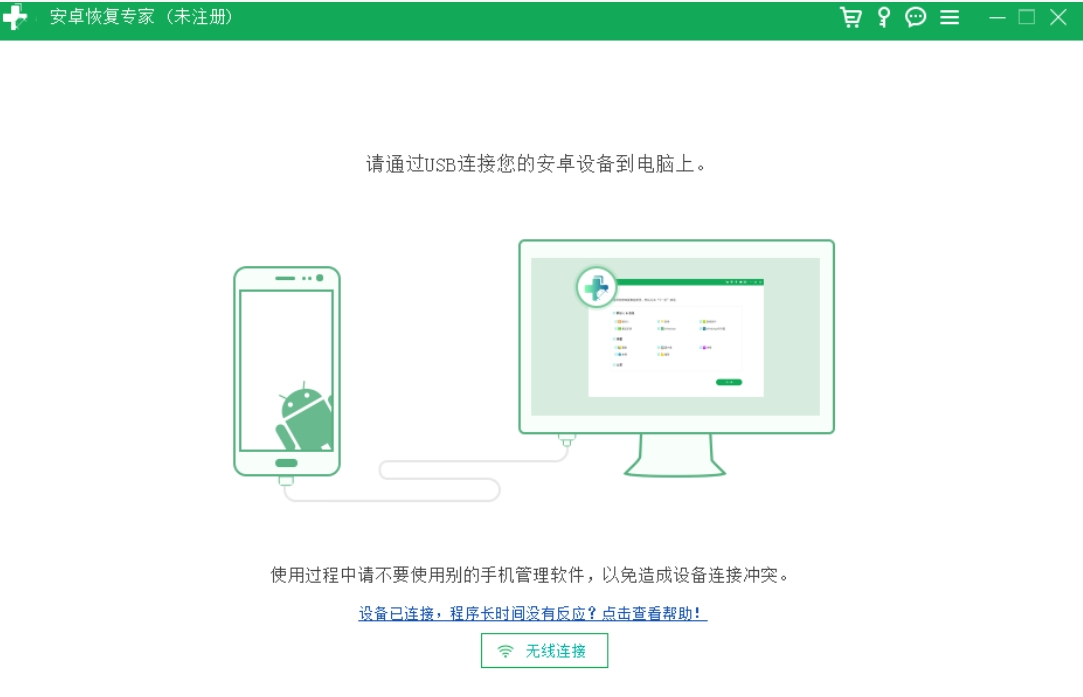
Check whether the data cable is original. Some data cables only have charging function.
Check whether the connection method of the mobile phone data cable is changed to photo transfer/file transfer.
Certain types of anti-virus software/computer manager and other software may limit the use of the program. Please exit the anti-virus software/computer manager and scan again.
Check whether the phone has turned on USB debugging mode normally. If you already have FoneGo on your phone, please uninstall and reinstall it.
Check whether there are other mobile assistants running on the computer (such as360 mobile assistant, Huawei Mobile Assistant, etc.), please exit other mobile assistant software, and then restart Android Recovery Expert.
Why does the software not find the lost data after scanning?
The data has been deleted for a long time and has been overwritten by new data.
The data was recently deleted, but new operations or adding new data also overwrite the deleted data.
The phone has been restored to factory settings, formatted or damaged.
Data Frog Android Recovery Expert update log:
1. Fixed BUG, the new version has a better experience
2. Some pages have been changed
Huajun editor recommends:
Data Frog Android Recovery Expert is a very good software that can solve a lot of troubles. This site also providesDiskGenius Free Edition,filerecovery 2016,Gecko Data Recovery,YumSote Universal Data Recovery Master,Prickly Pear Data RecoveryWaiting for you to download.


















Your comment needs to be reviewed before it can be displayed