





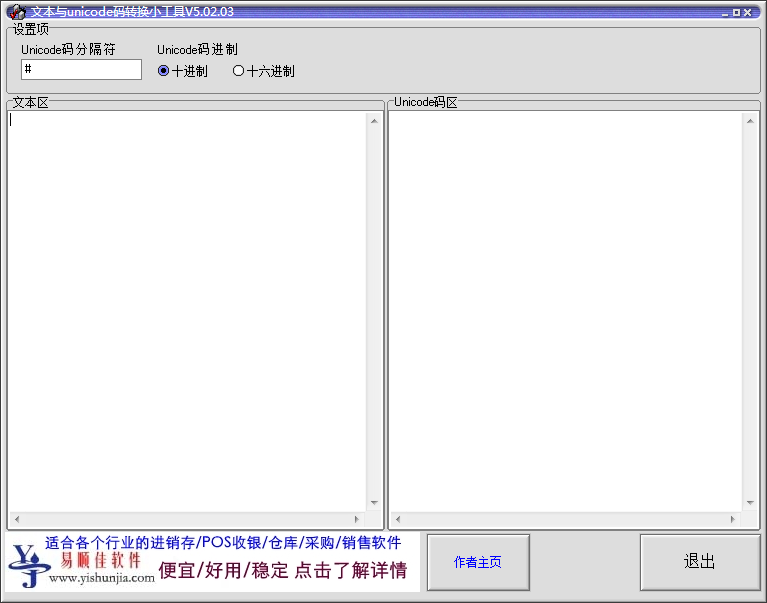
Basic introduction to unicode encoding and converters
Unicode encoding is a storage encoding used when storing files. It consists of a sequence of hexadecimal numbers from 0x000000 to 0xFFFFFFF and can represent most languages in the world. Also known as "Unicode", "Universal Code" and "Unicode Code".
Unicode converter is a tool used to convert text and Unicode codes to each other. It can quickly convert the two to each other, making it easy to study the file encoding method. General users may not need tools such as unicode converters, but they may need to perform code conversion when visiting some Unicode websites, and you can set it up at this time. Click "View" - "Encoding Settings" in the browser menu and select the "UTF-8 (Unicode)" item to render the current web page in Unicode encoding.
unicode code converterFunction introduction
1. You can easily query the unicode code of a character, or query the character corresponding to the unicode code.
2. You can batch convert text into unicode codes, or batch convert unicode codes into text.
3. It is a completely green and free software.
Unicode code converter software features
1. You can convert text and unicode codes to each other.
2. You can easily query the unicode code of a character, or query the character corresponding to the unicode code.
3. You can batch convert text to unicode codes, or unicode codes to text in batches.
4. Unicode encoding converter is a completely green and free software.
Unicode encoding converter installation steps
1. Download the text and unicode code conversion gadget software package from Huajun Software Park, and decompress the compressed package directly.
Note: To decompress the compressed package, you need to use a compression and decompression tool. WinRAR is recommended because the technology is mature and reliable. WinRAR download address:http://softwaredownload4.com/soft/5.htm
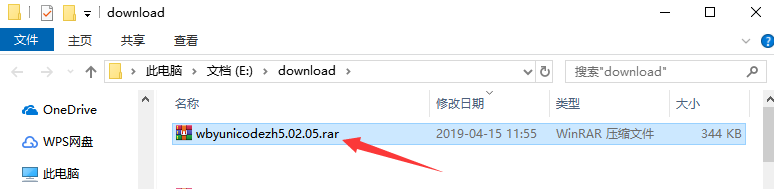
2. Open the unzipped folder and double-click with the left mouse button to open the application.

3. In this way, you can directly use the text and unicode code conversion gadget without installation, which is very convenient.
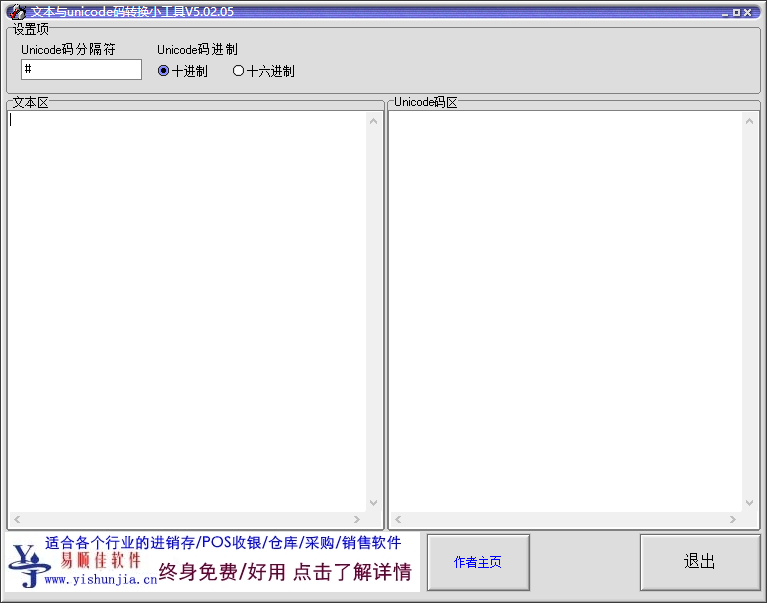
How to use unicode encoding converter
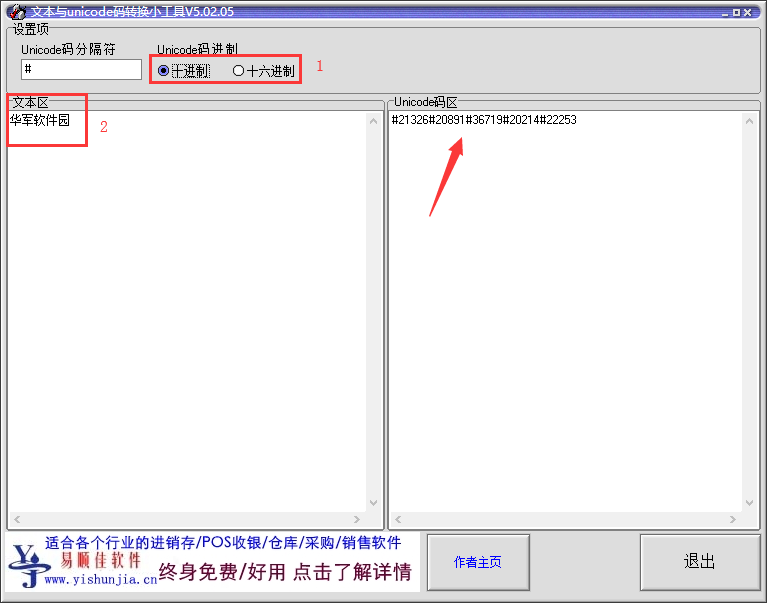
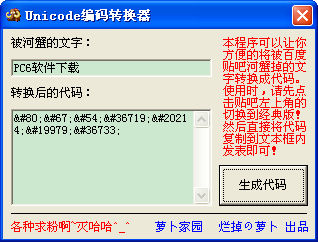
1. Open the text and unicode code conversion gadget, first select whether to use "decimal" or "hexadecimal" according to your needs at the top.
2. Then enter the corresponding text information in the text area on the left.
3. After that, the corresponding unicode code can be obtained in real time on the right side. Come and try it.
Unicode encoding converter update log:
1. Fixed several bugs;
2. Optimize details;
Huajun editor recommends:
Are you already ready to take action after seeing the introduction provided by the editor of Huajun Software Park above? Then quickly download the text and unicode code conversion gadget (unicode code converter) and use it. Huajun Software Park also providesWending CS medium black,Wenxing Jian Xiaobiao Song,aaa.shx font cad font,Cool 3D,Siyuan black bodyWaiting for you to download and use.















Useful
Useful
Useful