





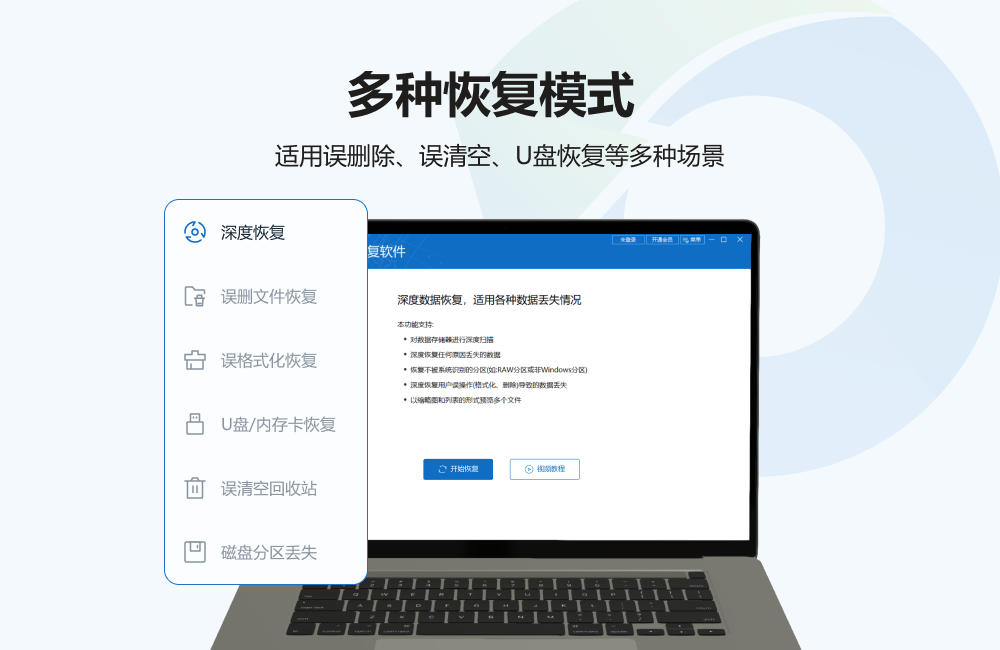
Bit data recovery software features
Multi-device support:
Supports data recovery from various storage devices such as hard drives, U disks, mobile hard drives, SD cards, memory cards, camera cards, etc.
Compatible with all Windows 7/8/10/11 systems.
Multi-scene recovery:
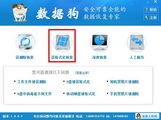
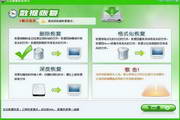
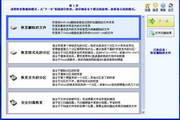
Accidentally deleted file recovery: Quickly retrieve permanently deleted files and support data recovery after emptying the Recycle Bin.
Formatted file recovery: Deal with problems such as mistakenly formatted partitions and abnormal disappearance of disk files.
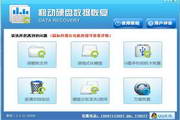
Partition loss recovery: Recover accidentally deleted or accidentally merged partitions to solve the problem of partition loss caused by reinstalling the system.
RAW format recovery: Repair the situation where the partition prompts RAW and cannot be opened.
U disk/memory card recovery: Data recovery for USB storage device problems such as disk loss, bad sectors, garbled file directories, etc.
Deep scanning technology:
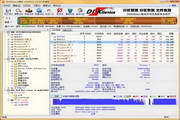
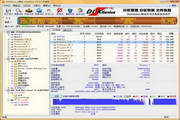
It uses an extremely fast scanning engine to display files while scanning, so you can recover data when you find it without waiting for a full scan to complete.
The deep recovery mode is suitable for complex scenarios where the cause of the failure is not clear, such as virus infection, physical damage, etc.
File preview and intelligent classification:
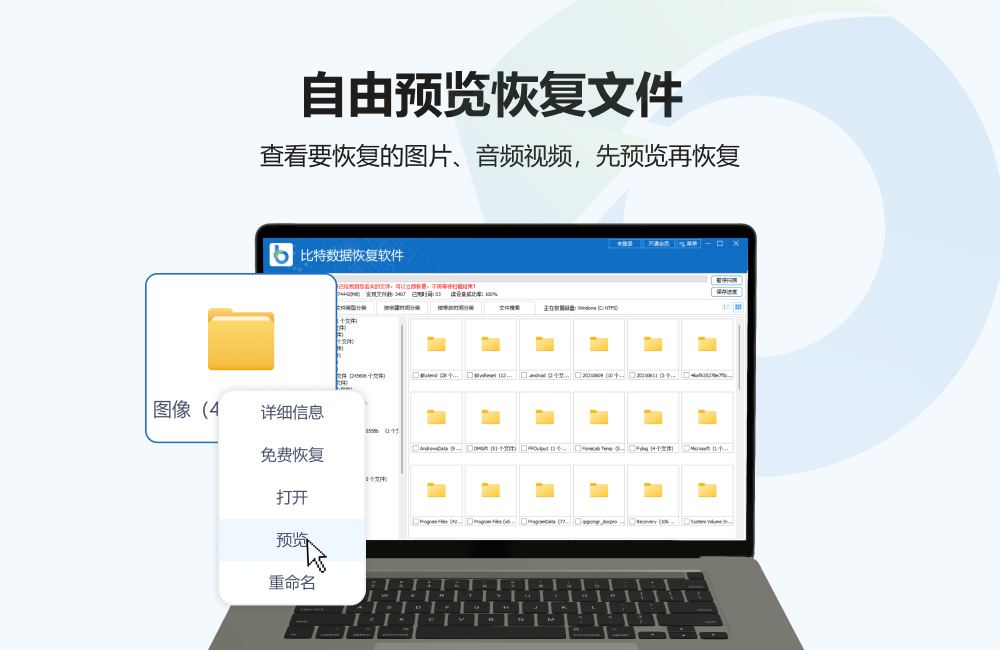
Supports direct preview of file contents (such as pictures, documents, videos, etc.) during the scanning process to confirm recovery targets in advance.
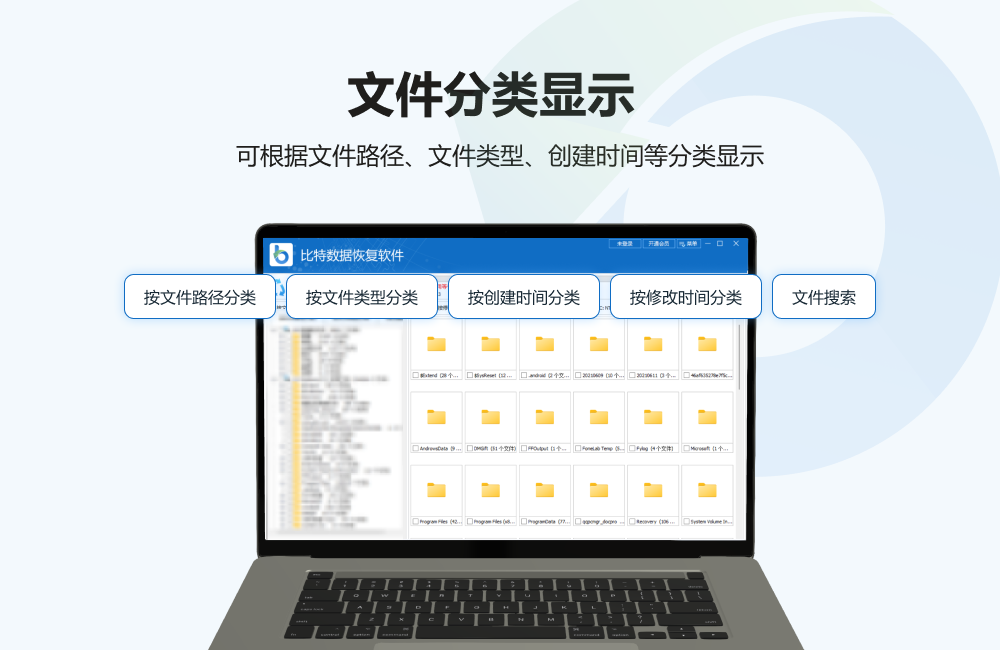
Scanning results are automatically classified by file type, path, creation time, and modification time, and keyword search is supported to improve search efficiency.
Multi-format compatible:
Supports FAT16, FAT32, NTFS, exFAT and other file systems.
Covers hundreds of file formats, including photos (JPG, PNG, etc.), videos (MP4, AVI, etc.), office documents (Word, Excel, etc.), compressed packages (ZIP, RAR, etc.), audio (MP3, WAV, etc.), etc.
Bit Data Recovery Software Features
Scanning speed: Using extremely fast scanning technology, the speed can reach the limit of hard disk reading data, greatly improving recovery efficiency.
File format support: Covers hundreds of file formats, including documents, pictures, videos, audios, compressed files (ZIP/RAR), etc., and supports FAT16, FAT32, NTFS, exFAT and other file systems.
Data security: The original data will not be destroyed during the recovery process, ensuring data integrity and security. It supports automatic saving of scan records and resumes scanning at breakpoints.
Bit Data Recovery Software FAQ
Can the software recover formatted data?
Yes, but only if a lot of new data is not written after formatting
A quick format has a higher recovery success rate than a full format
What is the success rate of solid state drive (SSD) data recovery?
Due to the TRIM mechanism of SSD, recovery is difficult
Immediate recovery after deletion may have a higher success rate
SSDs that have been used for a long time have a lower recovery success rate
Bit Data Recovery Software Update Log
1. Brand new interface, refreshing, simple and efficient
2. Performance is getting better and better
Huajun editor recommends:
After seeing the introduction provided by the editor of Huajun Software Park above, are you already ready to take action? Then quickly download the bit data recovery software and use it. Huajun Software Park also providesDiskGenius Free Edition,filerecovery 2016,Gecko Data Recovery,YumSote Universal Data Recovery Master,Prickly Pear Data RecoveryWaiting for you to download and use.


















Useful
Useful
Useful