





 You may like




Highlights of vocal separation
AI intelligent separation
It uses advanced AI algorithms to automatically analyze the audio structure, achieve high-precision separation of vocals and accompaniment, and reduce the difficulty of manual operation.
Efficient processing
The processing speed is fast and it can complete complex audio separation tasks in a short time, improving creative efficiency.
Easy to operate
The interface is simple and friendly, and the function buttons are well laid out, making it easy to get started without professional audio editing knowledge.
Vocal separation features
Simple operation: Users generally believe that the software interface is intuitive, the functions are easy to understand, and novices can quickly master it.
Powerful functions: supports separation, cropping, volume adjustment and other operations to meet diverse audio processing needs.
The effect is excellent: the separated vocals and accompaniment sound quality is clear and the separation accuracy is high, which is recognized by professional users.
Good compatibility: supports multiple audio formats, making it easy to use between different devices.
Vocal separation function
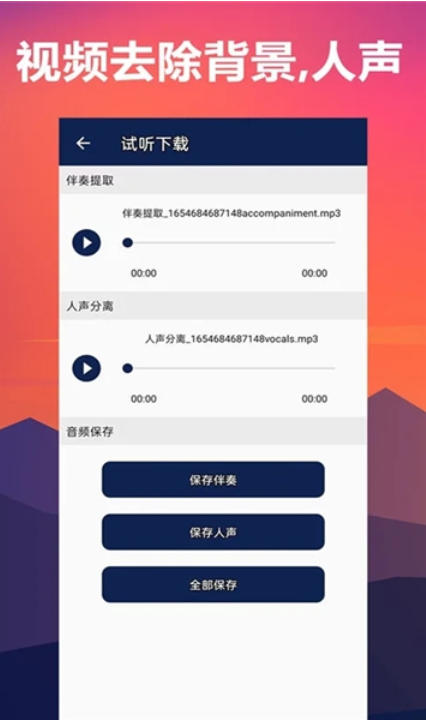
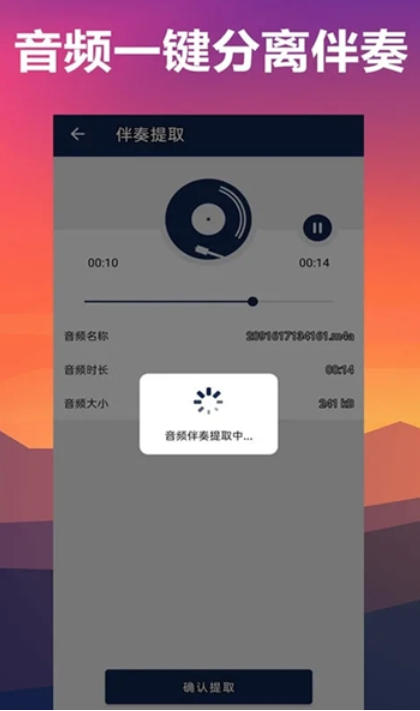
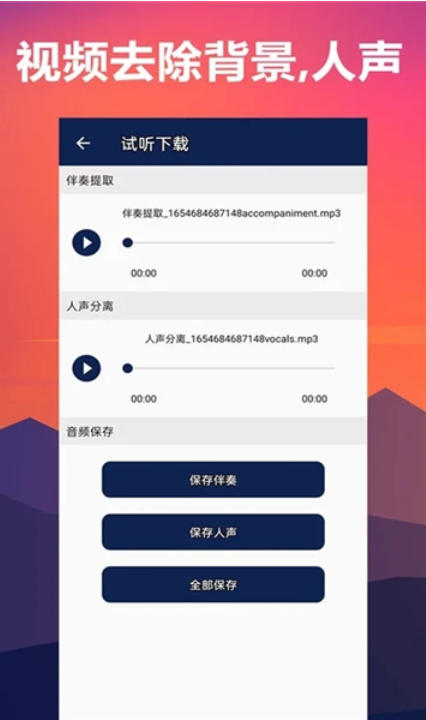
Separation of vocals and accompaniment
Use AI technology to accurately identify and extract vocals and accompaniments in audio, supporting the separation of pure vocals or background music from music songs or videos.
The separation effect is excellent and the sound quality is clear, meeting the needs of professional creation.
Video audio processing
Supports extracting audio from videos and further separating vocals and accompaniment.
You can change the background music, vocals or accompaniment of the video to achieve customized editing of video audio.
Audio editing tools
Cropping function: Audio cropping accurate to 0.1 seconds, supports free adjustment of clips.
Volume adjustment: Adjust the volume of vocals or accompaniment individually to balance the audio effect.
Mute and remove background sound: Support video mute, remove background sound, and retain vocals or accompaniment.
Format compatibility and export
Supports import and export of multiple audio formats (such as MP3, WAV) to meet the needs of different platforms.
Exporting audio can be used in song creation, video dubbing and other scenarios.
Frequently Asked Questions about Vocal Separation
How to use App for vocal separation?
Open the App and import the audio or video files that need to be separated.
Select the "Track Separation" function and adjust the track size by dragging the slider to separate the vocals and accompaniment.
Once separated, the audio can be further edited (such as adjusting volume, cropping, adding effects, etc.).
Export the edited audio to any format (such as MP3, WAV) for song creation or video dubbing.
Vocal separation update log:
1. The pace of optimization never stops!
2. More little surprises are waiting for you to discover~
Huajun editor recommends:
Vocal Separation is a widely used and powerful free mobile audio and video. The latest version of the function has been highly praised by many netizens. It is strongly recommended that everyone download and use it. In addition, there are360 Film and Television Collection,Y2002Music,American drama bird,LeTV Video 2021,Kugou Music 2021It is recommended for everyone to download and use.



















Your comment needs to be reviewed before it can be displayed