
-
FileZilla
- Size: 12.28M
- Language: Simplified Chinese
- Category: FTP tool
- System: Winall






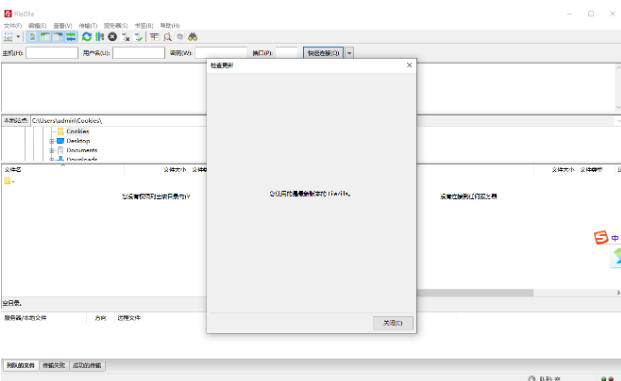
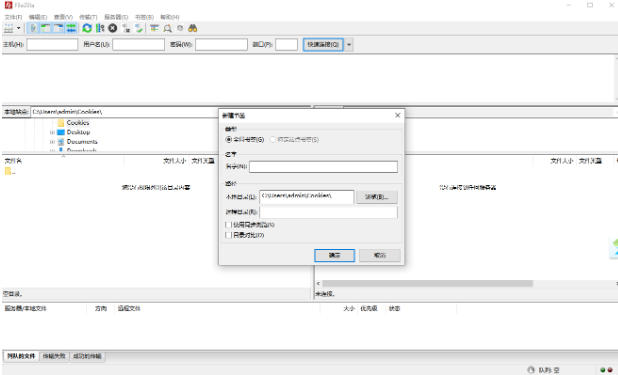
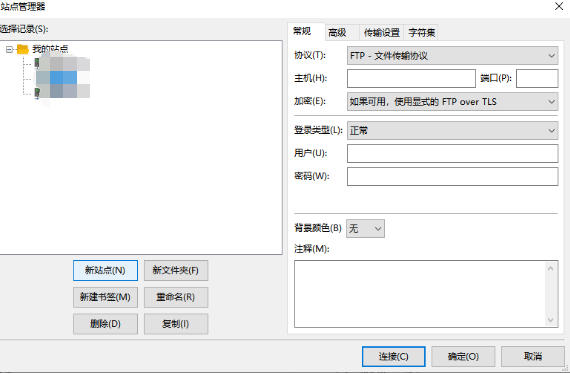
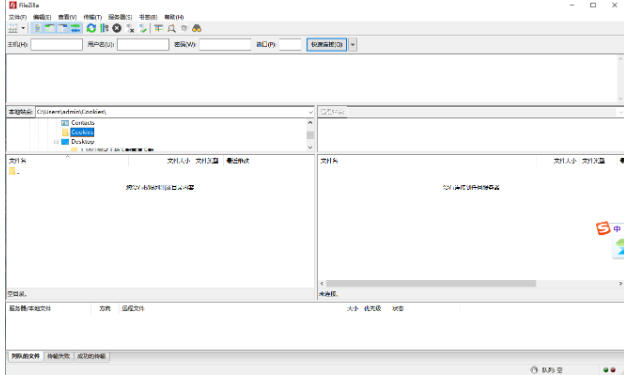
FileZilla is a free, open source, and cross-platform FTP client software that supports multiple file transfer protocols such as FTP, FTPS (FTP based on SSL encryption), and SFTP (Secure File Transfer based on SSH), and is available for Windows, macOS, and Linux systems. Friends who like FileZilla, come to Huajun Software Park to download and experience it!
FileZilla Highlights
Easy to use: FileZilla has an intuitive interface, simple operation, and easy to get started.
Powerful functions: supports multiple protocols, breakpoint resume, multi-thread transmission and other functions to meet complex file transfer needs.
Stable performance: The transfer speed is fast and supports large file transfer, making it suitable for developers and operation and maintenance personnel.
Multi-language support: Provides a Chinese interface to facilitate non-English users.
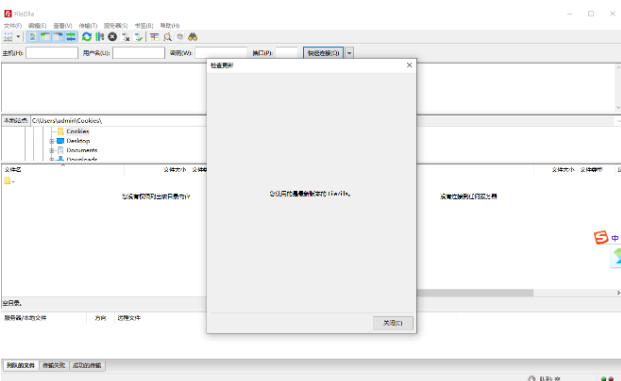
FileZilla Features
Open source and free:
Completely free and open source, users can enjoy all functions without paying and can customize the compilation configuration.
Comprehensive functionality:
From basic file upload and download to advanced site management, breakpoint resume, multi-thread transmission, etc., the functions are comprehensively covered.
Stable performance:
It supports processing files with a capacity greater than 4GB, and the transfer speed is stable, suitable for large file transfer needs.
Community support is active:
It has an active community, and users can seek help in the community forum if they encounter problems, and usually receive quick responses.
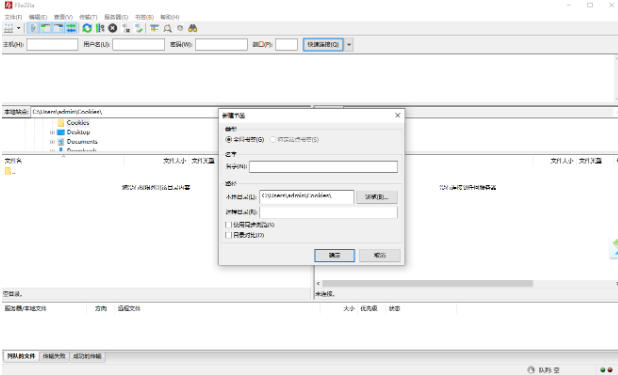
FileZilla features
Efficient file transfer and management:
Resumable transmission: After the transmission is interrupted, the transmission can be resumed from the point of interruption to avoid repeated transmission of large files.
Transmission queue management: Supports batch task sorting, pausing or rate limiting to improve operational efficiency.
Folder comparison: Automatically compare the contents of local and remote folders to facilitate synchronized updates.
File editing: Modify files remotely without downloading them locally.
User friendly design:
Multi-tab interface: Allows management of multiple connections at the same time, facilitating multi-tasking.
Drag and drop operation: Simplify the file upload/download process and improve operation convenience.
Bookmark function: Quickly access frequently used directories to save time.
Security and Compatibility:
Encrypted transmission: Supports FTPS and SFTP to ensure data transmission security.
Multi-language support: Provides Chinese interface to reduce learning costs for non-English users.
Cross-platform compatibility: available on all platforms with no functional restrictions, suitable for individual and enterprise users.
Advanced features:
Remote file search: Convenient for users to locate and manage remote files.
Site Manager: Built-in powerful site manager and transmission queue management functions.
Custom settings: Supports custom configurations such as transmission mode, port range, automatic file type detection, etc.
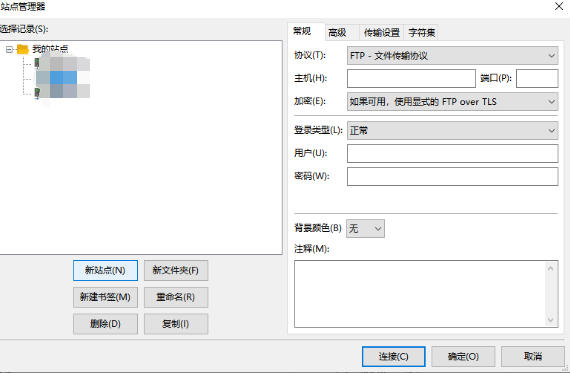
FileZilla FAQ
connection problem
Cannot connect to the server
Possible reasons: Wrong server IP, port, username and password; firewall blocking; server problems; network problems; FileZilla configuration problems; wrong protocol selection.
Solution: Make sure the information entered is correct; check whether the local firewall or anti-virus software is blocking the connection to FileZilla; check whether the server is running normally; try restarting the router or checking the network connection; make sure the settings in FileZilla are correct; select the correct protocol (such as SFTP or FTP).
The server is accessible locally, but other machines cannot connect
Possible reason: The firewall has blocked the FTP inbound port on the server.
Solution: Open the firewall settings, create a new inbound rule, and allow inbound connections to the FTP port.
FileZilla update log:
Working day and night just so you can be happier
Mummy, Mummy, coax~all the bugs are gone!
Huajun editor recommends:
FileZilla is produced with conscience and guaranteed performance. I personally tested it. I believe I can try it on my children’s shoes! Our Huajun Software Park also has more useful software IIS7 batch FTP client tool software, Home FTP Server, and Firefox browser!
Version: 3.69.3| Update time: 2025-10-23
Similar recommendations






Latest updates





How to use filezilla_filezilla tutorial_filezilla tutorial
filezilla download_filezilla how to download_filezilla installation tutorial
filezilla site settings_filezilla settings tutorial
filezilla cannot be installed_what to do if filezilla cannot be installed
filezilla upload files_filezilla how to upload files
filezilla hidden files_filezilla method to set hidden files
filezilla connection problem_what to do if filezilla fails to read the directory
How to upload filezilla_How to upload filezilla to web pages
How does filezilla support Chinese | How does filezilla support Chinese tutorial
filezilla critical error_filezilla cannot start file transfer error
FileZilla Review
Recommended products










- Diablo game tool collection
- Group purchasing software collection area
- p2p seed search artifact download-P2P seed search artifact special topic
- adobe software encyclopedia - adobe full range of software downloads - adobe software downloads
- Safe Internet Encyclopedia
- Browser PC version download-browser download collection
- Diablo 3 game collection
- Anxin Quote Software
- Which Key Wizard software is better? Key Wizard software collection




