-
Smart one-click system reinstallation
- Size: 39M
- Language: Simplified Chinese
- Category: System settings
- System: Win






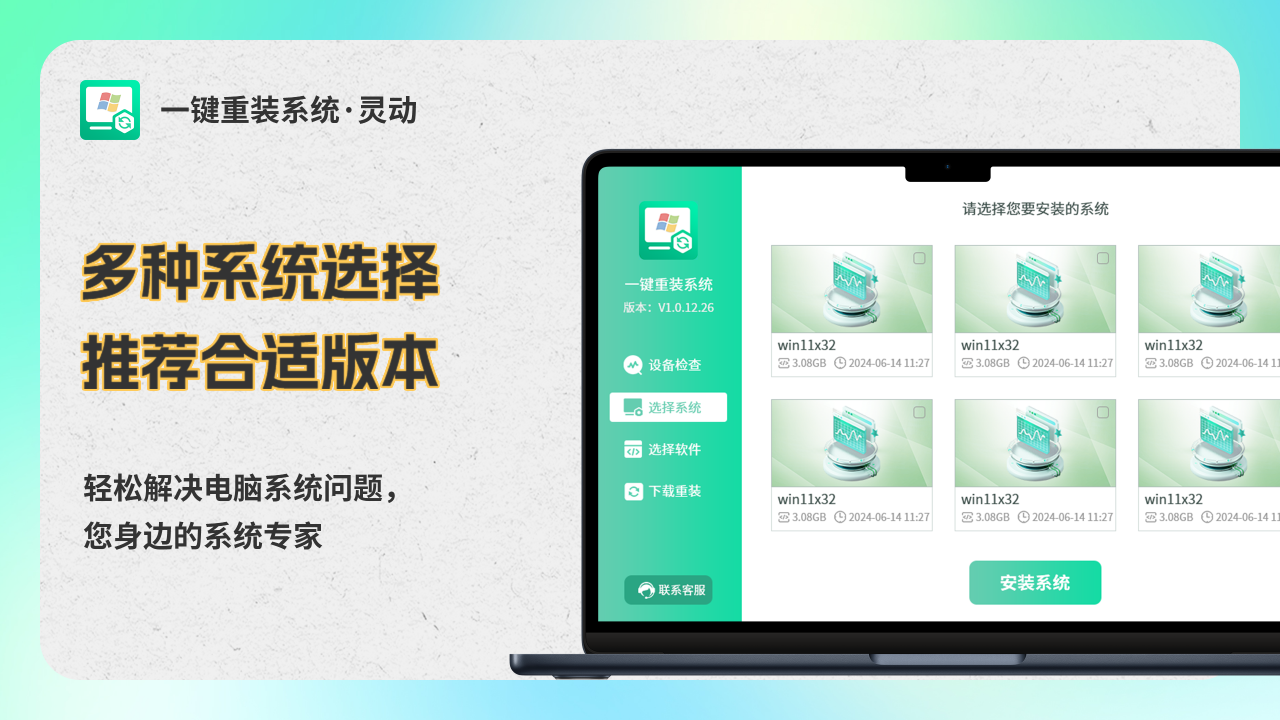
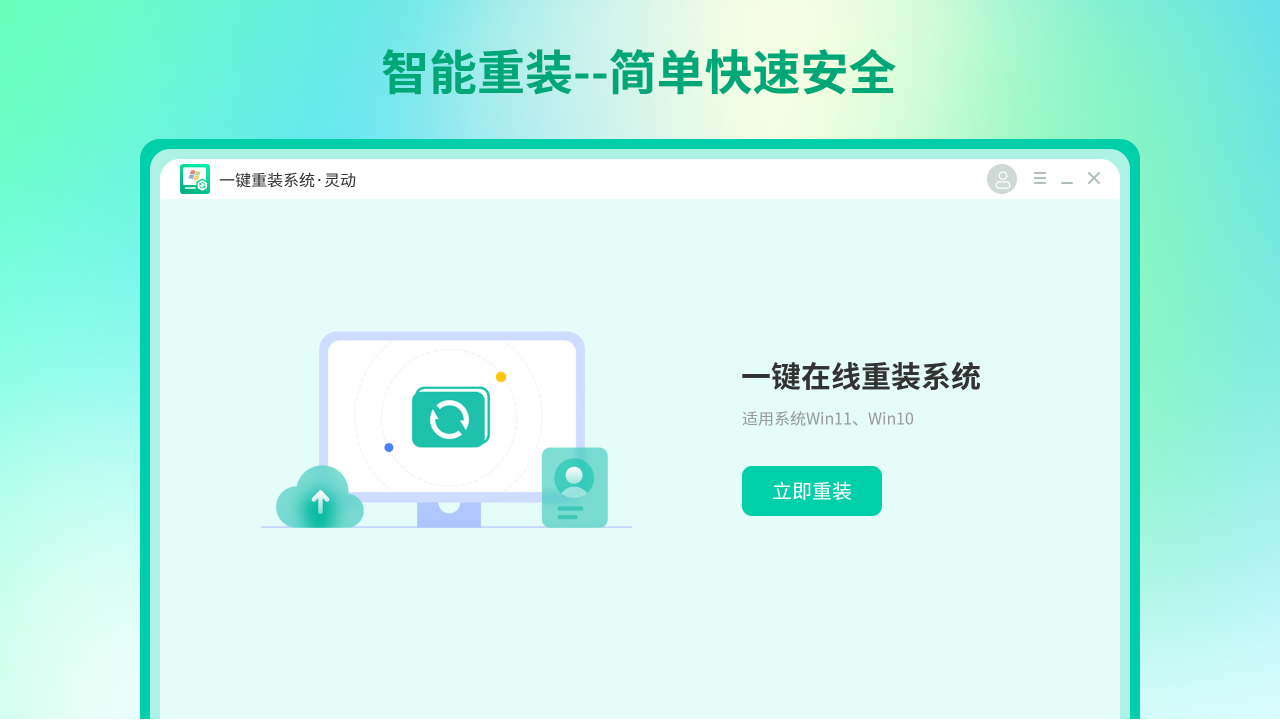
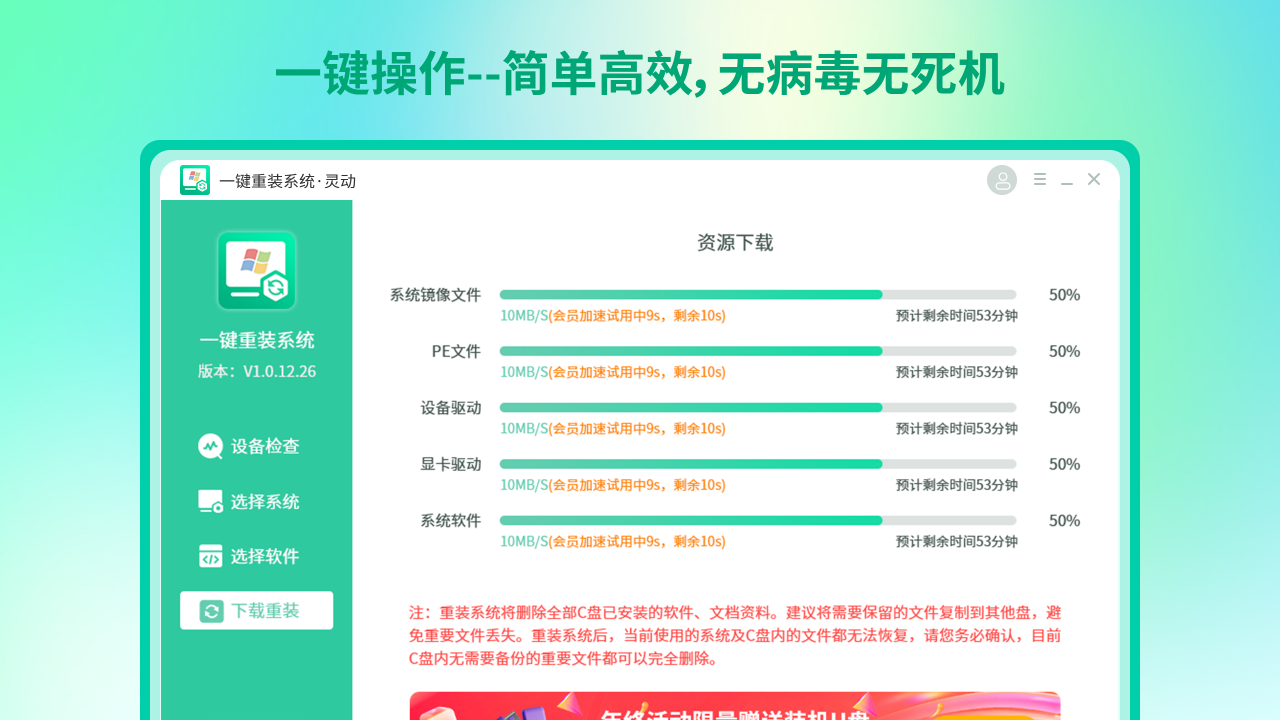
Smart One-Click System Reinstallation is a tool specially designed to simplify the Windows system installation process. Its core advantages lie in extremely simplified operation, intelligent matching system, and high efficiency and security.
Highlights of smart one-click system reinstallation software
Data security
Automatic data backup: Automatically back up user data (such as documents, desktop files, etc.) before reinstallation to ensure data security and avoid the risk of loss.
Pure and unbundled: Provides official original system image, no mandatory pre-installed plug-ins, eliminates advertising interference, and ensures system purity.
Other highlights
PE environment integration: Built-in PE maintenance tools can cope with extreme situations such as system crashes and enhance reliability.
Efficient and stable: The measured installation success rate exceeds 98%, which is especially suitable for solving system lag, poisoning or crash problems.
Smart one-click system reinstallation software function
Extensive system support: The software fully supports Windows 7, Windows 10, Windows 11 and some older devices to meet the needs of different users.
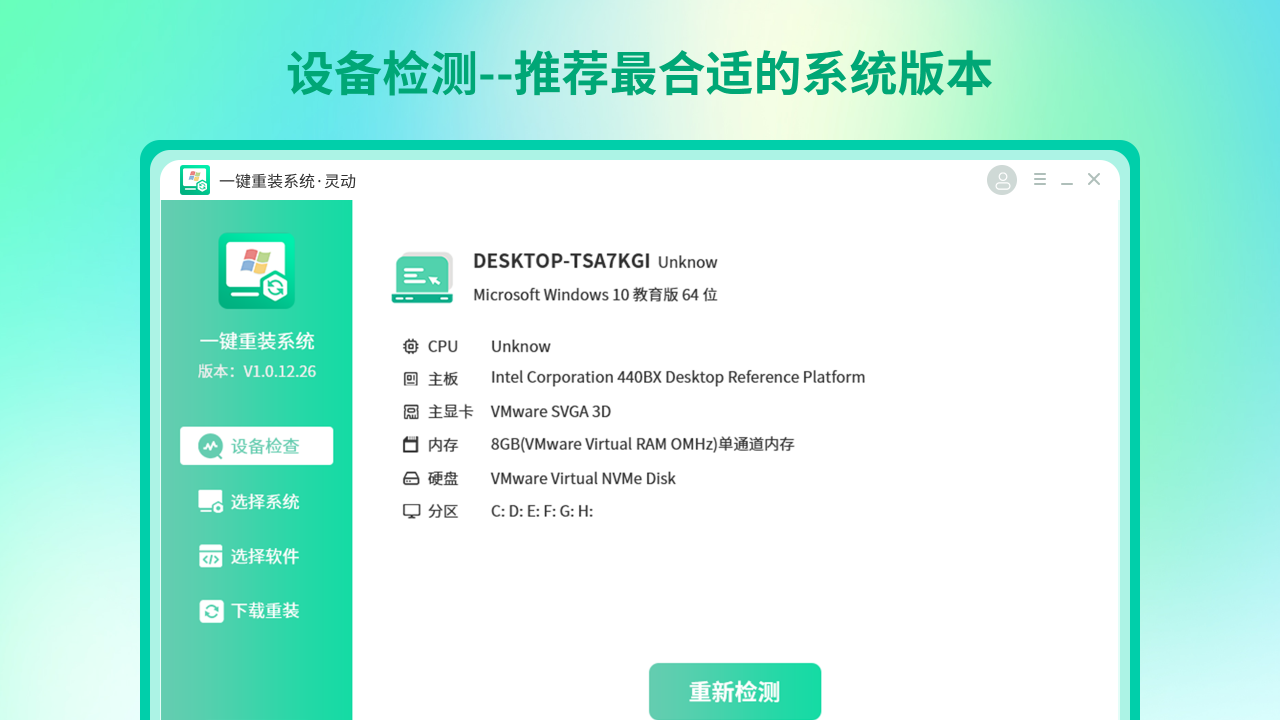
Intelligent hardware adaptation: The software can automatically scan the computer configuration and accurately recommend compatible system versions to avoid driver conflicts or performance bottlenecks after installation.
Personalized customization
Personalized pre-installed software: During the installation process, users can freely select commonly used software (such as browsers, office tools, etc.) to achieve synchronous deployment of systems and software to create a customized operating system that meets personal or corporate needs.
Efficient and stable technology
High-speed cloud download: Cloud synchronization technology is used to speed up system image downloads and significantly shorten waiting time.
Ghost core packaging: ensures fast and stable system installation and reduces the risk of lags or crashes.
Intelligent optimization: The software performs intelligent optimization during the system reinstallation process to release computer performance.
Features of smart one-click system reinstallation software
One-click automatic installation: Users only need to select the system version and click "One-click reinstall", and the software can automatically complete the entire process of environment detection, file download, and system installation without the need for U disks, CDs, or professional technical knowledge.
Friendly interface: The software interface design is concise and clear, and the step prompts are clear. Users can easily complete system reinstallation according to the prompts, and even computer novices can get started quickly.
Frequently Asked Questions about Smart One-Click System Reinstallation Software
Problem: The installation process is interrupted or fails
Reason: The installation file is damaged, the hard disk space is insufficient, the CPU and memory are faulty.
Solution:
Redownload the software to make sure you get the latest version.
Check the hard disk space to ensure there is enough space for installation (for example, Win7 system requires at least 16GB hard disk space).
Restart the computer and try the installation again. If the problem persists, the CPU and memory may be faulty, and you need to contact a professional for troubleshooting.
Smart one-click system reinstallation update log:
1. Optimized some functions
2. Solved many unbearable bugs
Huajun editor recommends:
Smart one-click system reinstallation is a very practical and simple tool. Interested users can download and use it at Huajun Software Park. In addition, there are many similar software available for download, such as Lainiao Win10 Upgrade Assistant, Batch Butler, Cloud Machine Manager, etc.
Version: 2.3.27.1 | Update time: 2025-10-20
Similar recommendations




Latest updates

Smart One-Click System Reinstallation Review
-
1st floor Huajun netizen 2025-06-12 23:31:09Smart one-click system reinstallation is awesome! 100 million likes! ! !
-
2nd floor Huajun netizen 2025-06-17 07:12:38The smart one-click system reinstallation function is quite comprehensive. It is the latest version. Download it for free. Keep up the good work!
-
3rd floor Huajun netizen 2025-06-03 13:04:57After downloading the smart one-click system reinstallation, the installation is very simple, and it goes very smoothly by following the installation steps. It is also very convenient to use.
Recommended products









- Diablo game tool collection
- Group purchasing software collection area
- p2p seed search artifact download-P2P seed search artifact special topic
- adobe software encyclopedia - adobe full range of software downloads - adobe software downloads
- Safe Internet Encyclopedia
- Browser PC version download-browser download collection
- Diablo 3 game collection
- Anxin Quote Software
- Which Key Wizard software is better? Key Wizard software collection




