
-
vc2008
- Size: 3.86M
- Language: Simplified Chinese
- Category: programming tools
- System: Winall






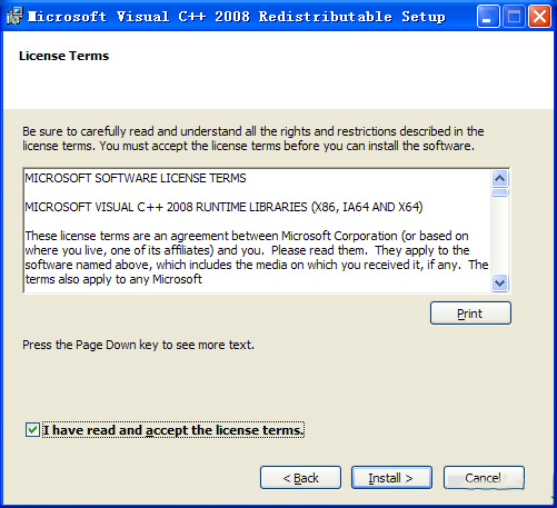
Software function
Microsoft has released a distribution package for the Visual Studio 2008 runtime library. After installing the runtime library, your computer will be able to run Visual C++. Programs written in 2008, even if you don't have Visual Studio 2008 installed. Compared with the .NET runtime library, the C++ runtime library is much smaller. The size of the version released this time is 2-3M.
If some special programs cannot run or an error is reported when running, it is most likely that Visual Studio is missing. C++. Simply installing the runtime library can solve the problem, or placing the required dll files in the same directory as the program can temporarily solve the problem.
VC2008 runtime library (VC++ 2008 runtime library) supported operating systems: Windows 2000 Service Pack 4; Windows Server 2003; Windows Vista; Windows XP.
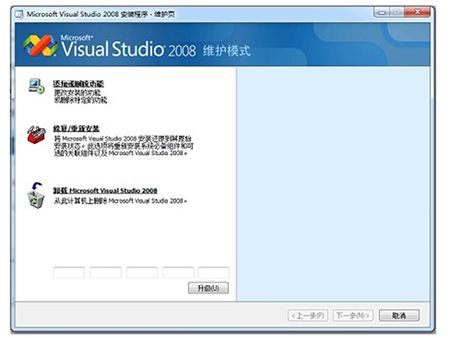
How to use
vc2008 update log:
1. Fixed several bugs;
2. Optimize details;
Huajun editor recommends:
Of course, in addition to vc2008, a very convenient programming tool software, our Huajun Software Park also provides Tarma QuickInstall, appmaker, .NET and other related software for download. If you need it, please click to download and use it.
Version: Official version | Update time: 2024-12-31
Similar recommendations






Latest updates





vc2008 comments
Recommended products









- Diablo game tool collection
- Group purchasing software collection area
- p2p seed search artifact download-P2P seed search artifact special topic
- adobe software encyclopedia - adobe full range of software downloads - adobe software downloads
- Safe Internet Encyclopedia
- Browser PC version download-browser download collection
- Diablo 3 game collection
- Anxin Quote Software
- Which Key Wizard software is better? Key Wizard software collection




