-
Children's programming scratch
- Size: 190M
- Language: Simplified Chinese
- Category: programming tools
- System: win7 and above






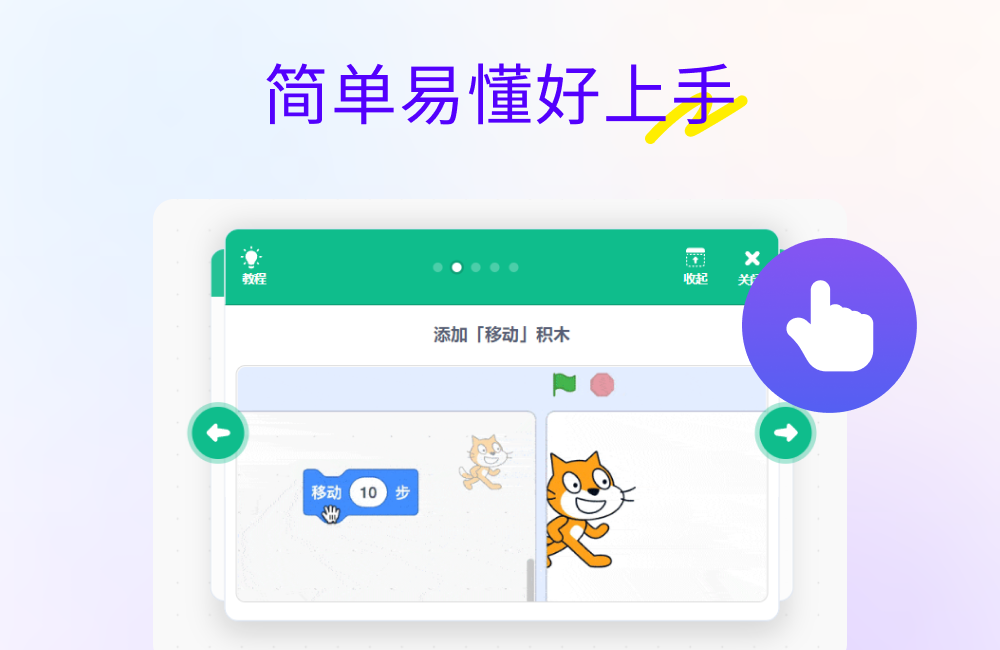
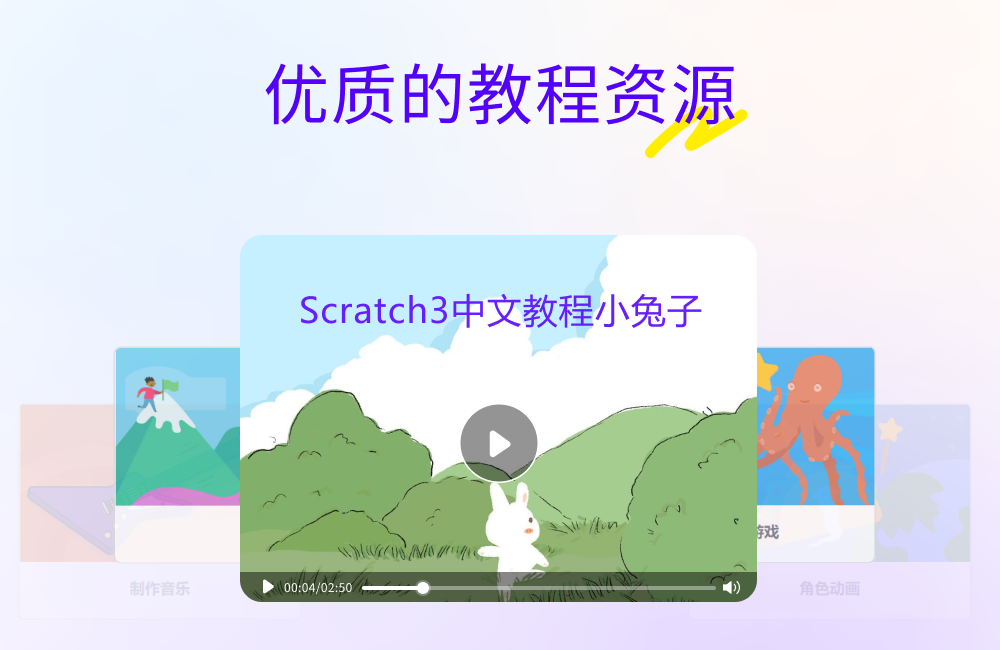
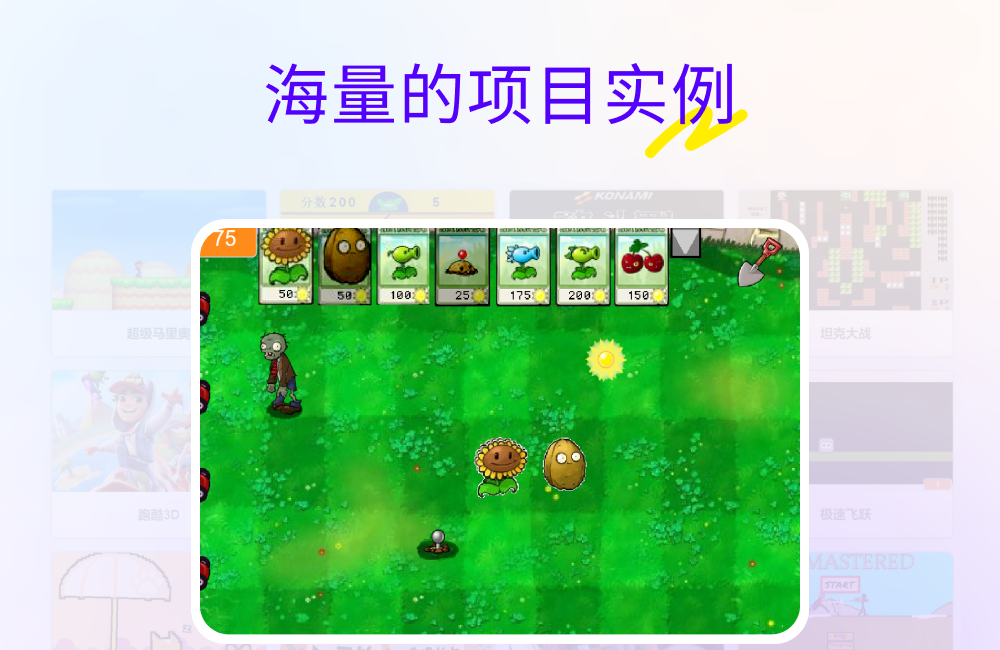
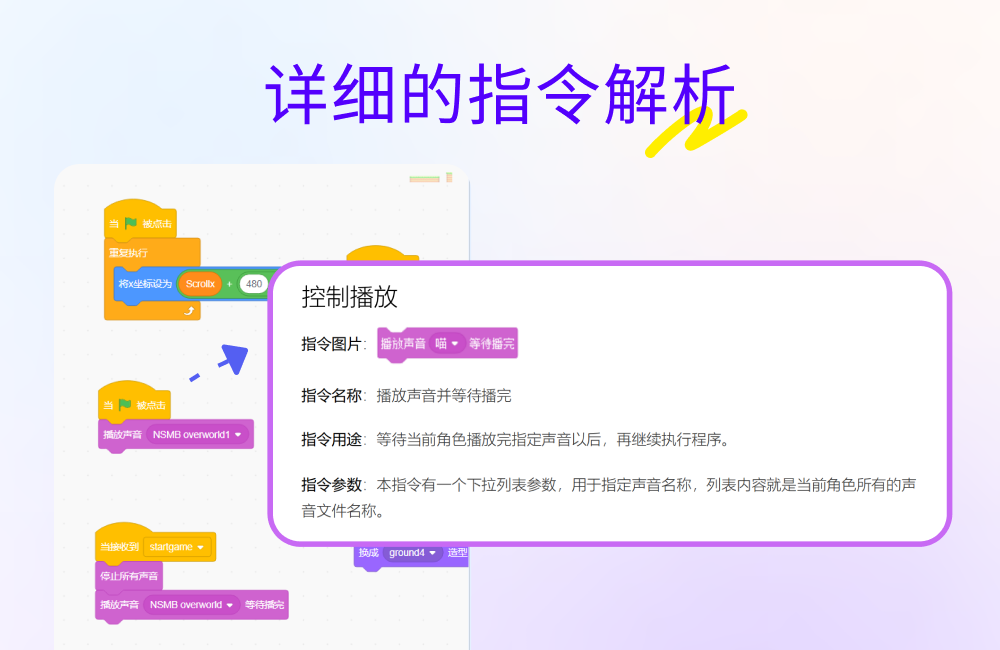
Scratch children's programming is a graphical programming software that allows users to build programs by dragging and dropping predefined code blocks (building blocks). It is mainly aimed at teenagers, but it is also suitable for people of any age. In order to make programming easier to learn, the software has built-in rich teaching resources, excellent examples and instruction analysis corresponding to each building block, which greatly lowers the learning threshold. In short, Scratch children's programming is a powerful and easy-to-use programming learning tool. It is an ideal programming introduction platform for both children and adults.
Scratch children's programming softwareSoftware function
1. Graphical programming interface: By dragging and dropping building block-style code blocks to build programs, programming becomes intuitive and easy to understand;
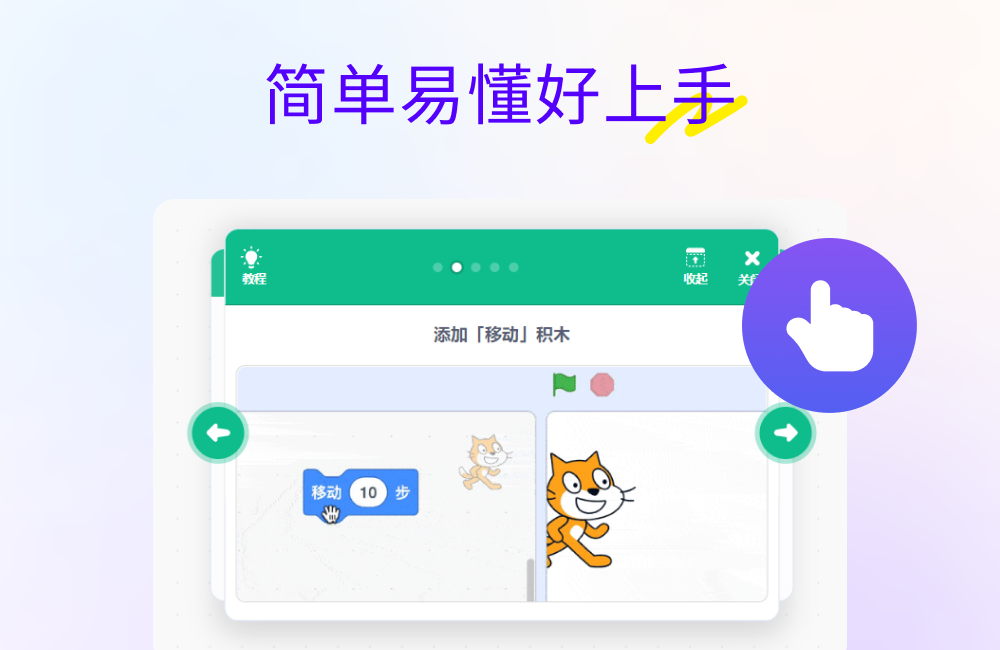
2. Rich creative tools: Use character management, stage design, drawing editor, sound editor and multiple functions to make the interface more beautiful and interesting;
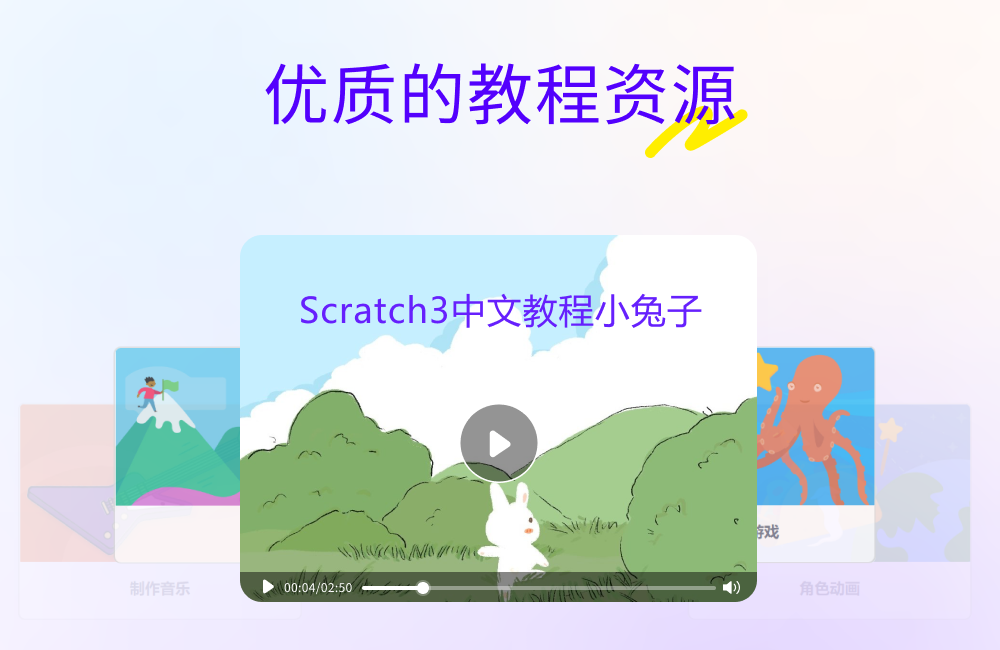
3. High-quality tutorial resources: from basic to advanced, learn programming knowledge step by step and gradually improve your skills;
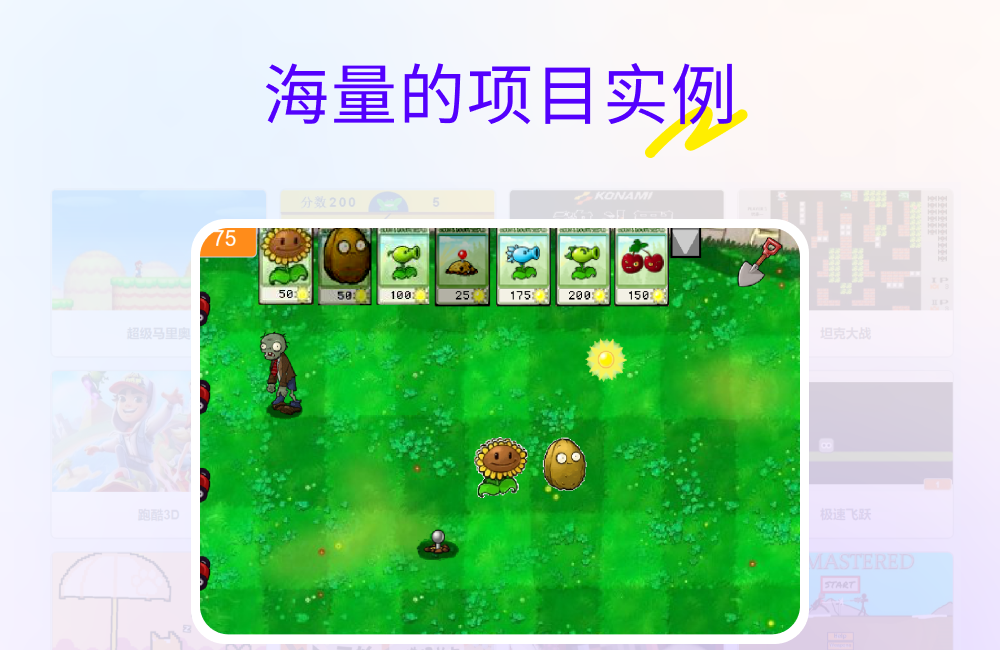
4. Massive project examples: Covering various topics and difficulty levels, learn the programming ideas of outstanding students, start with imitation, and gradually develop your own creative projects;
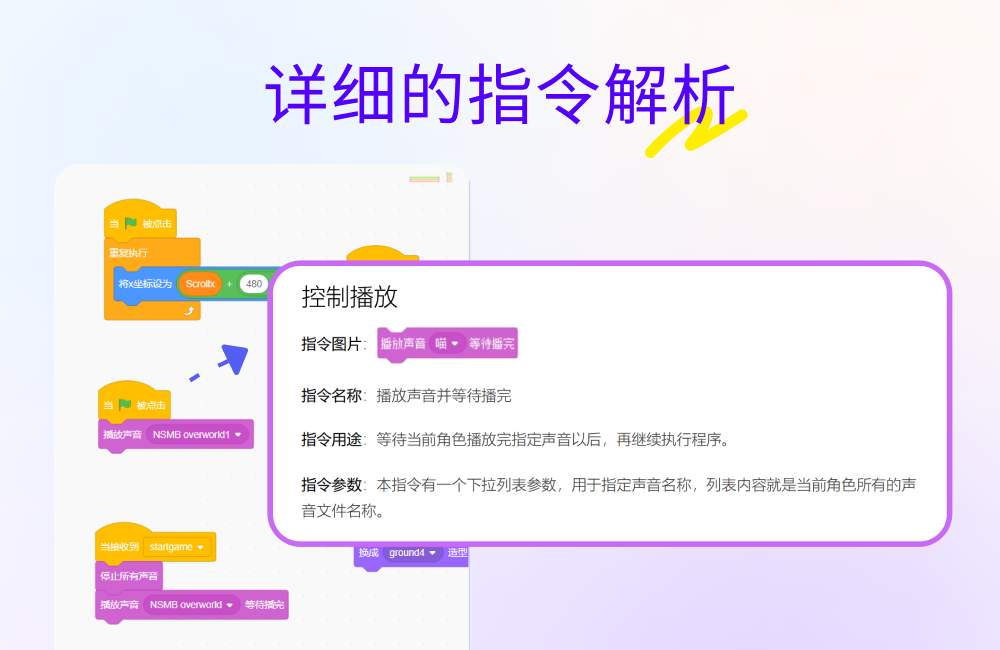
5. Detailed instruction analysis: The function, usage and related examples of each building block are introduced in detail to help understand and master programming skills.
Frequently Asked Questions about Children’s Programming Scratch
What is Scratch3.0?
Scratch3.0 is the latest generation of Scratch software, released on January 2, 2019. It expands the usage, functionality and applicable environment of Scratch. This includes dozens of new characters, a new sound editor, and many new programming building blocks. In addition to supporting desktop computers and laptops, you can also use Scratch3.0 to create and view works on tablets.
How to report defects in Scratch 3.0 and provide feedback?
You can report bugs or provide feedback in the Bugs and Bugs section of the Scratch forum.
Does Scratch3.0 support multiple languages?
Yes. To change the language of a programming brick, click the "globe" icon in the navigation bar at the top of the program editor and select a language in the drop-down menu.
All translations are done by volunteers. The Scratch 3.0 editor has been translated into more than 40 languages. You can view the languages being translated and reviewed on our translation server. If you would like to participate in translation and review, please contact translate@scratch.mit.edu.
Does Scratch 3.0 remove some programming building blocks from the old version?
Scratch 3.0 does not remove any programming building blocks. However, some building blocks have been changed, and some have been moved to "Extensions" (see Scratch extensions below).
Does Scratch3.0 add new building blocks?
Yes! Added in Scratch3.0:
New “sound effect” building block
新的便于文字(字符串)处理的运算积木
新的画笔积木,并且支持透明色
New sliding blocks that can be moved to a character (or a random location)
and many new features in “Scratch Extensions” (see Extensions section below)
Why are the building blocks of Scratch 3.0 larger than those of the old version?
We have increased the size of the Scratch 3.0 bricks to fit on touch screen devices such as Chromebooks, Windows Surface laptops and tablets. Additionally, new users often have trouble clicking and dragging smaller UI elements, and increasing the block size can help resolve these issues.
Children's programming scratch update log
Optimize user feedback issues and improve detailed experience
Huajun editor recommends:
Huajun Software Park also has popular software with the same functions as this software, such as: Tarma QuickInstall, cc3d parameter adjustment software OpenPilot GCS, Cloud Machine Manager, etc. If you need it, you can collect it!
Version: 3.0.0 | Update time: 2025-05-21
Similar recommendations



Latest updates





Children's programming scratch review
Recommended products






- Diablo game tool collection
- Group purchasing software collection area
- p2p seed search artifact download-P2P seed search artifact special topic
- adobe software encyclopedia - adobe full range of software downloads - adobe software downloads
- Safe Internet Encyclopedia
- Browser PC version download-browser download collection
- Diablo 3 game collection
- Anxin Quote Software
- Which Key Wizard software is better? Key Wizard software collection




