




 You may like





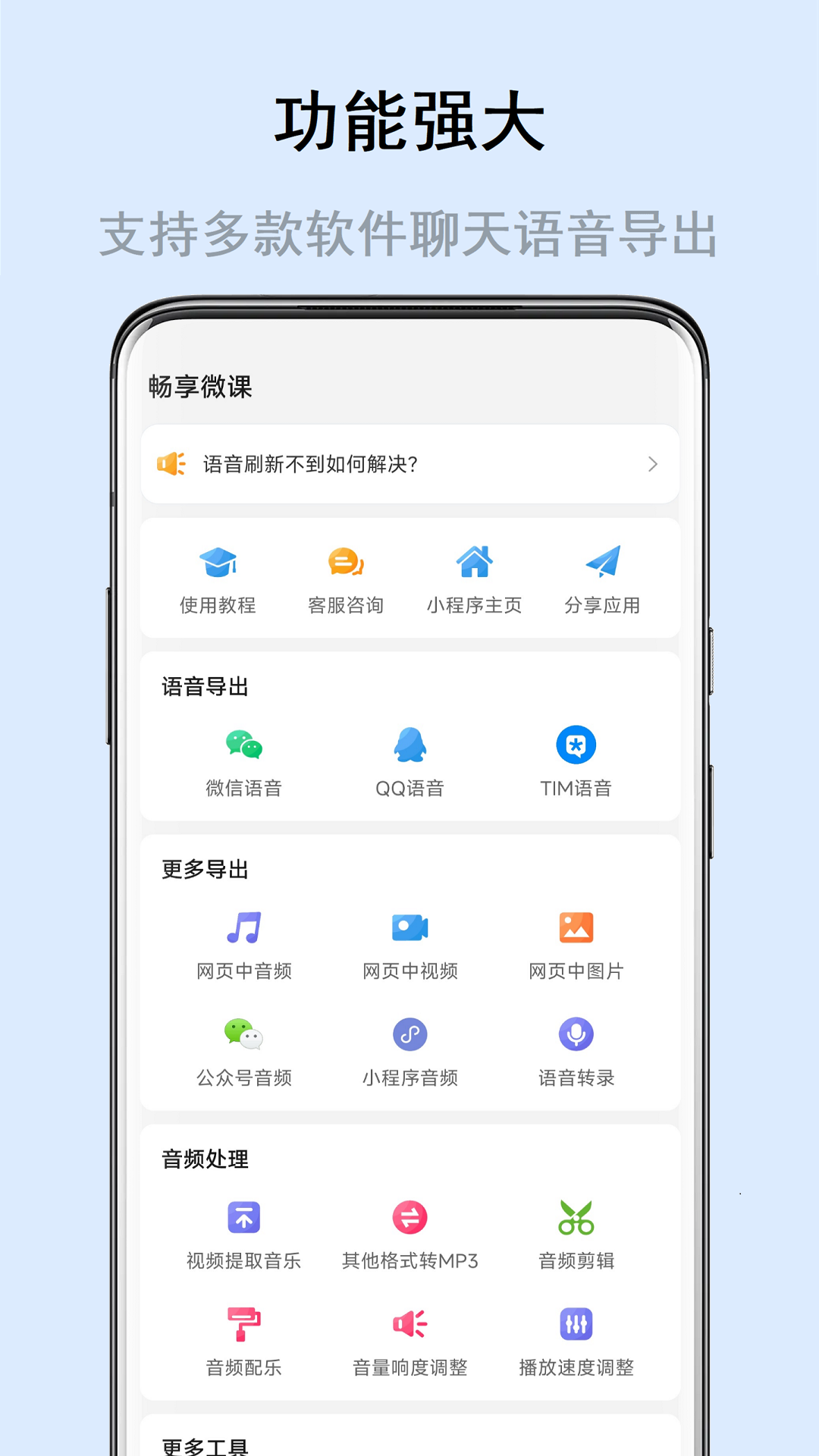
Voice export software function
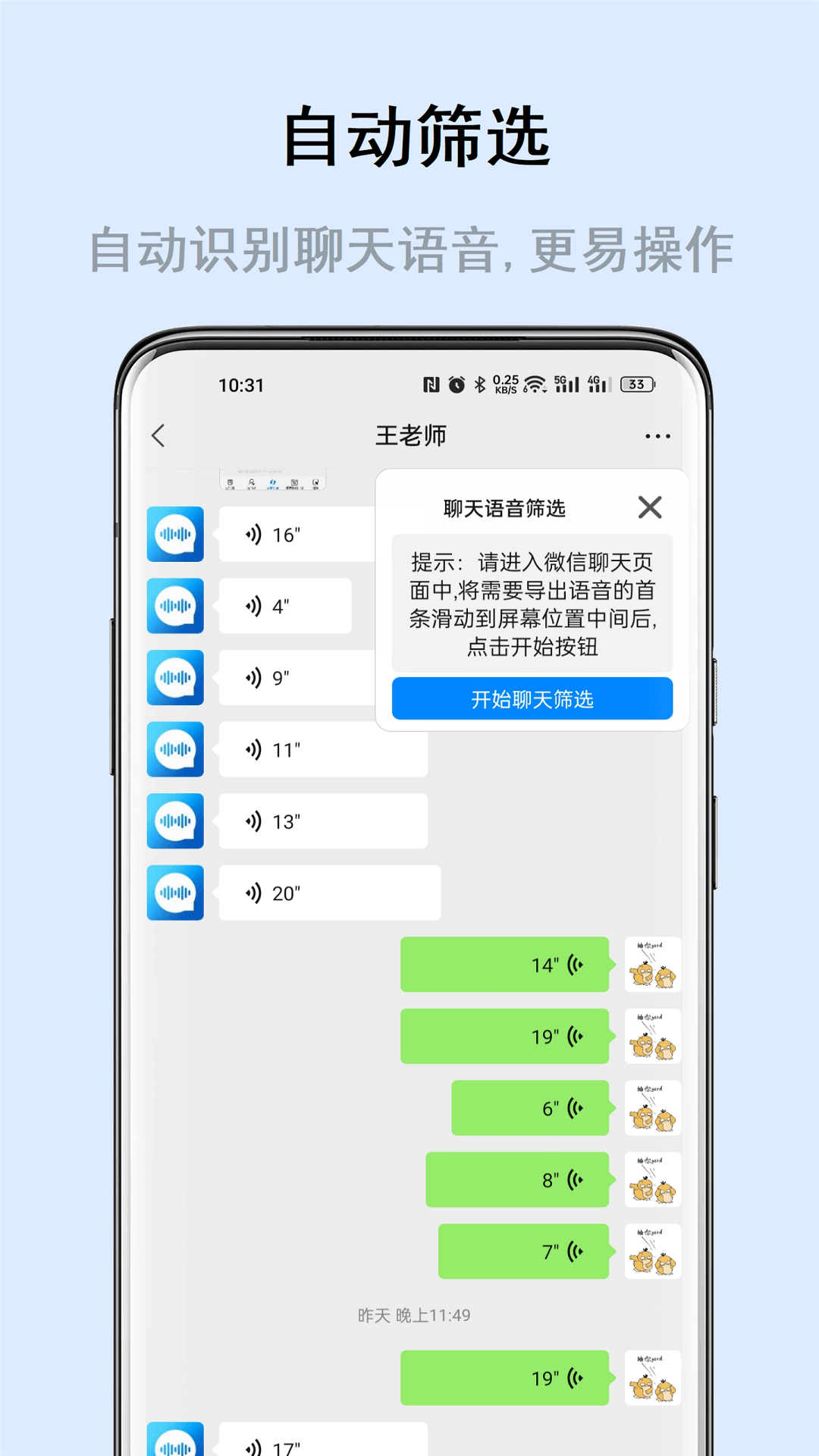
No matter how niche the demand is, it should be elegantly met. Free chat voice merging and exporting software for specific applications. Merge voice chat records into MP3 files. Exporting chat voices into MP3 files is simple and convenient. Simple operation logic, the export operation is simple, easy to understand, and fast. It can not only export voice chat records, but also decode and merge multiple voices into one mp3 file according to needs, so that it can be played on various music players. It also supports the quick sharing of exported voices to various chat software, cloud disks and other apps, making it convenient and fast to retain the voice you want to keep and save beautiful memories.
FAQ
Export failed or export file is damaged
Symptoms of the problem: After the user clicks export, the software prompts that the export failed, or the exported audio file cannot be played normally (such as silence or garbled characters).
Possible reasons:
Insufficient storage space causing export interruption.
The file path contains special characters or is too long, causing the export to fail.
Software internal logic error or buffer overflow.
Solution:
Clear the device storage space to ensure there is enough remaining space.
Change the export path to avoid using folder names that are too long or contain special characters.
Restart the software or device and try exporting again.
Update the software to the latest version to fix known export issues.
Voice export update log
1: Brand new interface, refreshing, simple and efficient
2: Performance is getting better and better
Huajun editor recommends:
This site also prepares a variety of related software for you, such as:BlackBerry Blend,Enterprise WeChat,Canon Camera Connect,Classmate Record,IP sea mobile phone IP changing softwareWait, you need to go to the editor of Huajun Software Park to satisfy you!














Useful
Useful
Useful