





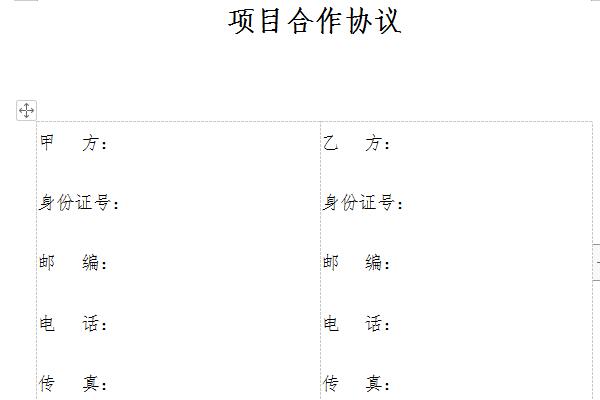
Basic contents of project cooperation agreement
Article 1 Definition and Explanation
Article 2 Powers and responsibilities of both parties
Article 3 Party B’s benefits and payment methods
Article 4 Confidentiality Clause
Article 5 Prohibition of transfer
Article 6 Responsibilities for breach of contract and points to note
Article 7 Dispute Resolution
Article 8 Effectiveness of Agreement
Project cooperation agreement shortcut key
CTRL+O Open
CTRL+P print
CTRL+A Select All
CTRL+[/] Set the size of the text (when the target is selected)
CTRL+D font setting (when the target is selected)
CTRL+G/H Find/Replace;
CTRL+N delete the full text;
CTRL+M left margin (when the target is selected);
CTRL+U draws an underline (when the target is selected);
CTRL+B bold text (when the target is selected);
CTRL+I italic text (when the target is selected);
CTRL+Q Align both sides (no first line indentation), (when the target is selected) or place the cursor at the end of the paragraph of the target text, you can also operate
CTRL+J Align both ends (same operation as above)
CTRL+E Center (same operation as above)
The editor recommends:
The project cooperation agreement is a free template. You can download the source file for you to edit, modify and replace. Huajun Software Park also providessecurity protocol,Customs declaration power of attorney templateDownload.




Useful
Useful
Useful