





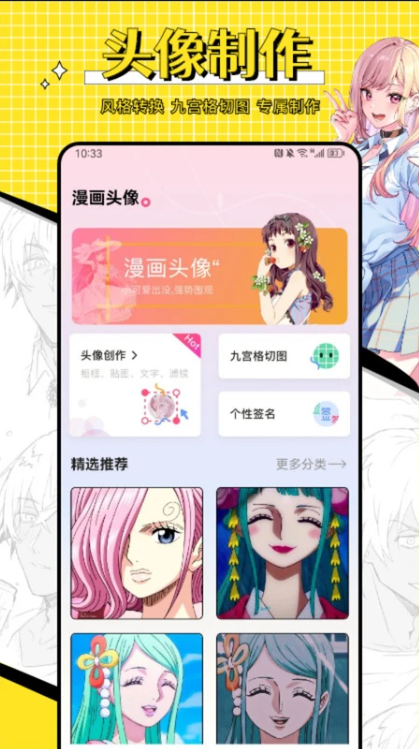
Introduction to omo animation board software
The omo animation board APP is a prop specially designed for animation lovers. It can transform users' photos into cute two-dimensional avatars through AI technology, allowing users to show their unique style on social media platforms such as Moments and Weibo. The software provides a wealth of templates and customizable elements, allowing users to easily create their own unique avatar according to their preferences and needs.
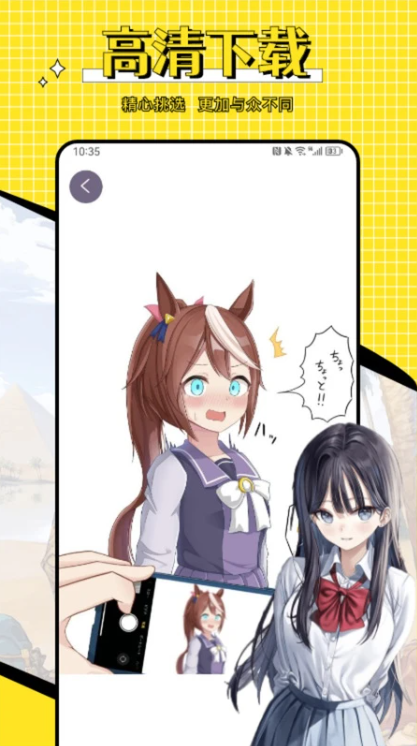
Features of omo animation board software
1. Hundreds of unique and personalized anime avatars are provided, and users can choose as they like according to their own preferences.
2. A variety of different avatar styles, including two-dimensional, comics, animation, etc., each style shows a different charm.
3. Users can easily find the avatar they want and quickly generate their favorite avatar.
Highlights of omo animation board software
1. Users can customize their own unique avatar by uploading their own photos and needs.
2. The picture quality of the avatar is very high-definition. Users can save the avatar as an HD file to make the avatar more delicate and delicate.
3. It is small in size, does not take up much storage space, and is also fast, making it convenient for users to use at any time.
omo animation board software functions
1. Support sharing to social platforms such as Moments and Weibo to let more people see and pay attention.
2. You can collect your favorite avatars and change them at any time.
3. Every detail is handled in place to create exquisite anime avatars for users.
Installation steps
Special note: The installation package provided by Huajun Software Park contains the Android emulator and software APK files. For the computer version, you need to install the emulator first and then install the APK file.
1. First download the installation package from Huajun Software Park. The software package contains an Android emulator exe installation program and an APK file and unzip it. First click on the exe program to install the lightning simulator.

2. Double-click "Lightning simulator.exe" file to enter the installation interface. Users can click "Quick Installation" to select the system's default installation address for installation, or click "Custom Installation" to choose the installation path. Custom installation is recommended here.

3. WaitingLightning simulatorAfter the installation is complete, click "Try Now" to open the emulator.

4. Enter the main interface of the lightning simulator and clickRight column APK iconSelect the "Local APK Install" button.

5. In the pop-up window, click on the decompressed APK file, and then click to open.

6. After that, the software will enter the installation process. You need to wait for a moment. After the software installation is completed, it will appear in my software list. Click the icon and double-click to open it. 
omo animation board update log
1. Modify user-submitted bugs
2.Add new features
Huajun editor recommends:
Children's shoes, the omo animation board can definitely meet your needs. From the software interface to the software functions, it is absolutely eye-catching. Everyone is welcome to download and use it! There are similar software on this siteChina Education News,shrimp comics,god comics,Demonic comics,comic island!




Your comment needs to be reviewed before it can be displayed