
Hot search terms: 360 Security Guard Office365 360 browser WPS Office iQiyi Huawei Cloud Market Tencent Cloud Store
Hot search terms: 360 Security Guard Office365 360 browser WPS Office iQiyi Huawei Cloud Market Tencent Cloud Store

audio playback Storage: 152.69 MB Time: 2022-10-17
Software introduction: It is a software that focuses on discovery and sharing. The PC version of NetEase Cloud Music is simple and convenient to operate. You can use it to listen to your favorite high-quality music...
If you want to listen to the hottest songs currently, NetEase Cloud Music is a good choice. So if we want to check our friends’ playlists while using NetEase Cloud Music, how should we do it? Next, please see NetEase Cloud Music for specific instructions on how to view your friends’ playlists.
First log in to NetEase Cloud Music, click on the person you follow to find your friend, or just click on the other person's avatar without following them. If you only know the name, you can also enter the other person's name in the search bar.

To view the other party's playlist, you need to enter the dynamic area of the other party's space and click on the other party's avatar. You can set up a private space so that the other party cannot view your detailed information, so be sure to make sure that the other party has not locked it.
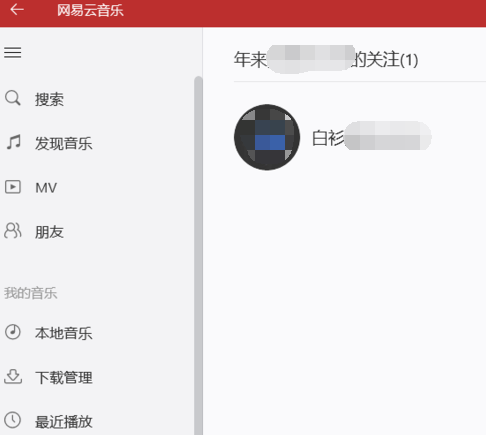
After opening the space, the songs your friends have listened to are obvious, including their playlists and collections. We can listen to their playlists when we get tired of our own.
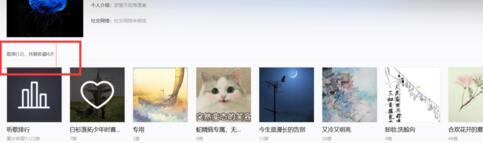
You can also check the songs the other person has listened to in the past week, judge the other person's recent mood by checking the number of songs the other person has listened to, and you can also find the same topics with the other person.
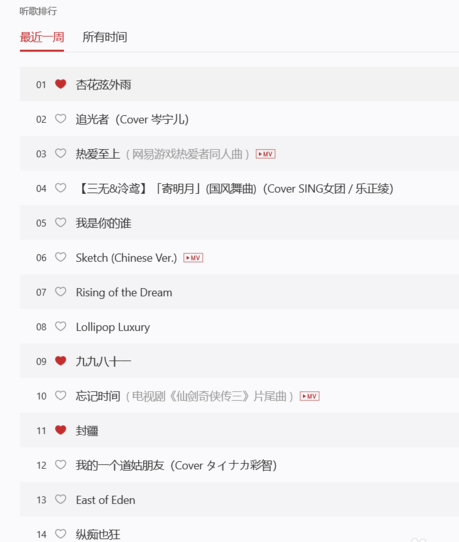
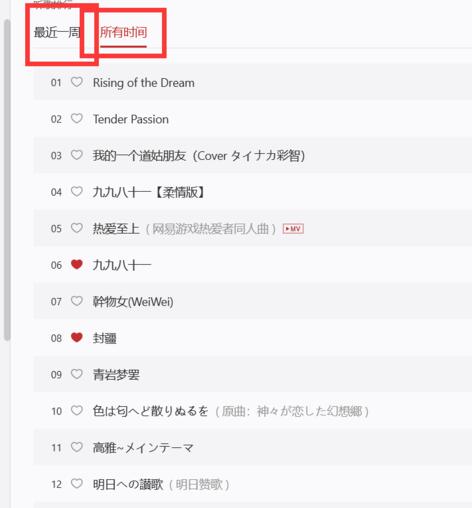
Finally, all statistics of the other party's listening songs are sorted by the number of times they have been listened to. The statistics of NetEase Cloud Listening Song data is one of its features. It counts the genres you like and recommends songs to yourself on time every day.
The above explains the specific operation process of viewing friends' playlists on NetEase Cloud Music. I hope friends in need can learn from it.

 How to add background music in python-How to add background music in python
 How to configure environment variables in python - How to configure environment variables in python
 How to run python - How to run python
 How to create a project in python - How to create a project in python
 How to make a blue sky background with scratch-How to make a blue sky background with scratch
 Steam
Steam
 Tencent Video
 WPS Office
 iQiyi
iQiyi
 Sohu video player
 Lightning simulator
 MuMu emulator
 Eggman Party
 WPS Office 2023
 What to do if there is no sound after reinstalling the computer system - Driver Wizard Tutorial
 How to switch accounts in WPS Office 2019-How to switch accounts in WPS Office 2019
 How to clear the cache of Google Chrome - How to clear the cache of Google Chrome
 How to fire bullets in scratch-How to fire bullets in scratch
