
-
Our DeskRemote Desktop
- Size: 53M
- Language: Simplified Chinese
- Category: remote control
- System: Win






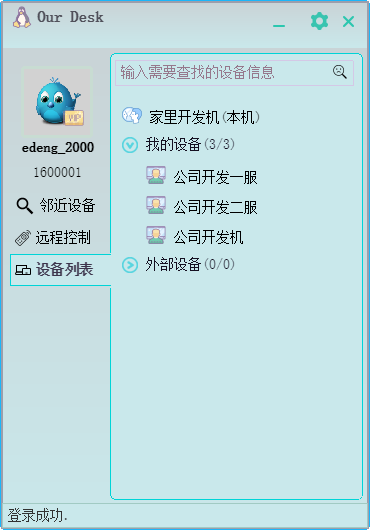
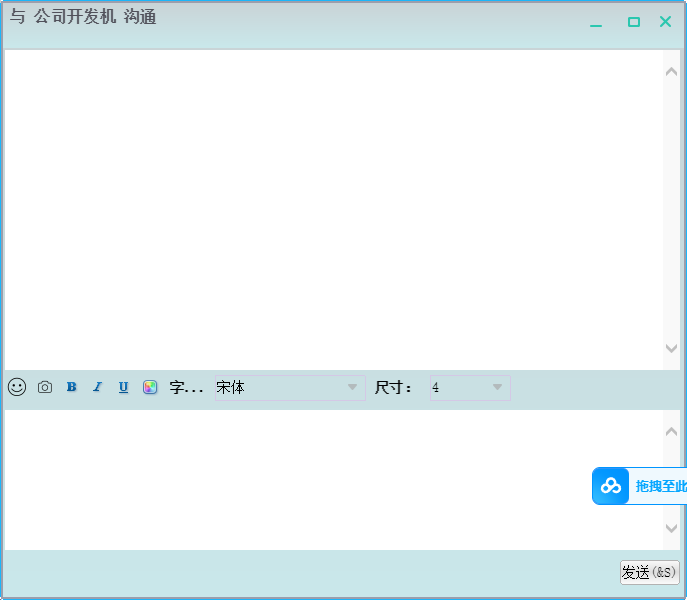
Our Desk remote desktop software (referred to as: Our Desk) is a completely domestic remote desktop software. He consists of Our Cross-platform remote collaboration software developed by Desk Software supports Windows, macOS and other operating systems, and provides a simplified Chinese version. The software realizes remote control through device number association, supports the management of 100 device lists, has functions such as intranet penetration, remote power on and off, and file transfer, covering IT operation and maintenance, visual design and other scenario applications.
Our Desk remote desktop software features
The software uses self-developed RXTP peer-to-peer network engine and WAN network optimization technology to achieve 2K30 frame quality output and 4:4:4 true color display, with end-to-end latency less than 40ms. Improve bandwidth utilization through transmission engine and intelligent encoding and decoding technology. The security system includes dynamic key encryption, secondary verification and black screen protection for sensitive operations.
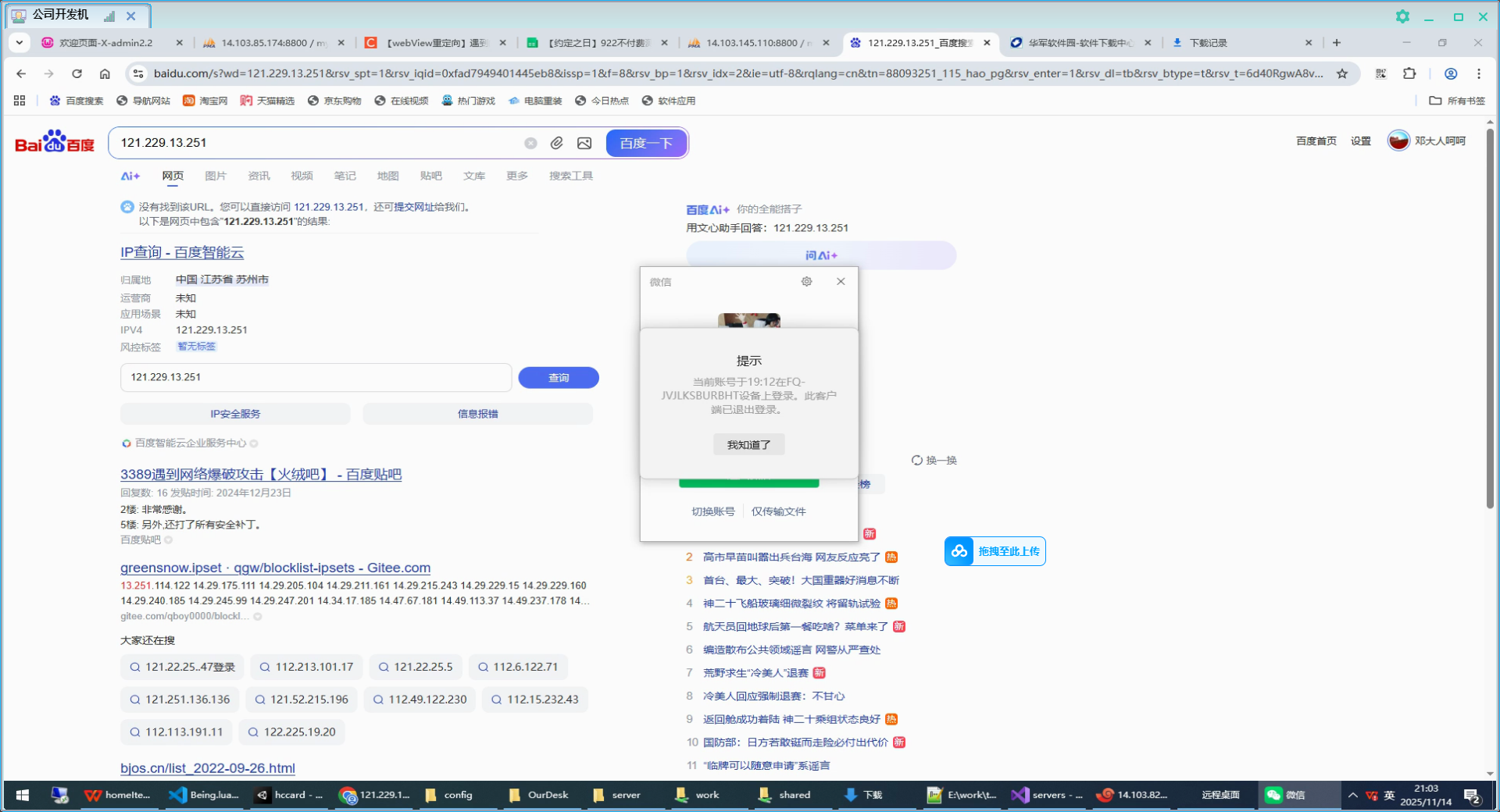
Our Desk is a remote collaboration software. Not only can it easily penetrate intranets and firewalls, it supports remote power on and off, standby, and has functions such as screen recording, adaptive resolution, and file transfer. It is ad-free and completely free. You can enjoy super-fast screen control and multiple file management functions. It is very stable.
Our Desk remote desktop software advantages
【Efficient】Applicable to everyone, it can greatly improve work efficiency in the fields of IT operation and maintenance, visual design, and after-sales customer service.
【Simple】The software is very simple to use. Once Our Desk is installed on both the master and controlled computers, you can remotely connect and use it through the ID and access password.
【Security】 Communication data uses end-to-end encryption, and the connection password is only stored on the user's device, ensuring that every connection is safe and reliable.
Our Desk remote desktop software features
File transfer
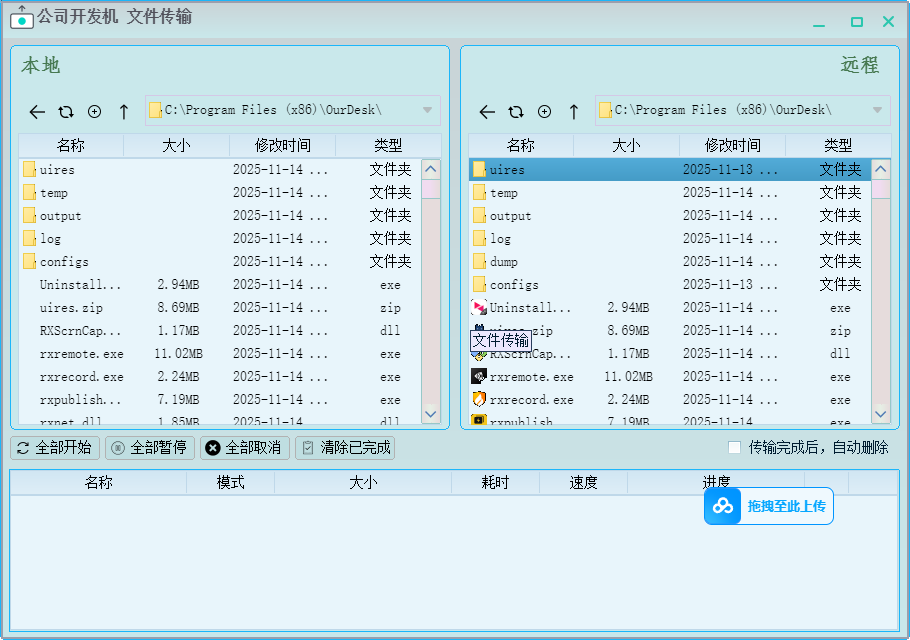
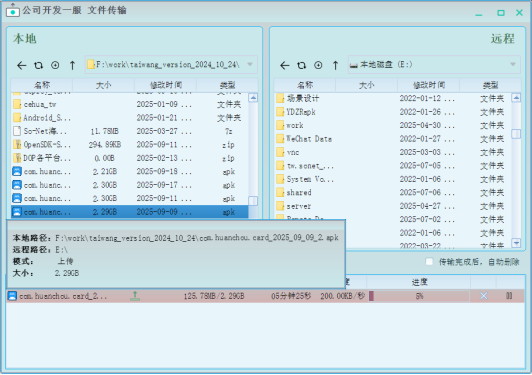
On the two linked devices, select any file on the controlled device, and then drag it to the master device with the mouse to complete the transfer. It is much more convenient and faster than traditional network disk or email transfer.
Our Desk remote file transfer operation display
Device link
Our Desk device link is very simple and easy to understand. Just open the device and enter the ID and access password of the controlled computer to successfully connect. Once the connection is established, it can be used immediately.
Equipment supports one hundred units
Our Desk device list has a capacity of up to 100 devices, which is used to synchronize and save computer devices that users frequently control remotely, supporting more efficient and flexible management of multiple office devices.
Self-developed RXTP network engine
RXTP technology develops a transmission protocol, which is mainly used for large-scale point-to-point video transmission. Compared with the traditional RDP protocol and RTMP protocol, the RTC protocol has the advantages of anti-packet loss, low latency, and no lag. Our Desk applies RTC technology to the field of remote collaboration to achieve real-time communication, including audio and video, picture, file sharing and other real-time interaction speed improvements, while also achieving an improvement in frame rate.
Our Desk remote desktop update log:
1. Modify user-submitted bugs
2.Add new features
Huajun editor recommends:
Our Desk remote desktop software is simple to operate, powerful, easy and simple. You can download it and try it. Everyone is welcome to download. This site also provides Youluoke PC version, Eagle Netcom PC client, Firefox browser, etc. for you to download.
Version: 1.2 Official version | Update time: 2025-11-20
Similar recommendations





Latest updates




Pixel Naruto online play entrance-Pixel Naruto web version online play-Huajun Software Park
How to add background music in python-How to add background music in python
How to configure environment variables in python - How to configure environment variables in python
How to run python - How to run python
How to create a project in python - How to create a project in python
How to make a blue sky background with scratch-How to make a blue sky background with scratch
How to create a linked list in scratch-How to create a linked list in scratch
How to add local programs to scratch-How to add local programs to scratch
How to input Chinese in scratch-How to input Chinese in scratch
Our Desk Remote Desktop Review
Recommended products







- Diablo game tool collection
- Group purchasing software collection area
- p2p seed search artifact download-P2P seed search artifact special topic
- adobe software encyclopedia - adobe full range of software downloads - adobe software downloads
- Safe Internet Encyclopedia
- Browser PC version download-browser download collection
- Diablo 3 game collection
- Anxin Quote Software
- Which Key Wizard software is better? Key Wizard software collection




