Python is a powerful and widely used general-purpose programming language. The grammar is simple and clear, just like reading English, which greatly reduces the learning threshold and development complexity. With a rich set of third-party libraries, it is the preferred tool in areas such as website development, data analysis, artificial intelligence, and automated scripts. As an interpreted language, it can run on almost all operating systems such as Windows, macOS, and Linux. Next, let the editor of Huajun explain to you how to add background music in python and how to add background music in python!
first step
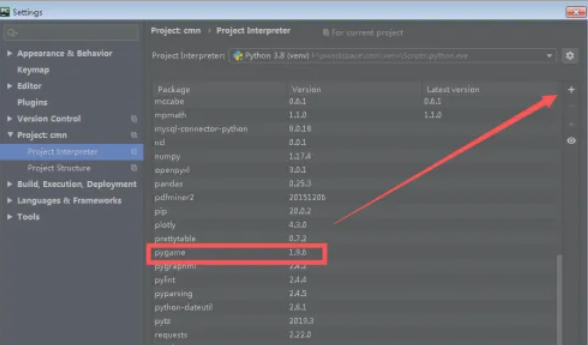
Open PyCharm, click [File] → [Settings] (Windows/Linux) or [PyCharm] → [Preferences] (Mac) in the menu bar. Select [Project: your project name] → [Python Interpreter].
Step 2
Click the [+] button in the upper right corner, search for pygame, and then click [Install Package].
Step 3
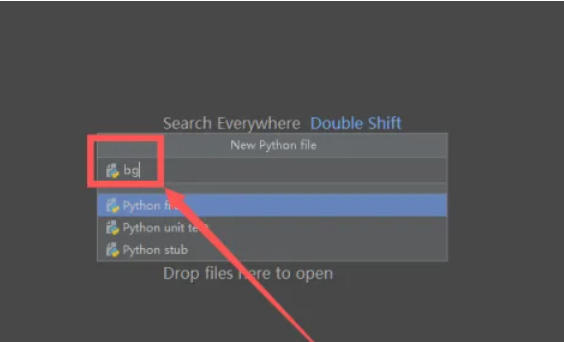
Right-click in the project directory → [New] → [Python File]. Enter the file name (such as play_music.py) and press Enter to confirm.
Step 4
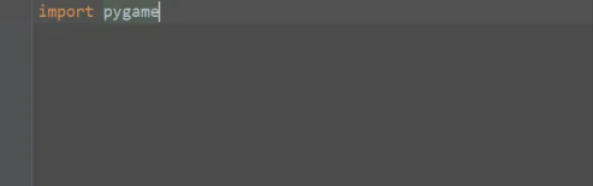
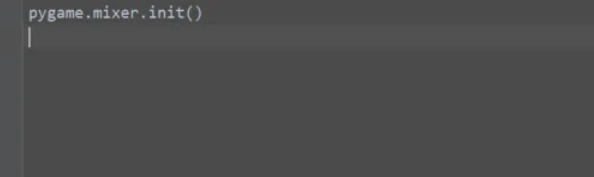
Copy the code into the file and modify music.mp3 to your audio file path
Step 5
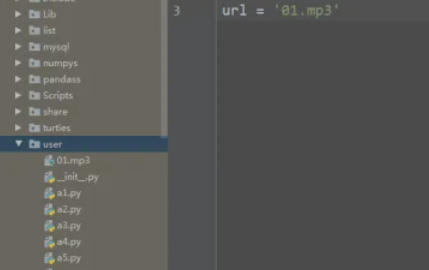
Copy your MP3 file (such as music.mp3) to the directory where the Python file is located (or specify an absolute path, such as C:/Users/yourusername/Music/music.mp3). Make sure the filename and path match the music_path in your code.
Step 6
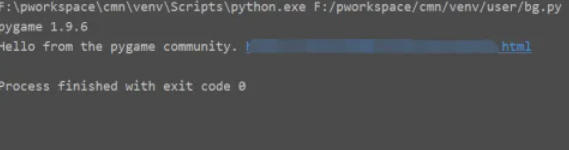
Click the green run button in the upper right corner of PyCharm, or right-click the editor → [Run ‘play_music’].
The above is how to add background music in python and the method of adding background music in python compiled by Huajun editor for you. I hope it can help you!