
-
deepseek computer version
- Size: 10.99M
- Language: Simplified Chinese
- Category: Utility tools
- System: Win All
- Manufacturer:Hangzhou Deep Search Artificial Intelligence Basic Technology Research Co., Ltd.







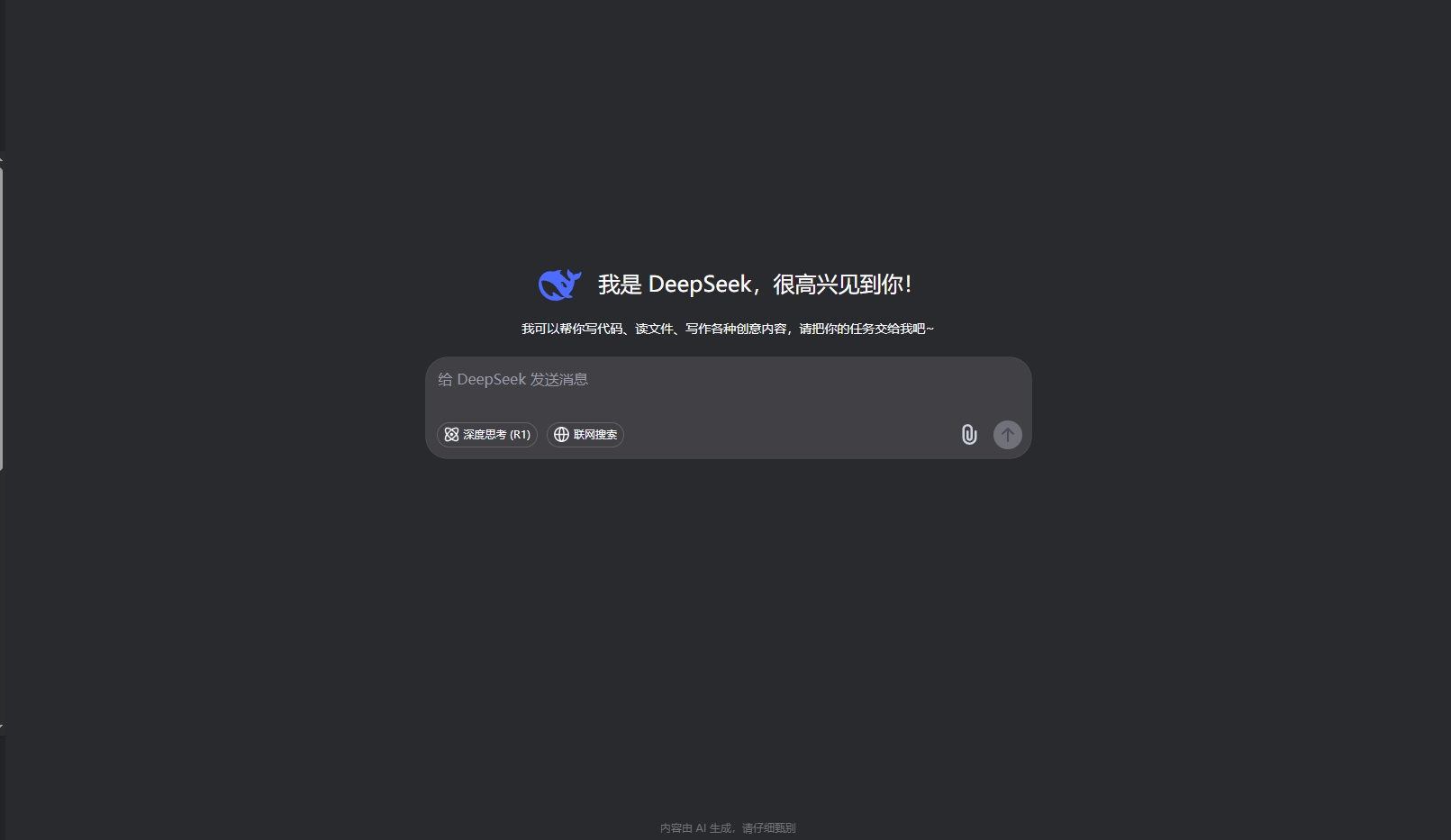

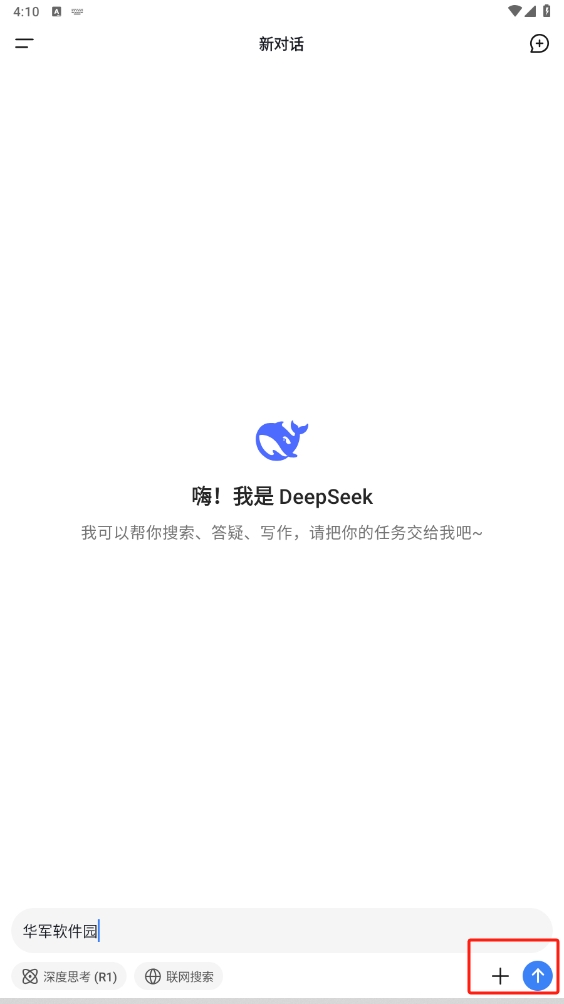
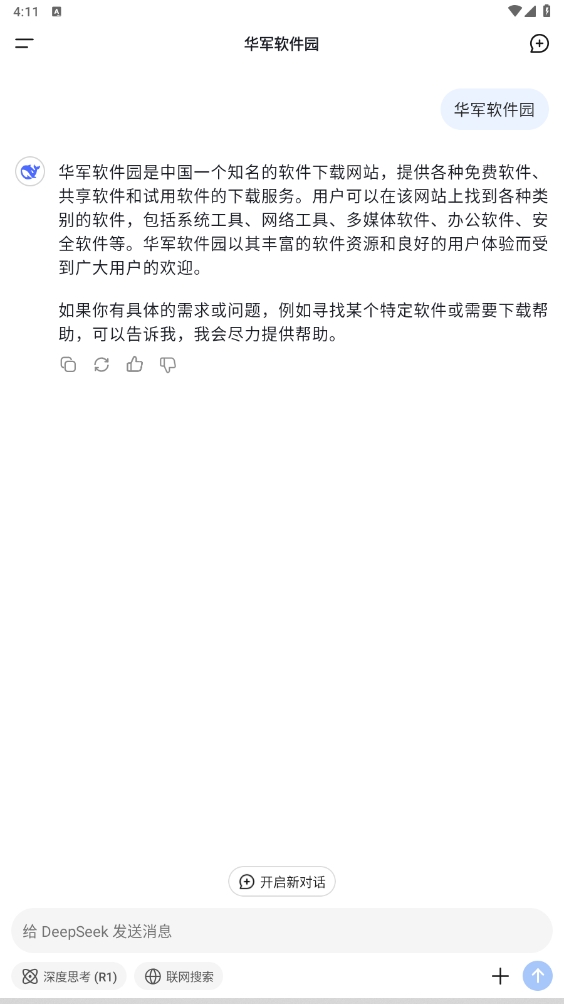
DeepSeek is an all-round AI intelligent assistant launched by Hangzhou Deep Seek Company. It is developed based on the DeepSeekV3 large model with a parameter size of more than 600B, and its performance benchmarks against the top international AI models. It focuses on providing efficient and personalized services, covering the needs of multiple scenarios such as study, work, and life. It supports natural language interaction, file analysis, multi-language translation, programming assistance and other functions, aiming to become users' "intelligent life partner".

deepseek PC version software description
Core positioning: With AI technology as the core, through natural language understanding (NLU) and deep learning capabilities, we can quickly respond to user needs and provide accurate answers and solutions.
Technical advantages: It adopts an open source large model architecture, supports real-time learning and knowledge integration, and can handle complex tasks and generate high-quality content (such as copywriting, code, problem-solving steps, etc.).
Applicable scenarios: Students, programmers, scientific researchers, cross-language workers, etc. can improve efficiency through its functions, such as student problem solving, programmer code generation, scientific research literature analysis, etc.

deepseek computer version software functions
1. Intelligent conversation and multitasking
Supports natural language dialogue and can handle complex instructions (such as "Write an email for me and translate it into English").
Manage multiple tasks such as schedule, translation, information query, etc. at the same time.
2. Professional field support
Learning aids: Solve science problems and provide detailed problem-solving ideas (such as mathematics, physics).
Programming development: supports multiple programming languages (such as Python, Java), and can generate code snippets or debug errors.
Document analysis: interpret documents, reports, and books to extract key information.
3. Creativity and content generation
Automatically generate articles, speeches, and marketing copy, and provide optimization suggestions.
Supports drawing inspiration (needs to be used in conjunction with plug-ins).
4. Cross-language communication
Provides high-precision translation and supports multi-language translation, suitable for work or travel scenarios.
5. Emotional interaction
Identify the user's emotional state, provide encouragement or comfort, and enhance the interaction temperature.

Features of deepseek PC version software
1. High parameter model and fast response
Based on the DeepSeekV3 large model, the response speed is faster and the answers are more professional when dealing with complex problems.
2.Personalized service
Customize recommended content (such as study plans, writing styles) based on users' historical behavior and learning habits.
3. Seamless connection across platforms
It supports mobile phones (iOS/Android), computers (through the app simulator), and web pages, and data synchronization is convenient.
4. Privacy and Security
Use data encryption technology to strictly protect user privacy and avoid information leakage.
5. “No clichés” interaction style
The output content focuses on personalized expression and avoids templated answers (for example, combining local cultural characteristics when recommending travel).
Frequently asked questions about deepseek computer version software
1. How to download and install?
Mobile version: iOS users can search for "DeepSeek" through the AppStore, and Android users can search for "DeepSeek" through the App Store; the computer version needs to be run by installing an Android emulator.
The web version can be directly accessed at chat.deepseek.com/.
2. Is registration required?
For first-time use, you need to log in with your mobile phone number, WeChat or email.
3. Does it support offline use?
It needs to be run online and relies on cloud model calculations.
4. How to deal with privacy issues?
User data is only used to optimize the service and the history can be cleared at any time in the settings.
How to use DeepSeek PC version
Use the web version:
Open the browser and visit the DeepSeek official website.
Log in or register an account, enter the chat interface, select a mode and start using it.
For local deployment use:
Download and install Ollama, then search for and deploy DeepSeek models through Ollama's model list.
Start the command line tool and enter the relevant commands to run and use the DeepSeek model.
Use function:
Enter questions or requirements in the chat box, press Enter or click the send button, and AI will reply with the answer.
You can use advanced functions such as uploading files for AI to analyze, summarize or answer related questions.
How much does DeepSeek cost for PC version?
DeepSeek itself is free and users can download and use it for free. However, for some advanced functions or API calls, DeepSeek may charge a certain fee based on usage. For example, DeepSeek adjusted the fees for input and output tokens after ending the preferential trial period, but ordinary users can still experience it for free when using the web version or APP.
How to open the computer version of DeepSeek
Open directly after installation: After the download and installation is completed, you can find the shortcut of DeepSeek in the start menu or desktop of your computer and click to open it.
Open through the command line: If the DeepSeek model is deployed locally, you can enter the relevant commands through the command line tool to start and use it.
How to install DeepSeek PC version on other disks
When installing DeepSeek PC version, you can usually select the installation path during the installation process and specify the installation directory to another disk. However, for some models that require local deployment, you may need to install related tools such as Ollama first and ensure that there is sufficient disk space.
How to log in to DeepSeek computer version
After opening the DeepSeek computer version, enter the login interface and enter your registered account and password to log in.
If you don’t have an account, you can click Register first, fill in the information according to the prompts to complete the registration, and then log in.
Installation steps
Special note: The installation package provided by Huajun Software Park contains Android emulator and softwareAPK file, the computer version needs to install the emulator first, and then install the APK file.
1. First download the installation package from Huajun Software Park. The software package contains an emulator exe installation program and an APK file and unzip them. First click on the exe program to install the emulator.

2. Double-click the "Tencent Mobile Game Assistant.exe" file to enter the installation interface. Users can click "Install" to select the system's default installation address for installation, or click "Custom Installation" to select the installation path. Custom installation is recommended here.

3. Wait for the Tencent Mobile Game Assistant emulator to be installed, and then click "Start Now" to open the emulator.

4. Enter the main interface of the simulator, click the icon in the upper right corner and select the "Local APK Installation" button.

5. In the pop-up window, click the decompressed APK file, and then click Open.

6. Afterwards, the software will enter the installation process. You need to wait for a moment. After the software installation is completed, it will appear in my software list. Click the icon and double-click to open it.

deepseek PC version update log:
1. Fixed BUG, the new version has a better experience
2. Some pages have been changed
Huajun editor recommends:
The editor has been using deepseek computer version of this type of software for many years, but this software is still the best to use. Gaode Map 2021, video editing, and divine comics are also good software. It is recommended that students download and use it.
Version: 1.4.3 | Update time: 2025-10-23
Similar recommendations







Latest updates

The DeepSeek-Prover-V2 model was released on April 30, once again driving the popularity
DeepSeek 15-day guidebook--from entry to mastery
How to cancel the account in Kuai Technology? -How to cancel your account in Kuai Technology
How to submit feedback on Kuai Technology? -How to submit feedback on Kuai Technology
How to send a private message to Toutiao today? -How to send private messages to Toutiao today
How to change Toutiao password? -How to change password in Toutiao
How to set the font for Toutiao today? -How to set font in Toutiao
deepseek PC version review
-
1st floor Huajun netizen 2025-02-04 20:43:35The computer version of deepseek is free to download from Huajun. You can use it immediately after downloading, and it is well received.
-
2nd floor Huajun netizen 2025-02-13 04:51:57The computer version of deepseek is very easy to use, and now you can run the Android app on your computer, which is really convenient.
-
3rd floor Huajun netizen 2025-02-13 04:15:52I can't find the computer version of deepseek anywhere else, but fortunately it is available here.
Recommended products





- Diablo game tool collection
- Group purchasing software collection area
- p2p seed search artifact download-P2P seed search artifact special topic
- adobe software encyclopedia - adobe full range of software downloads - adobe software downloads
- Safe Internet Encyclopedia
- Browser PC version download-browser download collection
- Diablo 3 game collection
- Anxin Quote Software
- Which Key Wizard software is better? Key Wizard software collection




