
-
TCL Magic Finger
- Size: 11.93M
- Language: Simplified Chinese
- Category: Pinyin input
- System: win7 and above






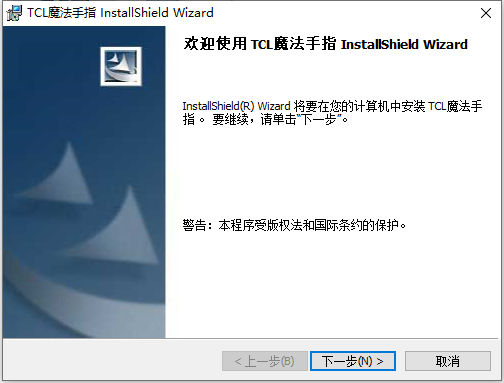
The latest version of TCL Magic Finger is an excellent handwriting pad input application. The official version of TCL Magic Finger has powerful functions and allows users to turn their laptop’s touchpad into a handwriting pad. TCL Magic Finger users can perform handwriting input operations directly on the computer. The software provides a variety of pen shape settings. You can choose the brush pen type, pencil pen type, and fountain pen type for input.
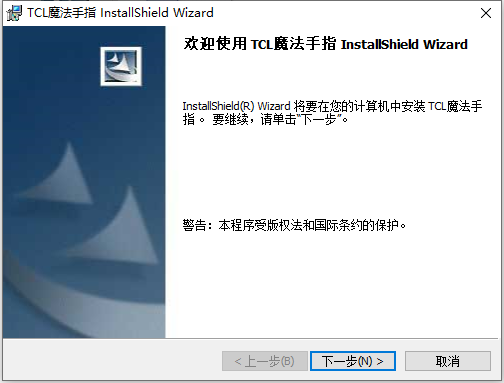
Introduction to TCL Magic Finger Software
It is a very practical laptop touchpad function enhancement software. Installing it allows you to turn the laptop touchpad into a handwriting pad, so that the functionality of the touchpad is greatly enhanced. It allows you to use the touchpad on your laptop to realize handwriting function. You can change the touchpad into a handwriting pad, and the word recognition ability is 90%, which is great. How to use: Open the text tool, open handwriting input, and you can write.
TCL Magic Finger software functions
No special hardware required:As long as your laptop has a touchpad, you can write by hand with your fingers, without the need for any additional hardware.
Easy to modify:With just a tap on the touchpad, similar words, associative words, and punctuation marks will appear.
Intelligent learning technology:According to the user's writing habits, it intelligently adapts to the user's handwriting and continuously improves the recognition rate.
Fast input speed:The recognition core is small and the recognition speed is fast.
Lesbian vocabulary:Post-associative input function makes input faster.
Fully compatible with:Widely applicable to various Windows application software: for currently used software such as Word, Excel, Powerpoint, WPS, WordPerfect, Lotus, SmartSutie, Photoshop, Internet Explorer, Netscape and various email software. That is, it can be used wherever keyboard input is possible.
How to use TCL Magic Finger
1. After opening the TCL Magic Finger software, the icon of this software will be automatically loaded in the lower right corner. Use CTRL+F12 to switch to using the touchpad for handwriting input (of course, the premise is that the switch of our notebook touchpad is turned on), and then type text operation software such as Word, Notepad, etc., and then you can handwrite directly on the touchpad.
2. The writing process is similar to that of an ordinary hand tablet, and it is relatively easy to operate. Of course, when we write, we may also write wrong words, or the written font is recognized incorrectly by the software. What should we do at this time?
3. We have to pay attention to several corners of the touchpad. There will be some special functional areas in the corners. The lower left corner is the choice of alternative words. When the font we write is recognized incorrectly, click the lower left corner of the touchpad and a series of alternative words will be generated; with the alternative words, there must be associated words, which are word combinations, in the upper right corner of the touchpad.
TCL Magic Finger update log
1. Fixed other bugs;
2. Optimized software compatibility.
Huajun editor recommends:
TCL Magic Finger software is a software with excellent performance, which is obvious to all. Huajun Software Park also has related software such as Magnum Wubi, Batch Butler, Batch Butler, etc. that are definitely worth downloading and using. Come and choose your favorite!
Version: 9.0.333 latest version | Update time: 2024-12-30
Similar recommendations





Latest updates




How to delete history in Video Pioneer? -How to delete history records by Video Pioneer
How to set the skin for Video Pioneer? -How to set skin for Video Pioneer
How to upgrade software in 360 Software Manager? -How to upgrade software in 360 Software Manager
How to draw a lottery in 360 Software Butler - How to draw a lottery in 360 Software Butler
TCL Magic Finger Review
-
1st floor Huajun netizen 2022-08-26 23:12:45The TCL Magic Finger interface design is easy to use and has rich functions. I highly recommend it!
-
2nd floor Huajun netizen 2022-08-29 14:03:13TCL Magic Finger is awesome! 100 million likes! ! !
-
3rd floor Huajun netizen 2022-08-09 19:12:34The overall feeling of TCL Magic Finger is good and I am quite satisfied with it. The installation and operation are very smooth! It went very smoothly following the installation step-by-step guide!
Recommended products










- Diablo game tool collection
- Group purchasing software collection area
- p2p seed search artifact download-P2P seed search artifact special topic
- adobe software encyclopedia - adobe full range of software downloads - adobe software downloads
- Safe Internet Encyclopedia
- Browser PC version download-browser download collection
- Diablo 3 game collection
- Anxin Quote Software
- Which Key Wizard software is better? Key Wizard software collection




