



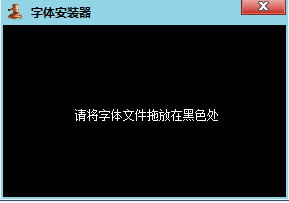
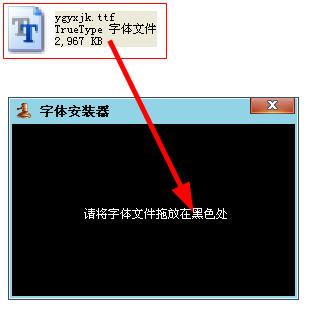
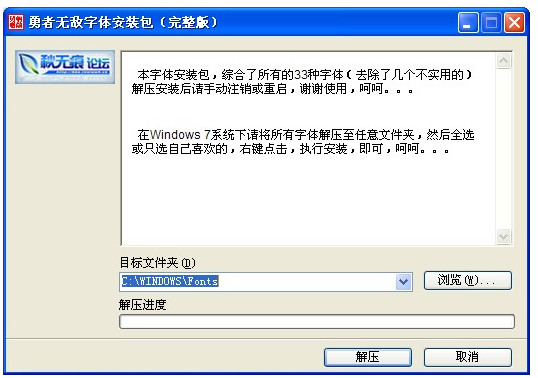
After opening the software, you only need to drag and drop the font files onto the software window to add fonts on your computer. There is no need to manually find the directory to add, which greatly improves the efficiency of font installation and helps everyone change various fonts as they wish.
Just drag the font you want into the software box and click Confirm to install it for you. You don't need to choose a path or anything else.
Tutorial
Mac system font installation tutorial
Recently, a friend asked how to install fonts on Mac? Maybe many novice friends don’t understand it because they are using Mac for the first time. Here I will introduce to novice friends how to install fonts on Mac. I hope it can help my friends!
In fact, the fonts installed on Mac are the same as those on Windows, simple, and most fonts are universal!
There are three methods:
Method 1: Directly double-click to install
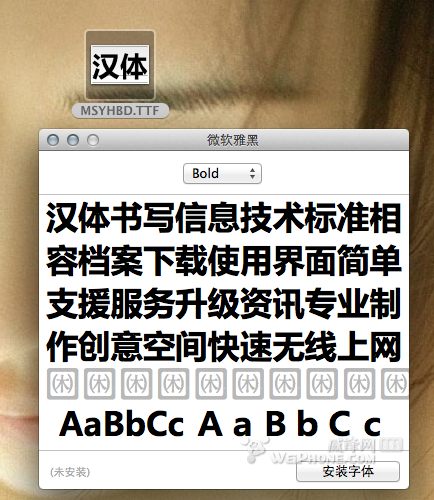
Method 2: Drag to the font library to install (it is recommended to install it in the user font library to avoid system problems caused by font problems)
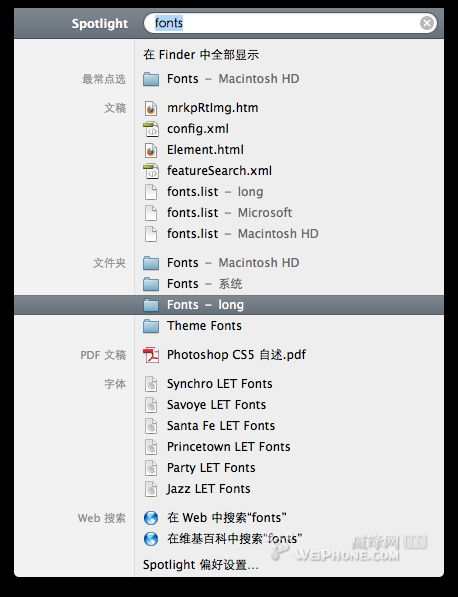
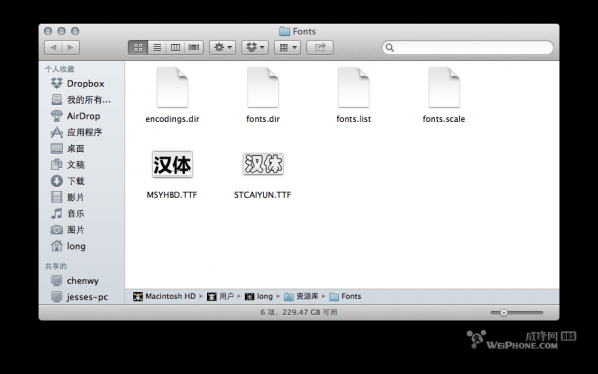
Method 3. Font book installation
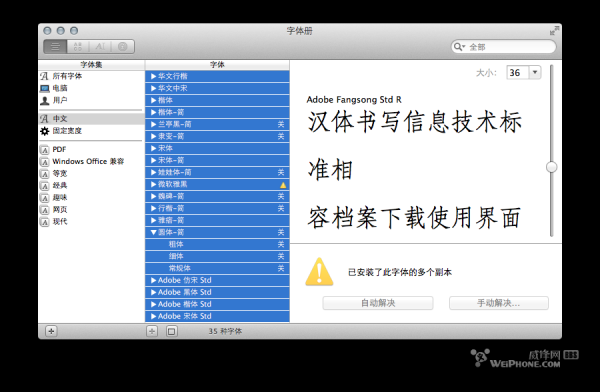
After reading the brief description above, I think you will suddenly realize that it is the same as Windows!
Note: Be sure to verify the fonts after installation. There are many fonts that cannot be used normally due to various problems! Use this to avoid system or application errors! The most common thing is to cause errors in drawing software such as PS!
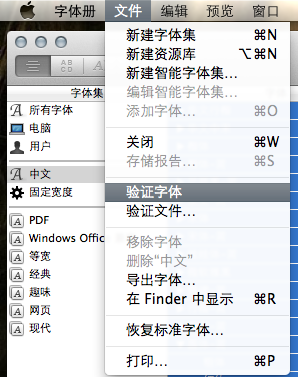
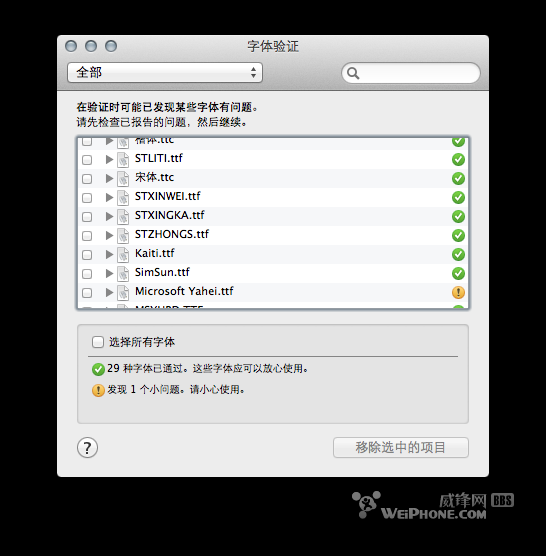
Okay, the above is the tutorial on how to install fonts on Mac. Novice friends can take a closer look!
Statement of use
1. All commands of this software are not plug-in operated.
2. There are no viruses, Trojans or other plug-ins in this software.
3. Imitation of this software is prohibited and violators will be prosecuted
4. This software is released on the premise that it is unwilling to violate the laws of the People's Republic of China and is only for reference and learning by software enthusiasts.
5. All consequences of this software are borne by the user and have nothing to do with the author.
6. This software is used voluntarily by the user
7. The final right of interpretation belongs to the author







Useful
Useful
Useful