





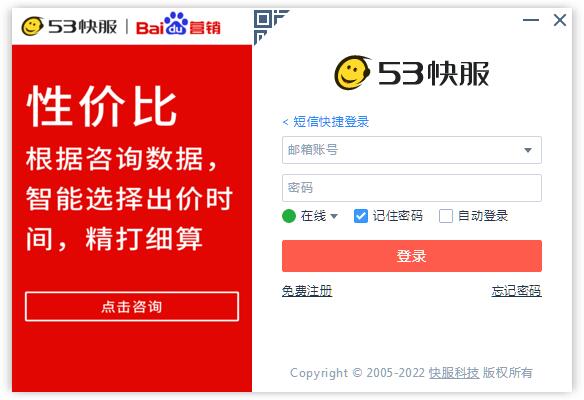
Introduction to online customer service system software
53 Customer Service is an online customer service system suitable for any website (PC/mobile phone/microsite). It can monitor website visitors in real time. Effectively grasp visitor sources, search keywords, browsing trajectories, etc. The advertising effect is clear at a glance. Integrate mainstream communication channels such as QQ/Wangwang/Weibo. Achieve perfect docking with the WeChat platform to facilitate micro-business opportunities. It is currently used by more than 600,000 companies and continues to grow.
Online customer service system software functions
1. Visitor dialogue
Visitors do not need to install any plug-ins and can communicate with customer service through text, pictures, screenshots, files, etc.
2. Send files
工作平台和访客端双向文件传输功能,并支持常用文件的管理。
3. Active invitation
When a visitor enters the website, the system automatically sends a dialogue invitation based on the set parameters.
4. News prediction
Customer service can simultaneously see that the visitor is typing unsent text.
5. Screenshot function
During a conversation, capture pictures online and send them to the other party.
6. Visitor trajectory
View visitor sources, search keywords, regions, IPs, and browsing tracks in real time.
7. Commonly used phrase management
You can perform operations such as presetting, categorizing, editing, and querying commonly used phrases.
8. Conversation transfer
When customer service encounters difficult problems, they can transfer them to the corresponding colleagues for help and improve service levels.
9. Blacklist
Visitors who are maliciously harassing can be blacklisted to prohibit them from entering the consultation.
10. Data analysis
Detailed records of website traffic, consultation volume, visitor sources and other data are presented in the form of reports.
11. Designated customer service
Inquiries on different pages can be designated to be received by the corresponding customer service or department.
12. Offline messages
Supports two-way offline messages from customer service to visitors and visitors to customer service.
13. Distribution by region
Visitors are automatically received by customer service in that area according to the area they are located in, allowing dialogue to be allocated by area.
Online customer service system installation steps
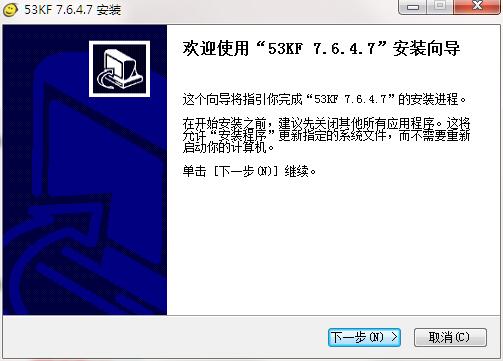
1. Download the latest version of the installation package of the online customer service system in Huajun Software Park, double-click the exe program to enter the installation wizard, and click Next
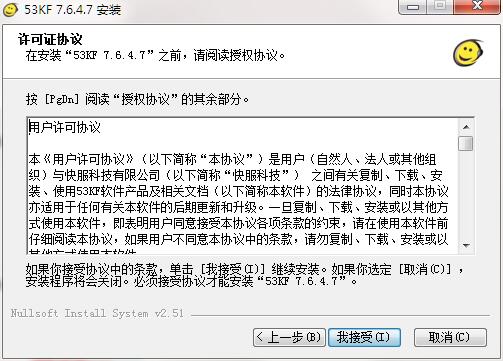
2. Read the license agreement and click I accept
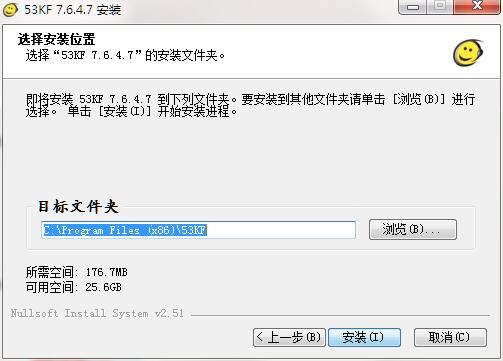
3. Click "Browse" to select the installation folder. Generally, it is installed on the C drive of the computer by default. It is recommended to install on the D drive. Click Install.
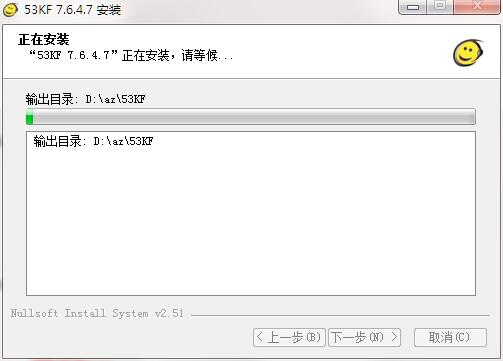
4. The software is being installed, please wait patiently.
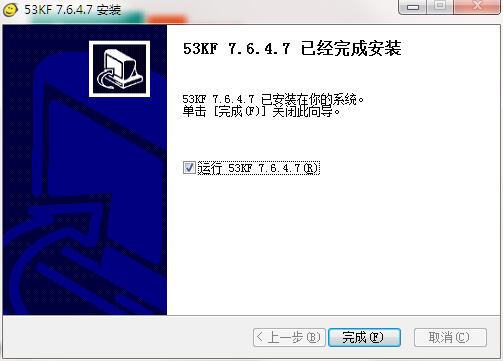
5. The installation of the online customer service system is completed, click Finish to exit the installation wizard
Online customer service system update log
1.Fix some bugs
2. Optimized some functions
Huajun editor recommends:
It is highly recommended to download the online customer service system. Whoever uses it will know. Anyway, I have already used it. In addition,Lieliu Taobao brush through train click traffic software,Tongke Business Marketing (Professional Edition),Word chasing assistant,Taobao link conversion tool,Keyword ranking click toolIt is also a good software. Welcome to click to download and experience it!















Useful
Useful
Useful