



Game introduction
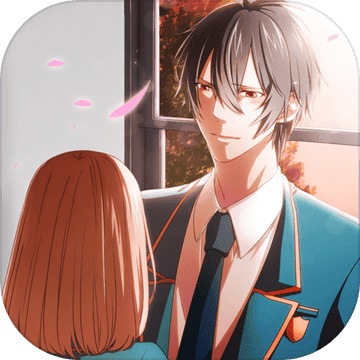
"First Love Is the Student Council President" is a cute-style simulation love development mobile game. This game is set on campus!
The game tells the story of a student who was assigned to work in the student union just after enrolling as a foreign student, and the people in the student union are all handsome guys!? A threatening letter was sent from the student union and the secret of the student union president...
The heart-pounding and slightly suspenseful story begins. Collect and place to produce cute Q version of the president. After reaching a certain number, romantic and interesting plots will continue to be staged.
Game features
1. Adopting a cute art style, the painting style is super warm and healing, and the picture is clear and detailed.
2. An extremely attractive storyline. When you meet the president of the student union, the love story begins.
3. The heart-pounding and slightly suspenseful game process, and the ups and downs of the story will make your heart feel like a deer.
4. Characters with different styles and distinctive personalities. The characters are portrayed as handsome men and beautiful women, and the pictures are full of sense.
Installation method
The compressed package of the computer version of First Love Is Student Council President provided by Huajun Software Park contains the Android emulator and game APK files. The computer version of the mobile game requires the emulator to be installed first, and then the APK file.
1. After decompressing the computer version of First Love Is the Student Council President downloaded from the Huajun Software Park, you will get an emulator exe installation program and an APK game file. We first click on the exe program to install the emulator.
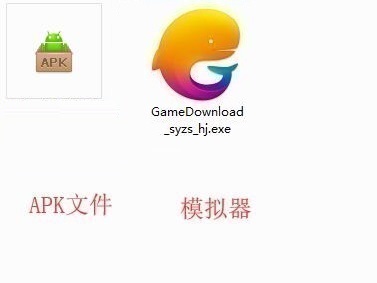
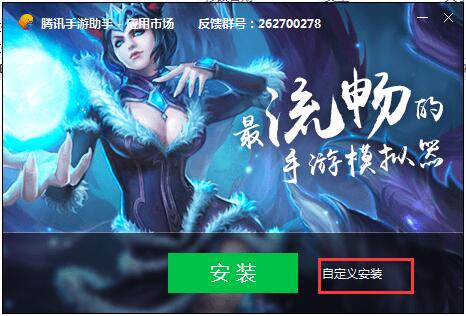
2. Double-click the "GameDownload_syzs_hj.exe" file to enter the installation interface. Users can click "Install" to select the system's default installation address for installation, or click "Custom Installation" to select the installation path. Custom installation is recommended here.
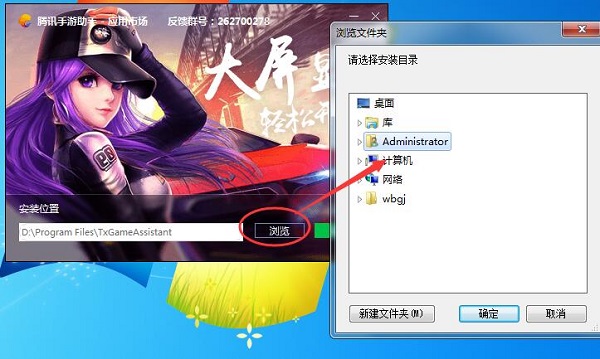
3. Click the "Browse" button and customize the installation location. It is recommended to install it on the D drive. After selecting, click "Install".
4. Installation is in progress, please wait.
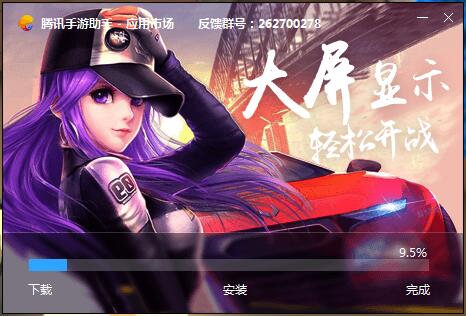
5. After the simulator installation is completed, click "Try Now".

6. Open the emulator, click "My Games", and then click the "+ Local Install" button in the upper right corner.

7. In the pop-up window, click the decompressed APK file, and then click Open.
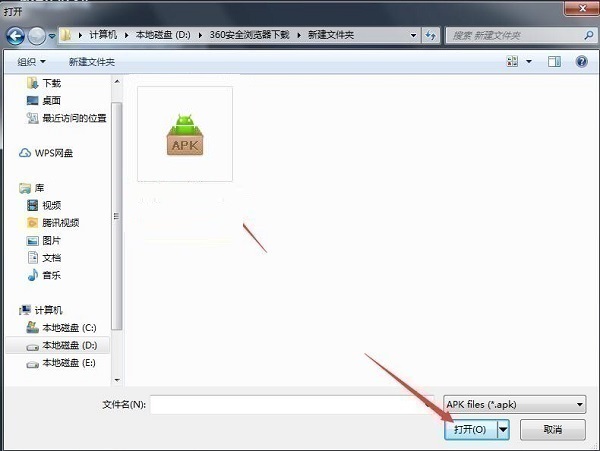
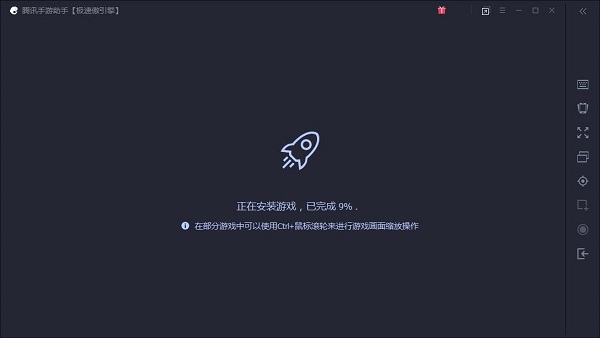
8. After that, the game will enter the installation process. You need to wait for a while. After the game is installed, it will appear in my game list. Click the icon to open and play.




Your comment needs to be reviewed before it can be displayed