




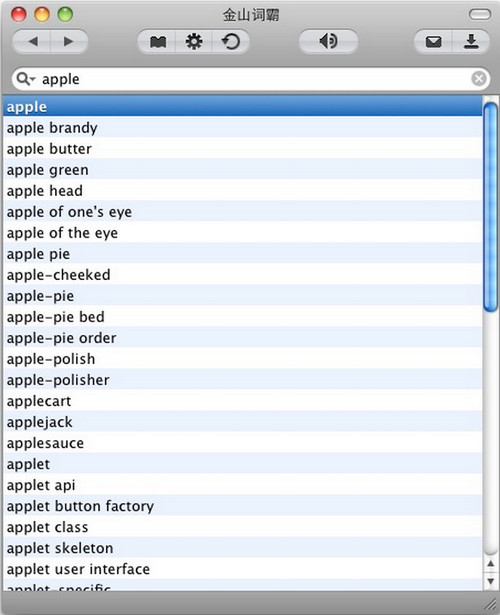
Basic introduction Kingsoft PowerWord is a professional Chinese-English translation dictionary. It has functions such as "offline word search, British and American real-person pronunciation, memorizing words, finding example sentences, and free download of industry dictionaries". It is an essential software for studying and traveling abroad.

Function introduction: Use the built-in TTS engine of Mac OS X to realize word reading and voice playback. The Mac platform also has a Chinese pronunciation dictionary.
It has built-in English-Chinese and Chinese-English dictionaries, and can import and activate new expanded dictionaries, providing a comprehensive Mac platform electronic dictionary solution.
Intelligent indexing based on input letters simplifies word search operations; it can also memorize all word search actions every time the software is started for easy review.
All historical word searches are recorded, the learning process is clear at a glance, and management operations such as deletion can be performed.
Usage method: After downloading the DMG file of the software, directly double-click the file Mount, use the mouse to drag the Kingsoft PowerWord icon in the pop-up window to the Application directory, and the installation will be completed after dragging to the Application directory. You can use the Shift+Command+A shortcut key to open the Application directory, or you can find Application in the Go menu of Finder.





















Useful
Useful
Useful