




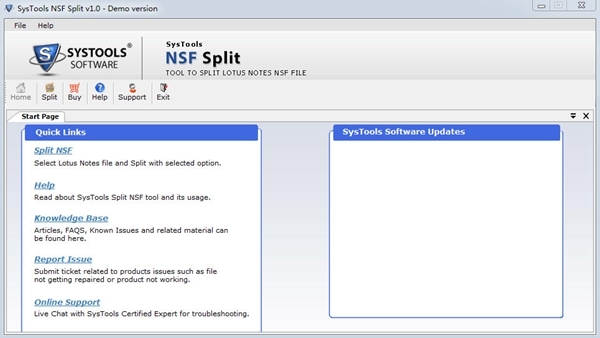
SysTools NSF Split software introduction
Split Lotus Notes NSF database (Archives, Mailboxes and Contacts)
Split NSF files by size, date, year or folder
Requires Lotus Notes installation to split NSF files
Generate log reports to compare simplified NSF to original NSF files
Successfully split password-protected NSF files using password
Supports Lotus Notes 9.0 and below
Compatible with Windows 10 and below
SysTools NSF Split function introduction
Split NSF database file
This tool separates Lotus Notes mailboxes, archived NSF files and address books (Names.NSF). If you need to reduce Lotus Notes mailbox database size, use SysTools NSF file splitting tool splits it in 4 different ways: NSF files by size, NSF files by year and NSF files by date. Note: This tool also supports Domino Server's NSF file.
Split protected NSF
If your NSF file is password protected, the software will prompt you to enter the password and successfully break large NSF databases. The tool can also handle encrypted NSF files and split them accordingly
Split NSF files by size
Using this option if the size of the Lotus Notes database is too large and needs to be broken up into equal sized blocks. You can define 5 MB to 10 GB size range and reduce the size of the Lotus Notes mailbox based on the defined size.
Split NSF files by folders
Using this option, you can create multiple NSF files representing each folder of the database. Additionally, these folders can be divided based on size. For example: Inbox.nsf (for Inbox folder), Outbox.nsf (for Outbox) folders are created separately; furthermore, you can maintain the size of each file by applying a size filter.
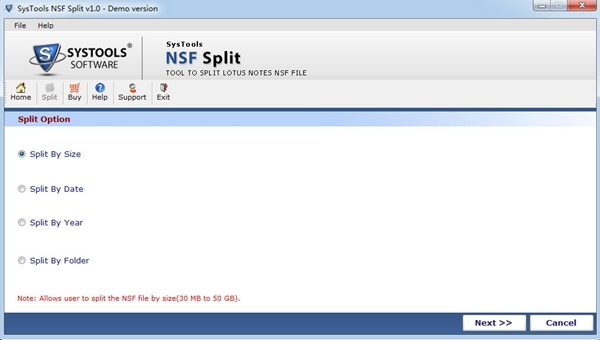
Split NSF files by year
The software is smart enough to easily split Lotus based on year Notes database and create a separate NSF file for each year. For example, if you select 2010-2013 as the years, the software will create three separate NSF files, representing the respective years.
Split NSF files by date
Based on this filter, you can filter emails of specific dates to create new NSF files from large NSF archives. You need to specify the date on which the email needs to be sent from the NSF file.
Supports all versions
The software is compatible with NSF files of any Lotus Notes version (i.e. 9.0, 8.0, 8.5, 7, 6 and lower). This tool uses Lotus listed The Notes version successfully split the NSF file without encountering any glitches in the process.
Show status
You can compare your NSF files in the split "Comparison Report". You can click the "Compare NSF" button and generate a csv file to know the folder path, size, difference before and after splitting the NSF file.
SysTools NSF Split installation steps
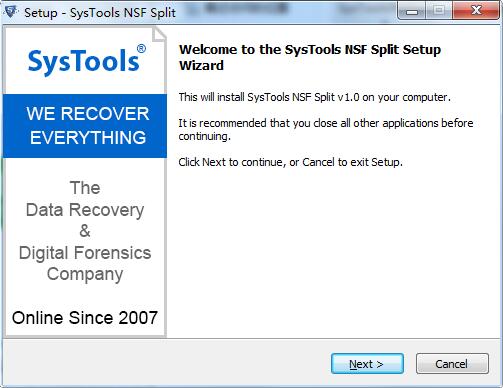
1. Download the SysTools NSF Split official version installation package from Huajun Software Park. After unzipping, double-click the "exe" file to enter the installation wizard and click Next
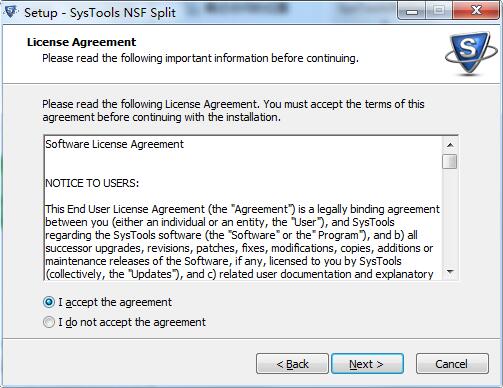
2. Read the license agreement, click "I accept the agreement", and click Next
3. Click "Browse" to select the installation location. Generally, the default is C drive. It is recommended to install on D drive. Click Next.
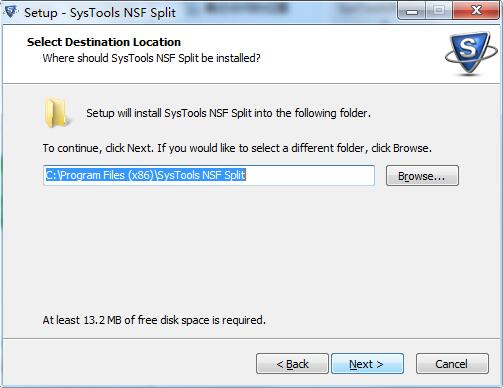
4. Click "Browse" to select the start menu folder and click Next
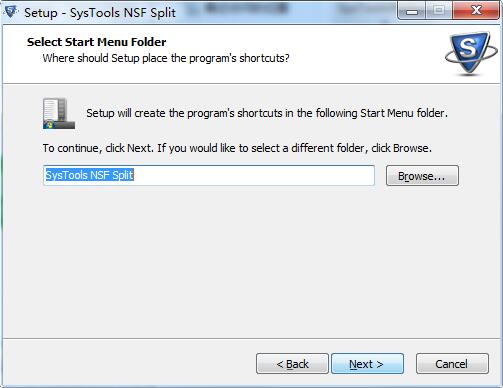
5. Select additional tasks, check the tasks you need, and click Next
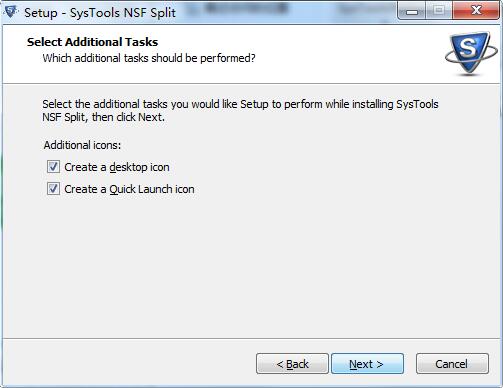
6. The software information is ready, click Install to install
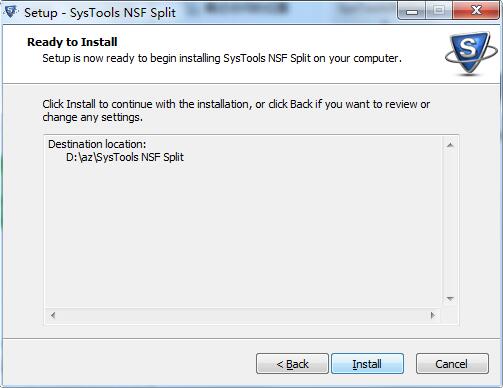
7. The software is being installed, please wait patiently.
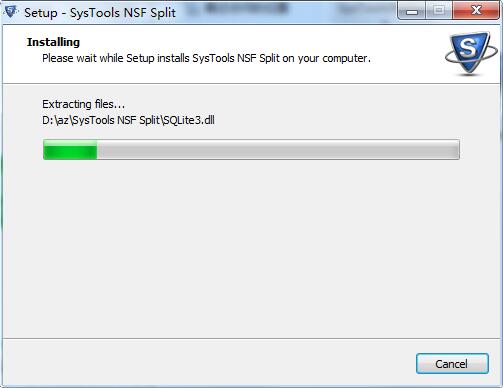
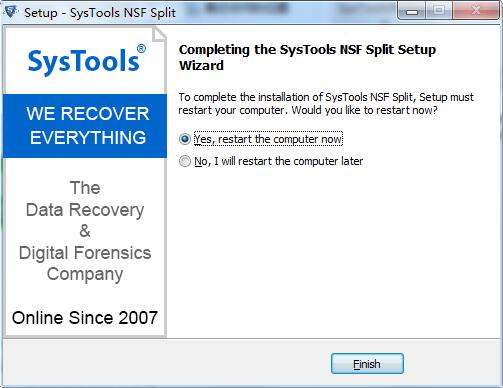
8.SysTools NSF Split installation is complete, click Finish to exit the installation wizard
SysTools NSF Split update log
1. Optimized some functions
2. Solved many unbearable bugs
Huajun editor recommends:
In addition to SysTools NSF Split, a very convenient file splitting tool, there are alsoSmart Bear File Splitting,txt text cutter,txt novel splitter,Time recording tool TimeSheet,PDF Split-MergeRelated software is available for download. If you need it, please click to download and use it.




Useful
Useful
Useful