
-
mac theme beautification tool Mountain Lion Skin Pack
- Size: 85.1M
- Language: Simplified Chinese
- Category: desktop wallpaper
- System: Win All






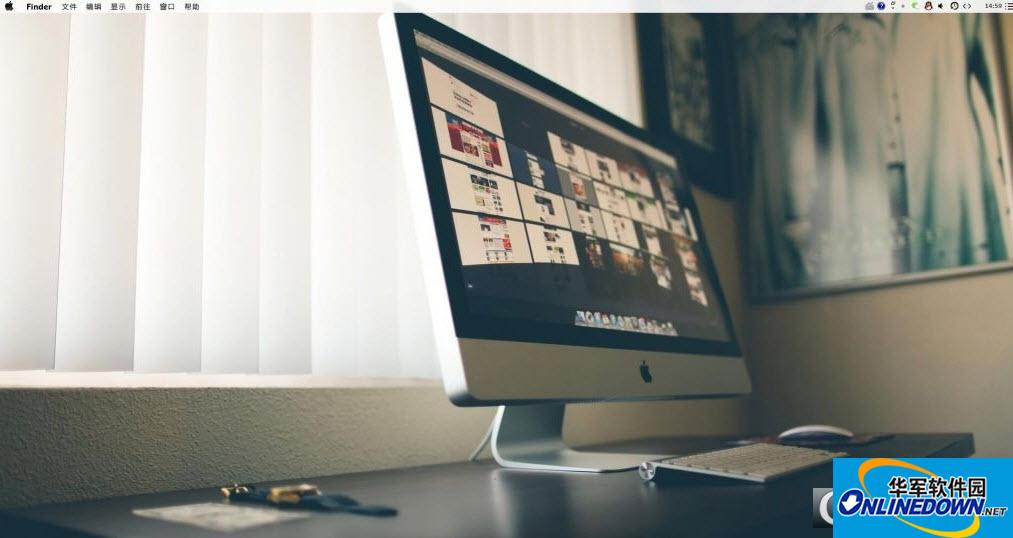
The mac theme beautification tool Mountain Lion Skin Pack is a win7&win8 ultimate imitation mac system theme Mountain Lion. It can use Apple Mac theme applications on the win system. Through this software, users can replace all themes of the computer system and use Lion Skin Pack to create a new theme.
beautification process
I like windows, and I also like the beautification of mac.
At the same time, we also want to get the satisfaction after doing it and succeeding. What we like is this process and enjoy this process.
Topic Tutorial
Step 1: Install the theme package
There are two here, one is x64 and is a 64-bit system. One is that x86 is a 32-bit system
(Win7 32-bit is used as a demonstration here)
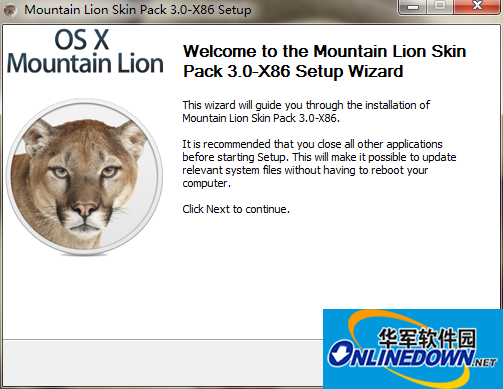
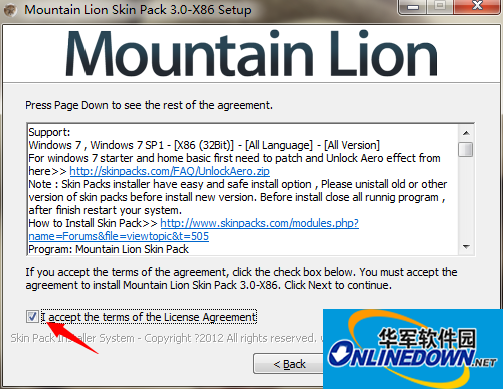
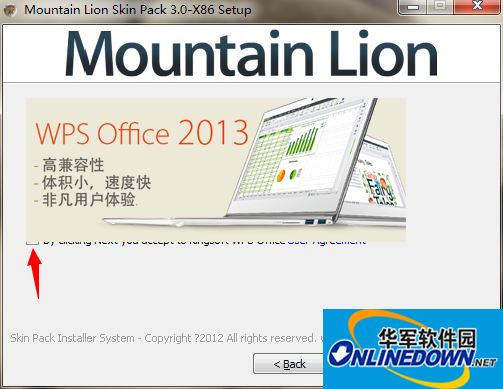
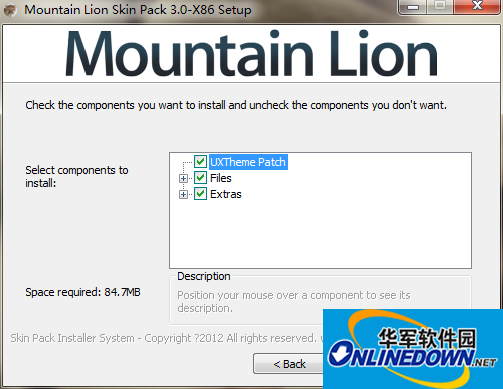
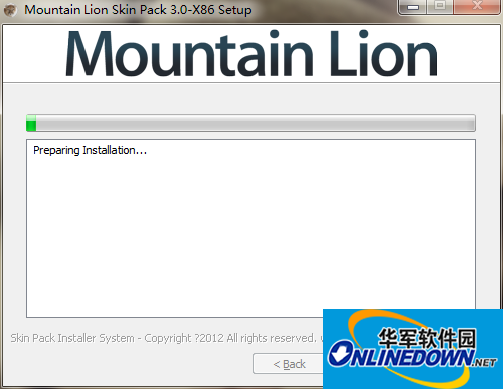
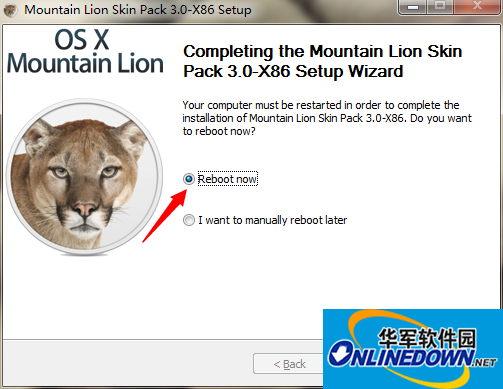
The installation is successful, select reboot to restart immediately
After restarting, you will find that the startup screen and welcome interface have changed to mac.
After booting, there will be a lot of add-ons. Don’t worry, wait until they are loaded.
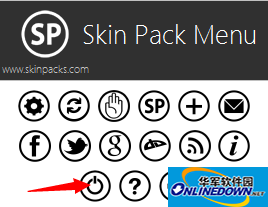
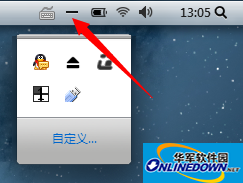
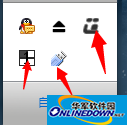
Click on all closes marked by the red arrow above,
Right click on all of them -exit or quit to cancel closing.
Step 2: Modify the start button
At this time you will find that the start button is already an Apple picture
But this picture is not very beautiful, so it is recommended to replace it and it will not be troublesome.
Open Windows 7 Start Button Changer v2.6
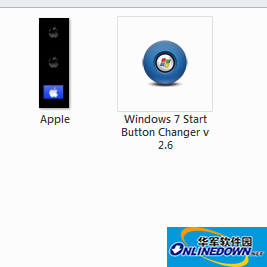
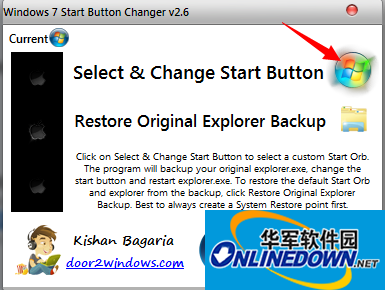
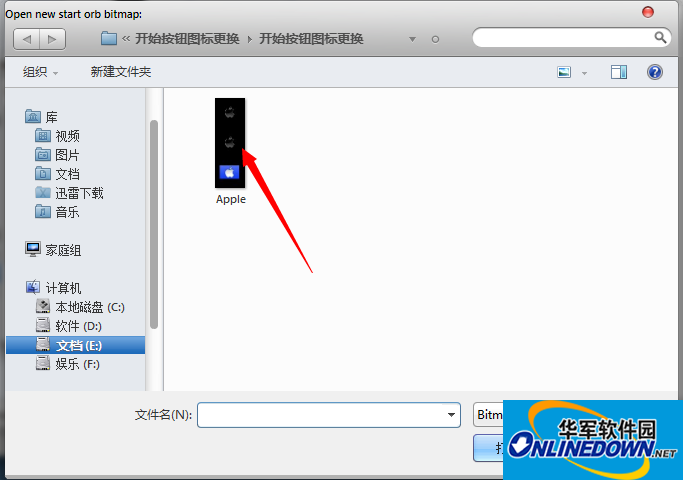
At this time, the taskbar will be restarted and it will disappear for a while. Don’t be afraid, and then it will be there. You will find the Apple Start button.
If the picture becomes better
Step 3: Install TLB, which is the row to the right of the Apple start button you see
Open the True Launch Bar Installer in TLB
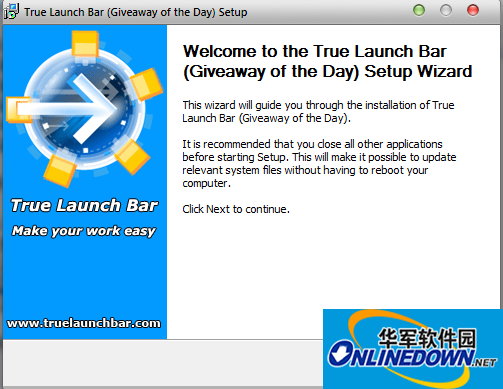
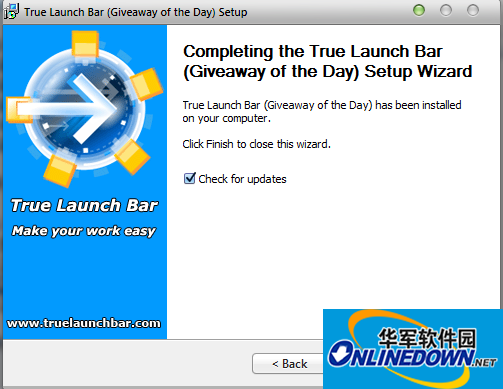
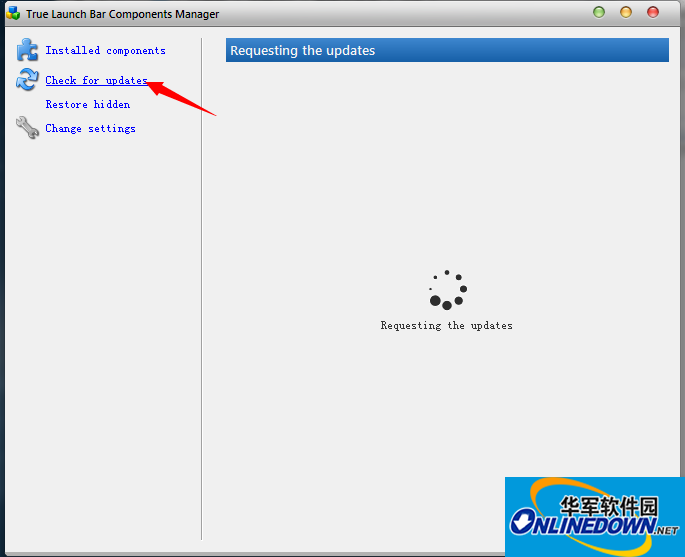
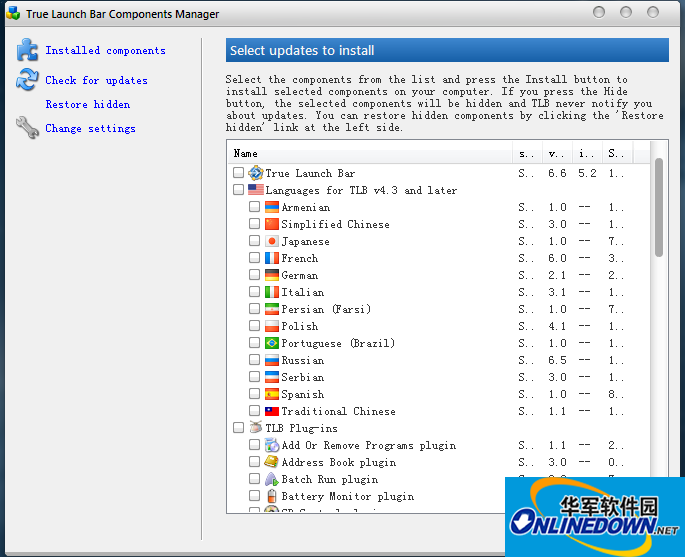
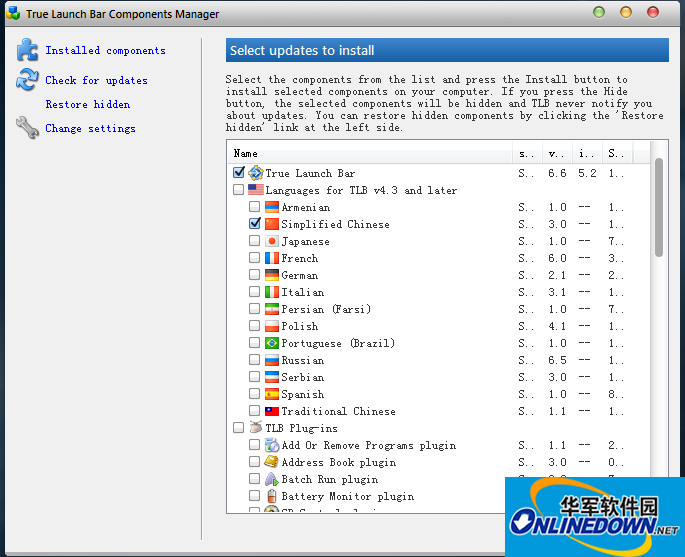
Just select these two and then select install.
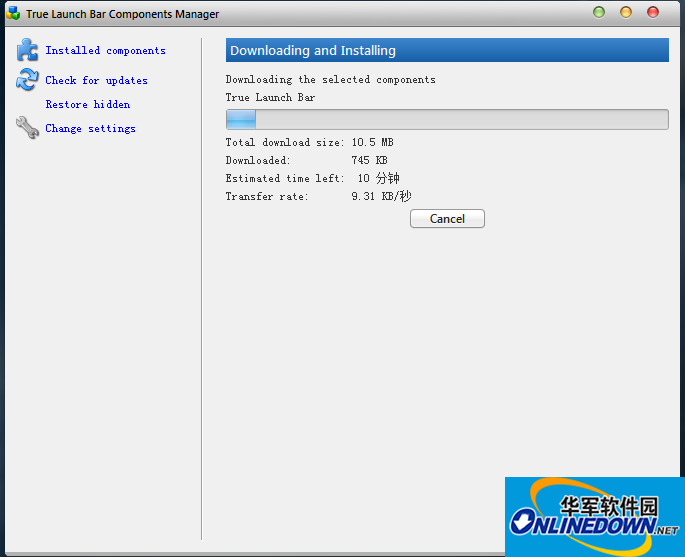
Close after installation
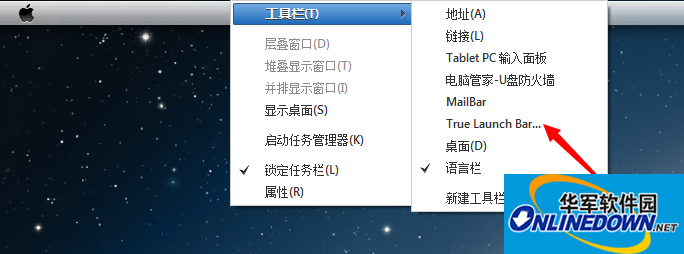
Right-click on the taskbar and select True Launch Bar
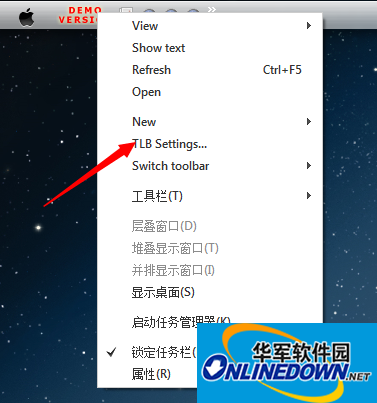
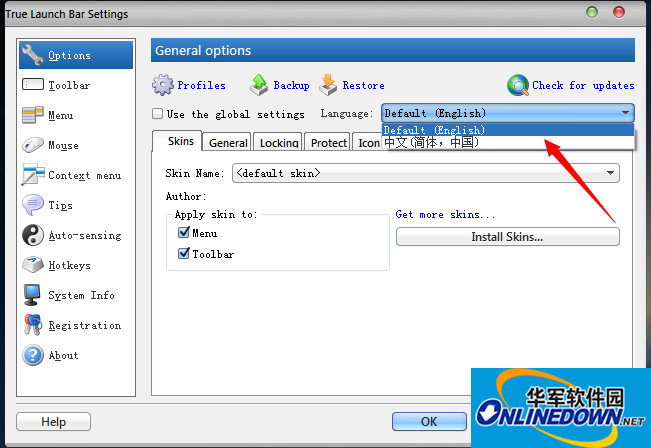
Select language
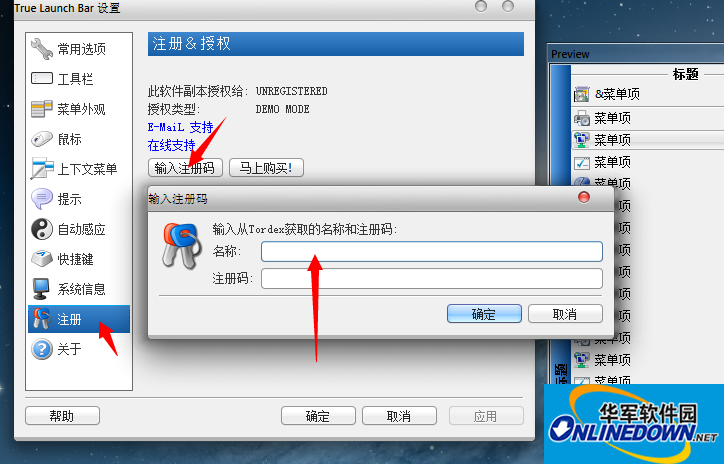
Menu bar on the left--Register. Enter the name and registration code in the file key. After confirmation, the sign will disappear.
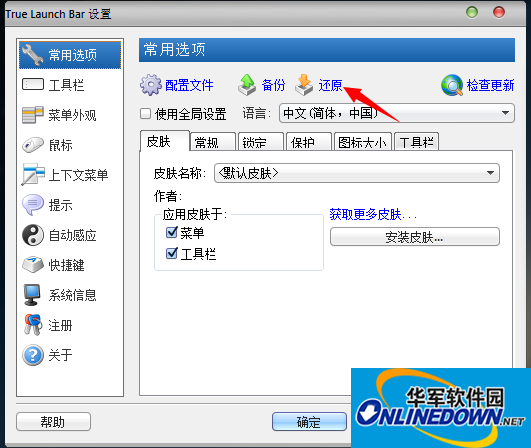
Restore - the backup that has been set up. It is cumbersome to go out and set it up yourself.
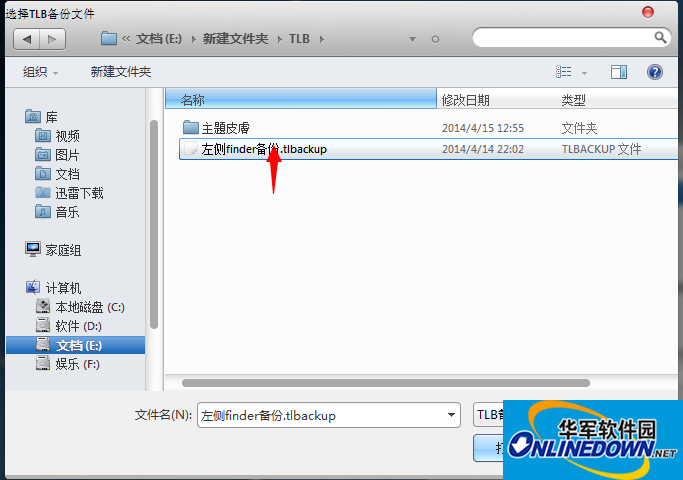
After selecting the backup file in the file and confirming, the taskbar will be basically perfect.
Part 4: Install dock
Open the dock folder, unzip the full version of MYDOCK first, and click the EXE file to install. It is recommended not to install on the C drive.
Then unzip the dock update compressed package, copy the unzipped file into the installation folder, and replace it directly
Then double-click dock.exe to open it, and you will find that the dock has come out! !
Isn’t it great~~~~
The last step: clean up the aftermath and change the startup items
Because I installed the theme package before, there will be a lot of programs when booting up, which is very difficult.
So set it up at startup
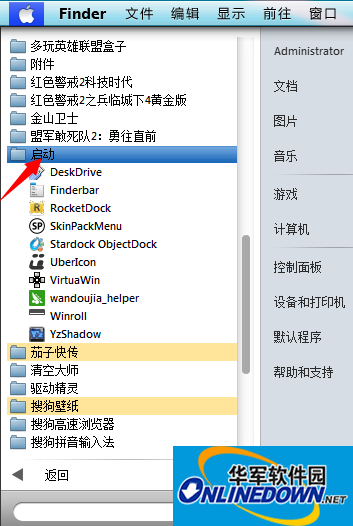
Select Start-right-click-Browse all users
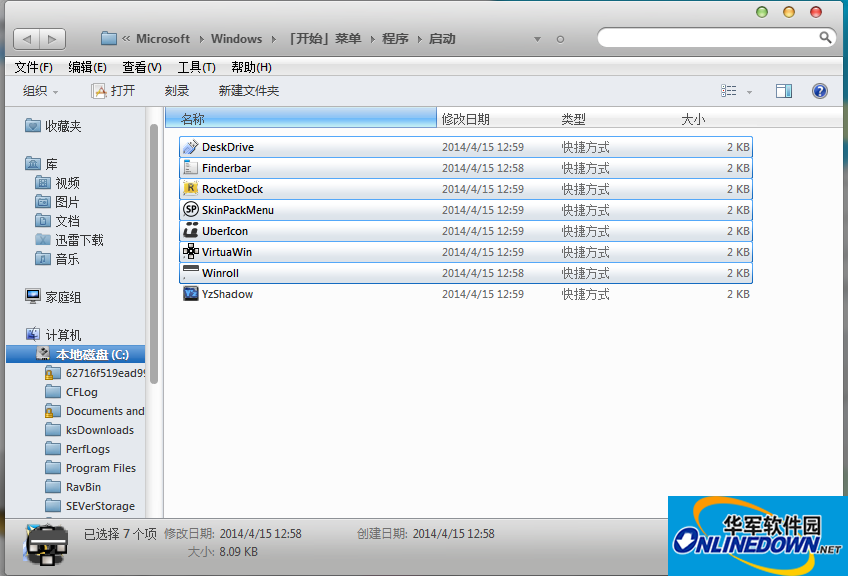
Delete all except YzShandow (taskbar shadow effect program)
Then open the left folder of the traffic light in the attachment.
Create these two shortcuts and copy them into the startup items
The first one is to turn off zoom in and zoom out to the left
The second is to hide the running programs displayed on the taskbar.
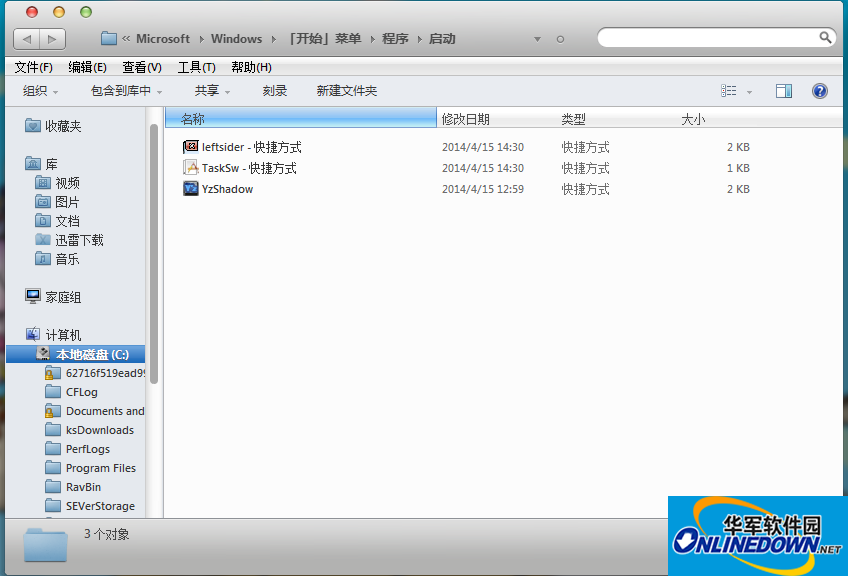
This is the end of the beautification! ! ! ! ! Enjoy it after restarting
Version: 3.0 imitation mac system theme | Update time: 2024-12-30
Similar recommendations





Latest updates





mac theme beautification tool Mountain Lion Skin Pack review
-
1st floor Huajun netizen 2021-11-27 21:30:50The mac theme beautification tool Mountain Lion Skin Pack software is very easy to use, the download speed is very fast, and it is very convenient!
-
2nd floor Huajun netizen 2018-11-08 05:32:12The mac theme beautification tool Mountain Lion Skin Pack is super awesome! 100 million likes! ! !
-
3rd floor Huajun netizen 2019-01-12 07:41:45The mac theme beautification tool Mountain Lion Skin Pack overall feels good and I am quite satisfied. The installation and operation are very smooth! It went very smoothly following the installation step-by-step guide!
Recommended products
-

Fun cool live wallpaper
-

Automatically change desktop wallpaper
-

Xiaoyu wallpaper
-

Desktop wallpaper automatic changing software (Jeoe Wallpaper Changer)
-

Baidu wallpaper
-

Good table road wallpaper
-

Eye protection desktop wallpaper HD complete collection
-

3D aquarium tropical fish dynamic desktop wallpaper
-

bird wallpaper
-

Wallpaper Engine
- Diablo game tool collection
- Group purchasing software collection area
- p2p seed search artifact download-P2P seed search artifact special topic
- adobe software encyclopedia - adobe full range of software downloads - adobe software downloads
- Safe Internet Encyclopedia
- Browser PC version download-browser download collection
- Diablo 3 game collection
- Anxin Quote Software
- Which Key Wizard software is better? Key Wizard software collection




