During the process of watching a video, I want to cut out the exciting part in the middle. How to achieve this? Today, the editor will use Quick Cut to cut the middle section of the video. Please see the operation content of Quick Cut to cut the middle section of the video below. I hope it can help everyone.
It is recommended to perform this editing work in professional mode.
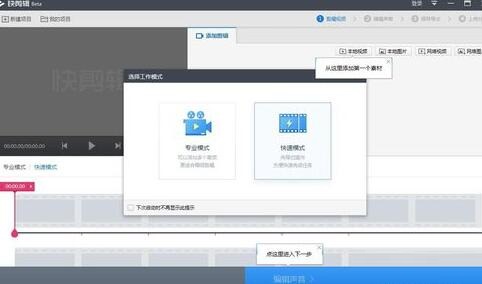
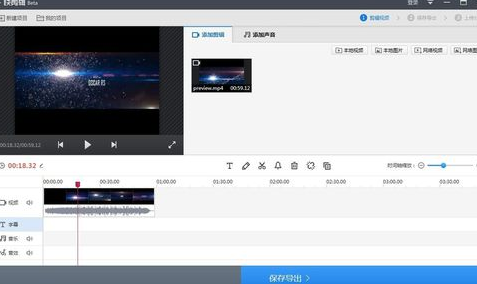
Import the video to the video track on the timeline.
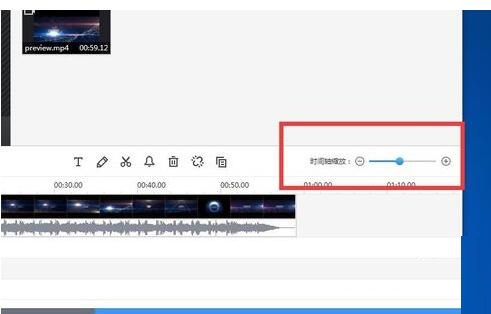
Zoom in the timeline for a clearer view
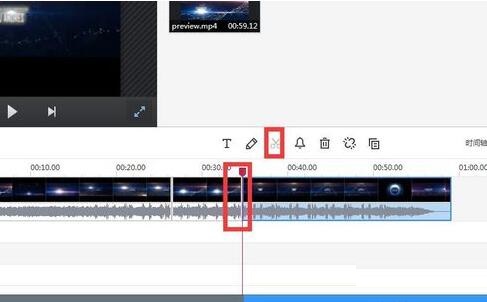
Drag the timeline pointer to the starting point of the clip and click the scissors tool above. Cut off with one click
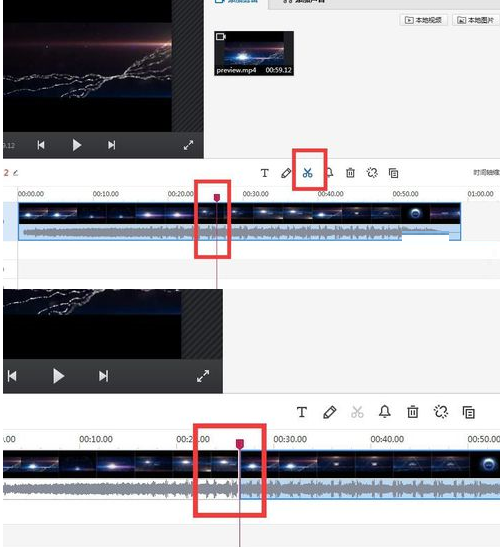
Cut off the second half as well. The method is very simple, the same as before.
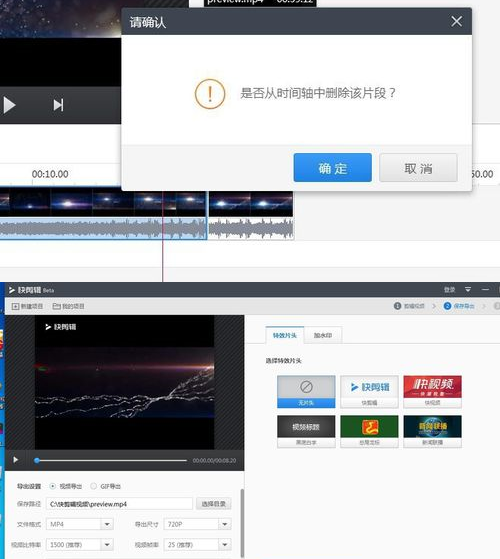
Just delete the unnecessary two paragraphs before and after. Then output.
The above article explains the operation content of quick editing to cut the middle segment of the video. I hope friends in need can learn it.