
-
PixSmart video cutout beautification
- Size: 159M
- Language: Simplified Chinese
- Category: video editing
- System: Win






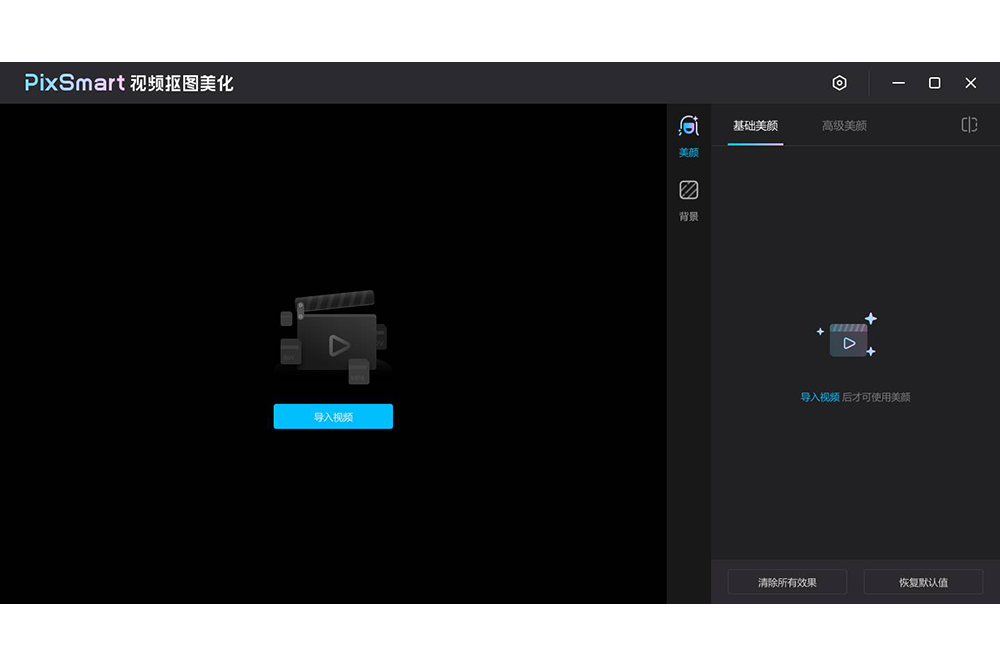

PixSmart video cutout beautification allows you to cut out videos with one click and replace your favorite pictures or video backgrounds.
PixSmart video cutout beautification software functions
1. Advanced beauty
• No fear of direct shooting with the original camera, intelligent beautification in post-processing, and more efficient PC editing
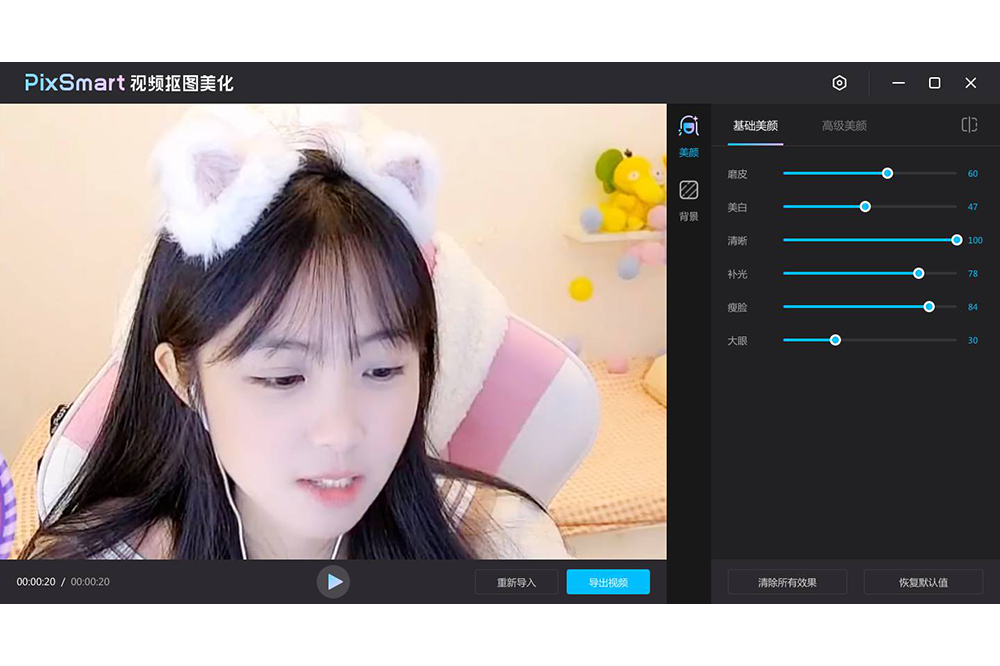
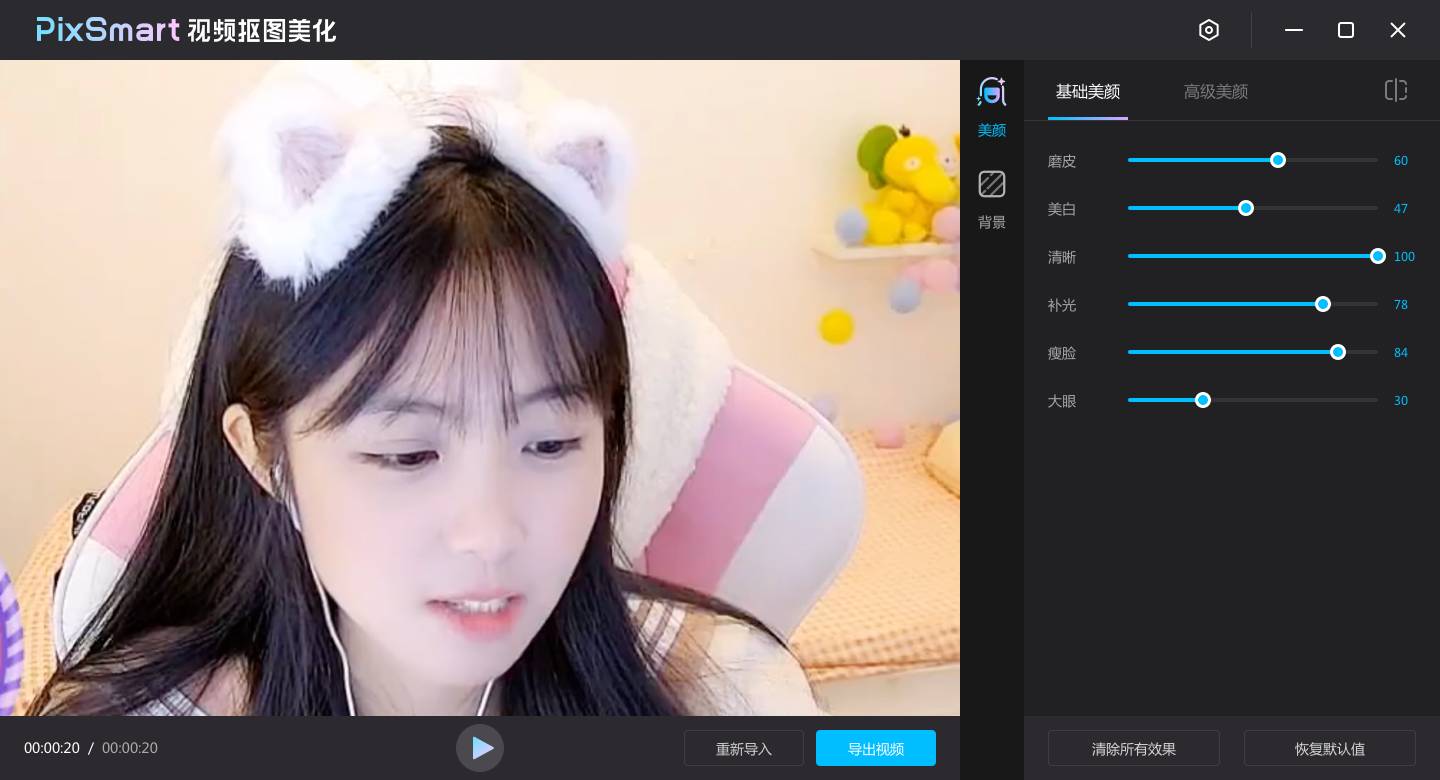
• 24 adjustment items for exquisite beauty, including facial features plastic surgery, facial contour adjustment, dark circles and nasolabial folds and other detailed beautification
2. Intelligent cutout and background change
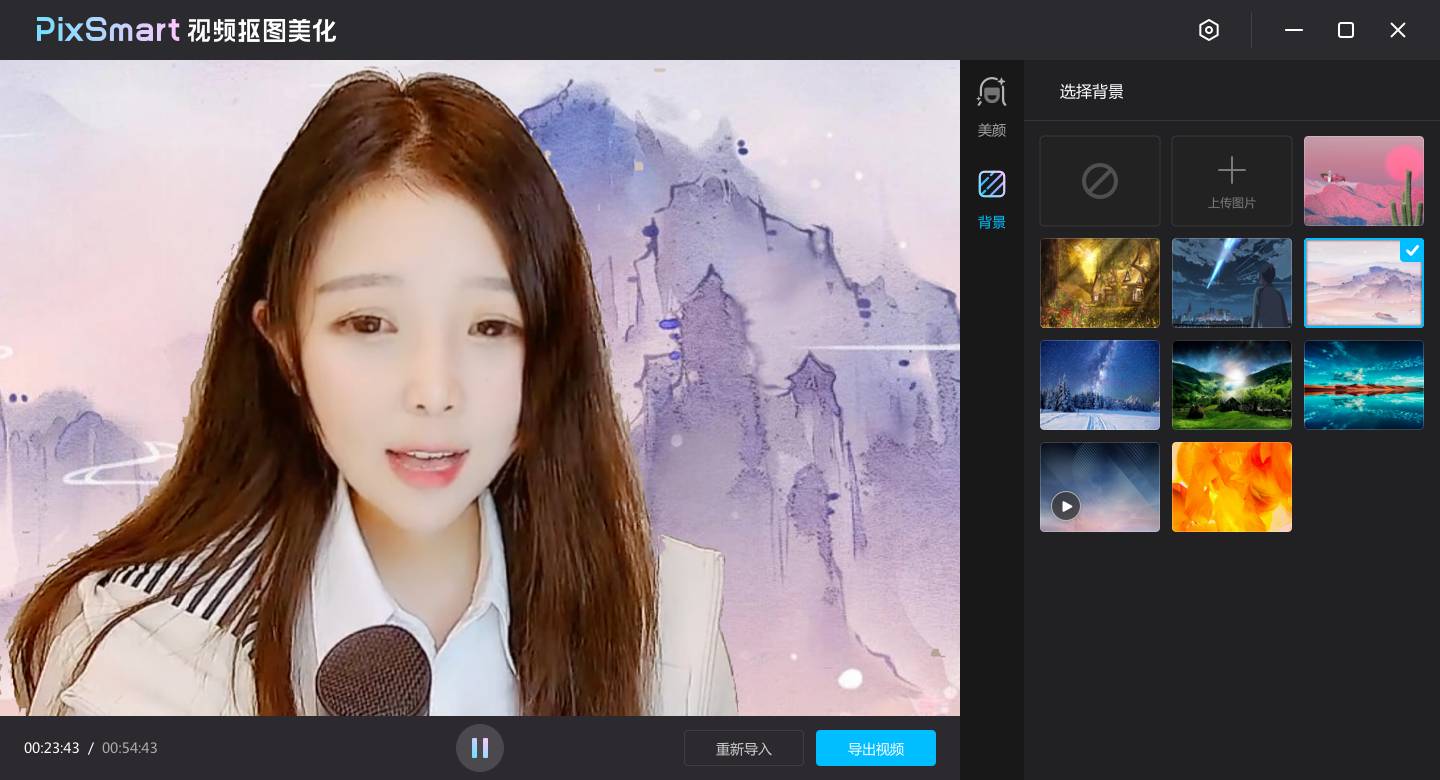
•Cut out the video with one click and replace your favorite picture or video background
•High-precision portrait segmentation, the effect is more natural and refined
Tutorial on how to use PixSmart video cutout and beautification software
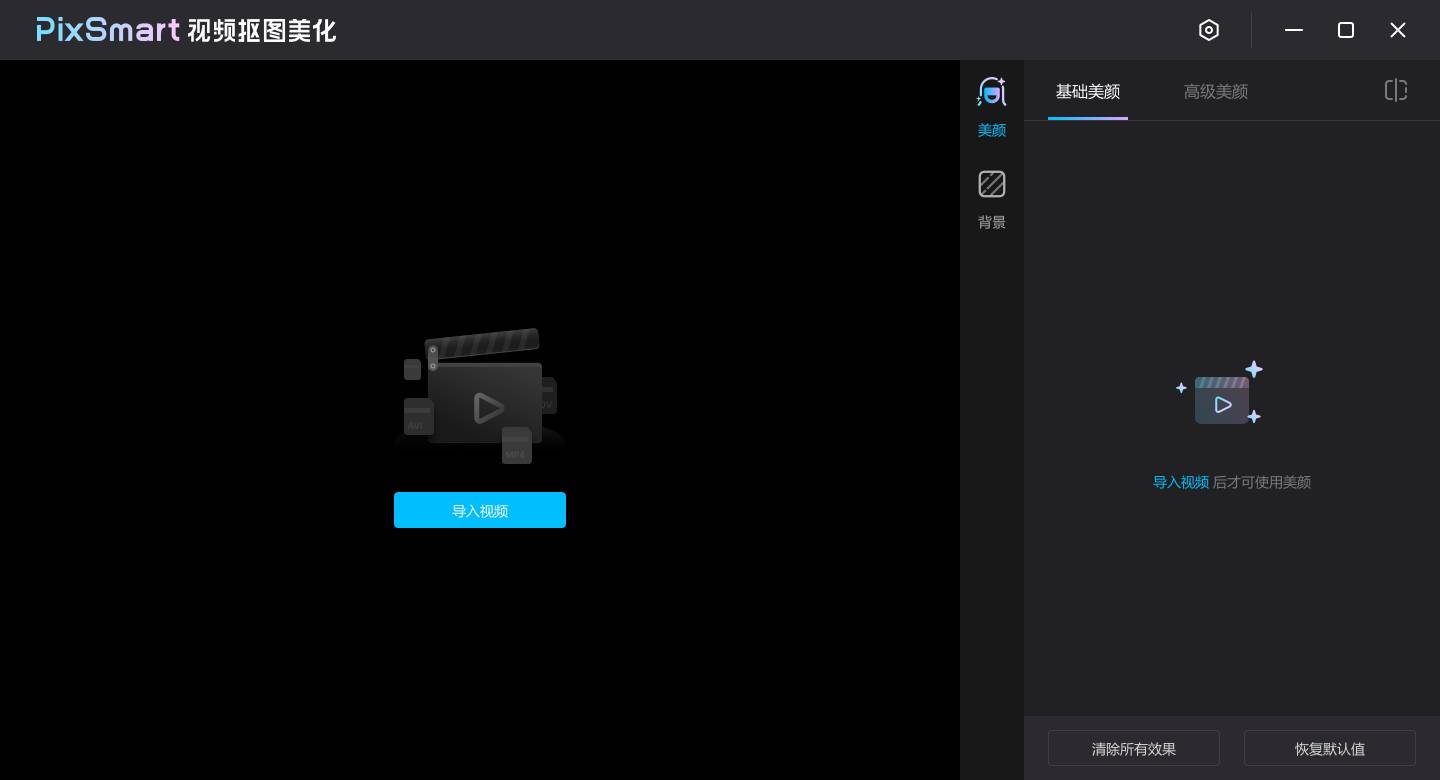
1. After successful installation, open the software, click the [Import Video] button, and select the video file that needs to be processed.
2. After importing the video, click the play button at the bottom to start adjusting the beauty or background effects (Note: When the video is paused, the adjustment effects will not take effect temporarily. Click play to resume the effect preview)
3. The background function can intelligently separate the portrait and the background, and replace the background of your favorite picture or video.
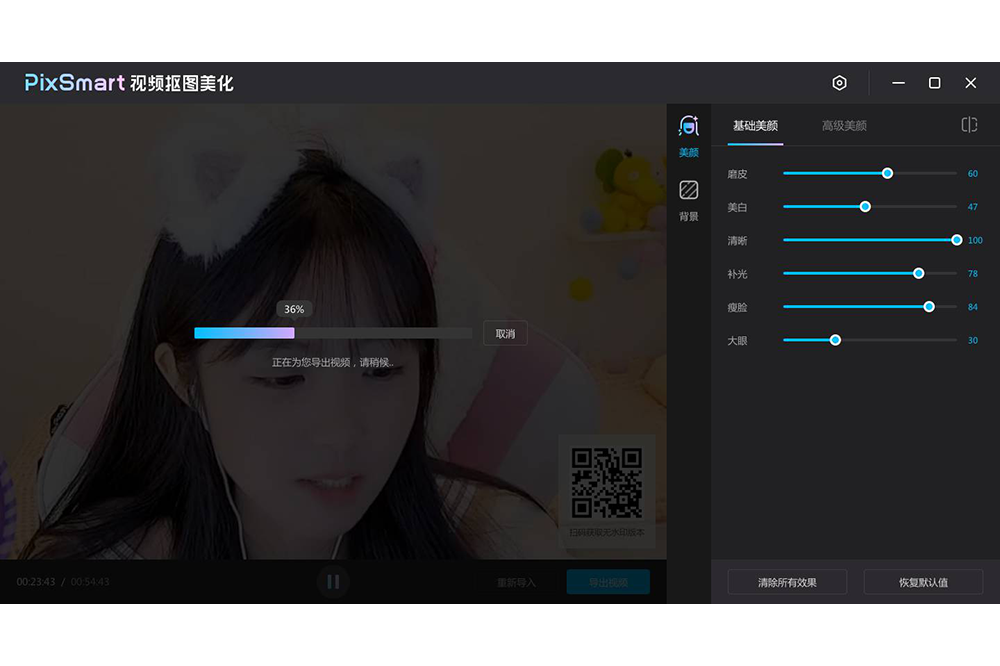
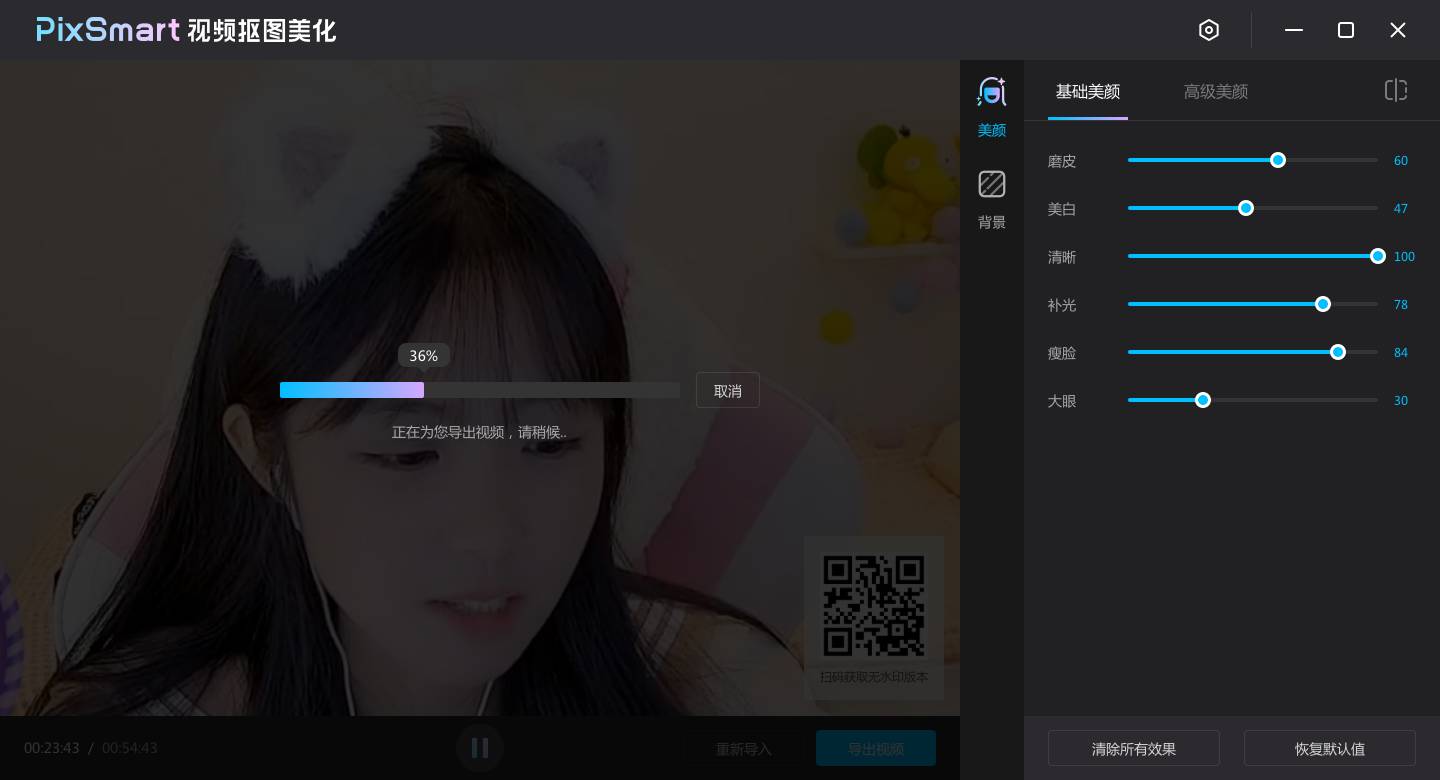
4. After adjusting the perfect face/background effect, click the [Export Video] button at the bottom to export the processed video.
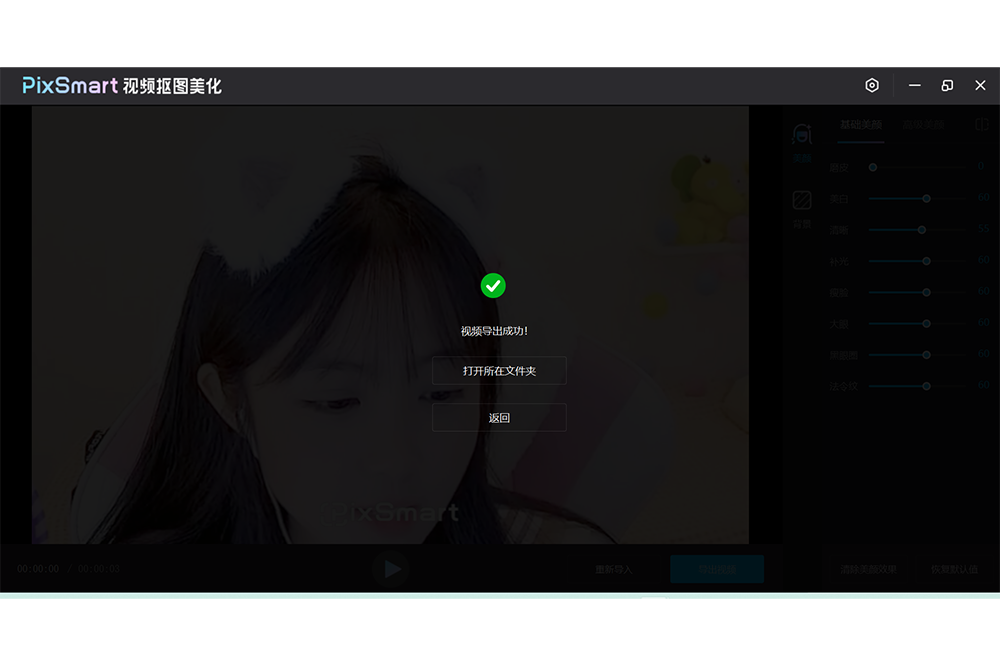
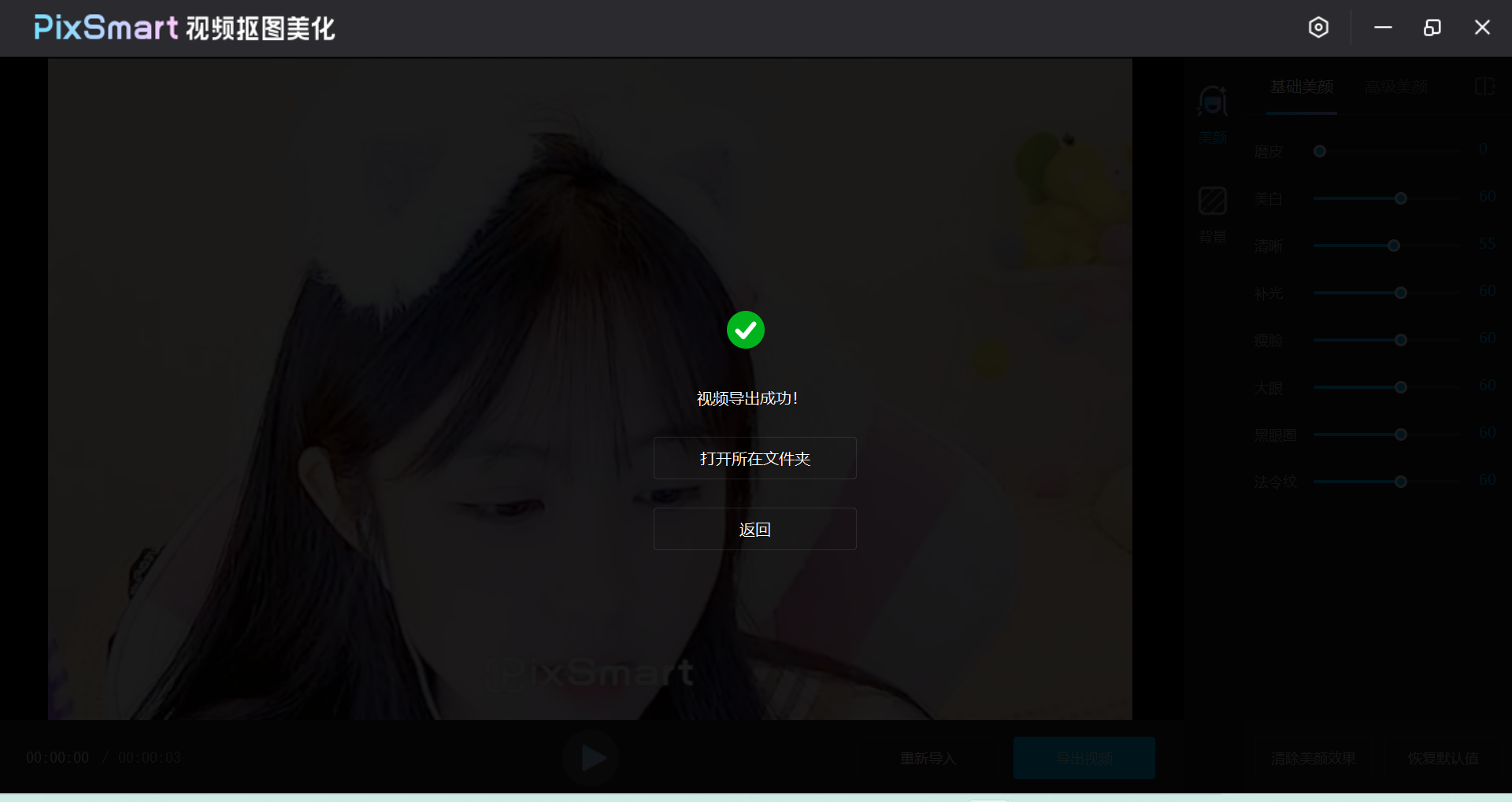
5. After the video is exported successfully, you can click [Open Folder] to view the location of the exported video, or click the [Return] button to continue processing other videos.
PixSmart video cutout beautification update log
V3.4.2 version update:
1. Add export code rate option
2. Optimize export encoding
3. Fix known issues
Huajun editor recommends:
The editor has also used AquaSoft Stages, .NET, Batch Butler and other software with similar functions to this software. Huajun Software Park provides them and can be downloaded and used!
Version: 3.4.2 Official version | Update time: 2025-10-14
Similar recommendations






Latest updates





PixSmart video cutout beautification review
-
1st floor Huajun netizen 2022-08-09 22:23:32PixSmart video cutout beautification is very useful, thank you! !
-
2nd floor Huajun netizen 2022-08-10 14:29:55PixSmart video cutout beautification interface design is easy to use and has rich functions. I highly recommend it!
-
3rd floor Huajun netizen 2022-08-02 21:58:52PixSmart video cutout and beautification software is very easy to use, downloads quickly and is very convenient!
Recommended products









- Diablo game tool collection
- Group purchasing software collection area
- p2p seed search artifact download-P2P seed search artifact special topic
- adobe software encyclopedia - adobe full range of software downloads - adobe software downloads
- Safe Internet Encyclopedia
- Browser PC version download-browser download collection
- Diablo 3 game collection
- Anxin Quote Software
- Which Key Wizard software is better? Key Wizard software collection




