
Hot search terms: 360 Security Guard Office365 360 browser WPS Office iQiyi Huawei Cloud Market Tencent Cloud Store
Hot search terms: 360 Security Guard Office365 360 browser WPS Office iQiyi Huawei Cloud Market Tencent Cloud Store

digital tools Storage size: 42.1MB Time: 2021-02-23
Software introduction: Wandoujia is an assistant software specially designed for managing mobile phones. It can be installed on a computer to easily handle sending and receiving text messages, contacts, pictures, and video backups...
Install the Wandoujia software and open the software. What we see is an interface that does not connect to the mobile phone.
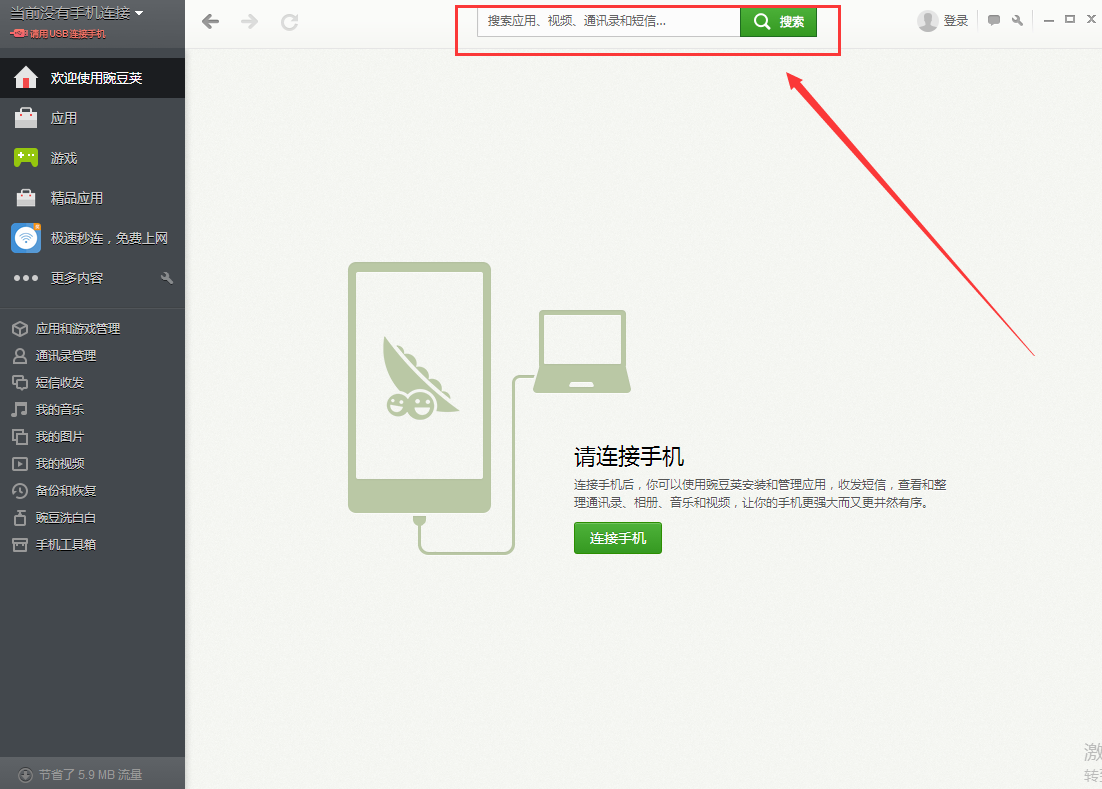
Use a mobile phone data cable to connect the computer and mobile phone. Note that it is best to use the USB interface on the back of the chassis for desktop computers. Some notebook USB sockets have a charging function. It is best to use one without a charging function. After connecting, we will see this interface.

The computer will automatically install the Wandoujia mobile client on your phone. Please do not operate your phone or computer during this process. Please make sure your computer can access the Internet.
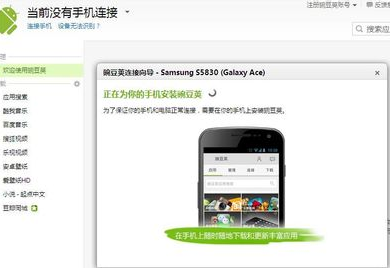
After the mobile client is installed, the computer will automatically install the driver for the mobile phone. During the driver installation process, a pop-up box will often pop up on the computer. You can be sure.

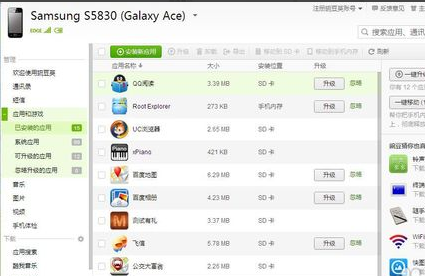
After the installation is complete, you will see the mobile phone interface on the computer interface.

After the installation is completed, you can see on the mobile phone interface that the mobile phone and computer have been connected.
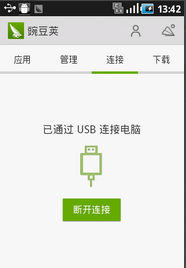
In this way, the connection is successful. You can install and uninstall apps for your phone on Wandoujia on the computer, download music, videos, pictures, etc.
Let me tell you the reasons why you may not be able to connect to the computer. You must make sure that the following options on your phone are turned on. First, USB debugging is checked, and the specific steps are Settings--Application--Development--USB debugging.
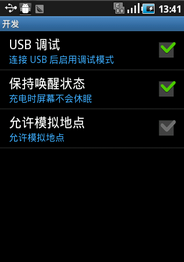
Second, make sure that the mobile phone is not connected to a large capacity. As shown below, small machines are green.

 How to set the font for Toutiao today? -How to set font in Toutiao
 How to register for Toutiao? -How to register for Toutiao
 How does Toutiao publish news? -How to publish news in Toutiao today
 How to find the cover of Toutiao today? -How to find the cover of Toutiao today
 Quark Browser
 little red book
 Chinese University MOOC computer version
 Xiaoetong
 Traffic control 12123
 Minecraft Bedrock Edition
 KMPlayer
 watermelon video
 Meijia Market TV version
 How to use Fliggy’s student discount? List of student certification methods on Fliggy
 How to find the help center for Panzhi Sales - How to find the help center for Panzhi Sales
 How to change ID card with taptap-How to change ID card with taptap
 How to add friends on steam mobile version - How to add friends on steam mobile version
 How to Chineseize ourplay with one click - How to Chineseize ourplay with one click
