




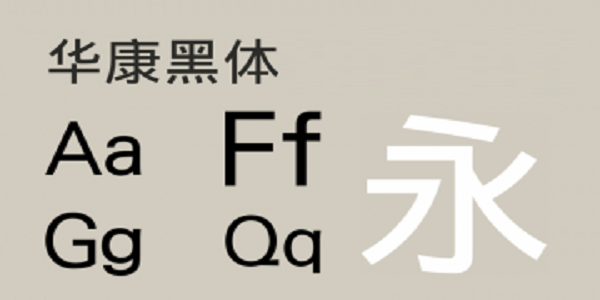
Introduction to Huakang Blackbody Font
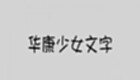
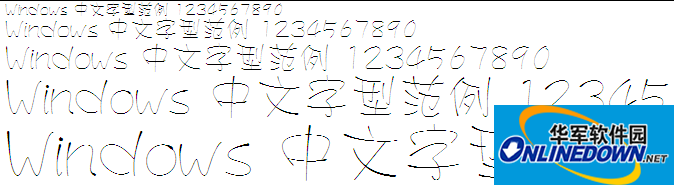
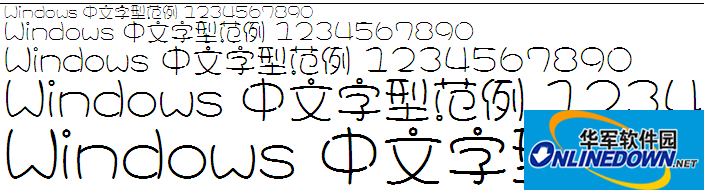
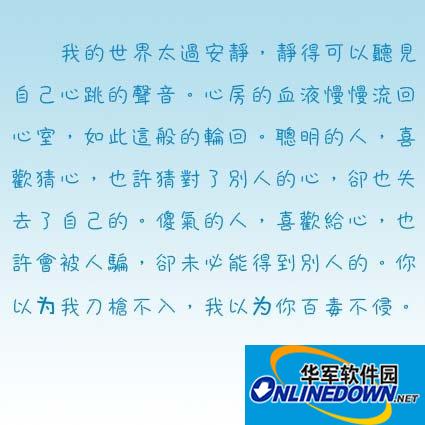
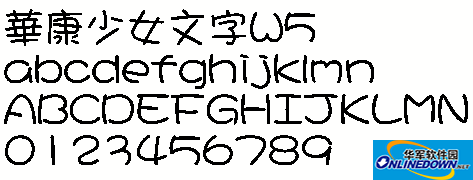
The font was simplified and finalized in 57 years after it sprouted in the late Qing Dynasty. The strokes are horizontal and vertical, consistent in thickness, and the strokes are thicker. The square head and square tail form a square and black body, so it is named after it, also known as a cube. Characteristics: It is structured in Song style, with simple strokes, generous to each other, eye-catching and strong.
Characteristics of Huakang Heibo font
1. Huakang Blackbody retains the design image of traditional Blackbody. The starting point of the pen has a shape and style similar to that of Mingbody, which is slightly different from the simplicity of modern Blackbody.
2. This series has a bright and lively feel, and its bones are particularly relaxed and inward, adding a bit of ancient engraving style.
3. Combined with the same series of products in Huakang Blackbody, the content and title words are presented in different thicknesses quite appropriately.
4. Especially suitable for general documents, office documents, statements or text in magazines.
Huakang Blackbody Installation Instructions
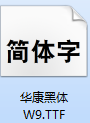
1. Download Huakang Heibo from the Huajun Software Park and extract it to the current folder. Click on the .exe application to enter the installation wizard interface. Then click Next to get Huakang Heibody W9.TTF.

2. At this time, we double-click to open Huakang Heibo W9.TTF, enter the installation interface, and click Install on the upper left.
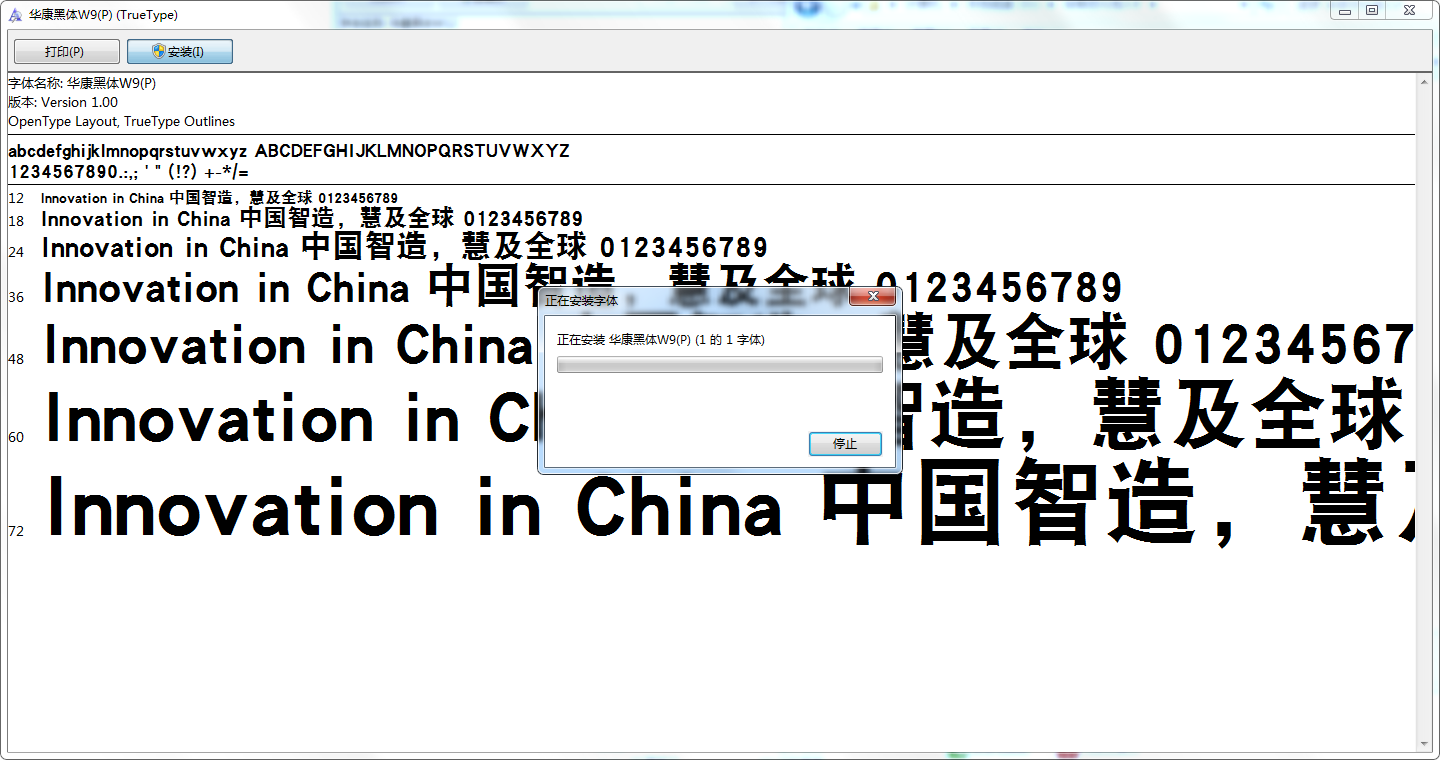
3. Huakang Blackbody is being installed, please wait patiently for a moment for the installation to be completed.
Huakang Heibo FAQ
Question: Why does "file corruption" occur when installing Huakang Blackbody?
Answer: This is because the font library conflicts with your system (especially the XP system, because many fonts were previously developed under win98 or earlier versions.)
Question: Why can’t I find it when using Huakang Blackbody after installing it?
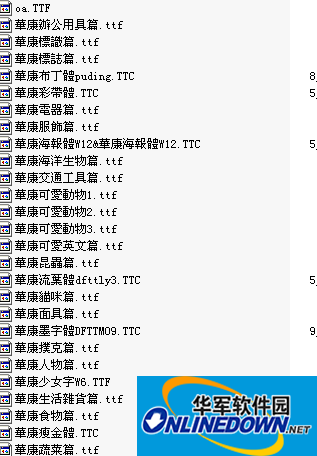
Answer: Some fonts: such as the Huakang series. They are displayed in the list as their related pinyin codes. You can double-click the font when downloading to see what the name of the font is. Then when choosing to use this font, please select its pinyin character, which is the font you want.
Question: Why can’t I type some words in Huakang boldface?
Answer: Some fonts must be typed in Traditional Chinese. (such as Jinmei font library, etc.), if the text input using the Traditional Chinese input method still cannot be output, it may be that the font's font library is incomplete, and the word cannot be typed.
Comparison of similar software
Microsoft YaheiIt is a computer font jointly designed by Microsoft and Peking University Founder Electronics Co., Ltd. Microsoft Yahei is generally a built-in font for Windows systems. It is an OpenType font with square and square fonts. It is suitable for all kinds of design work and formal occasions. It can be used by almost all software on the computer.
arabic numeral fontIt is a pixel font with numbers like 1234567890, which can be used in various design fields. Each file name corresponds to the font effect, which will be very convenient during installation.
Huajun editor recommends:
Huakang black bodyThere is no serif decoration, the font is dignified, the strokes are horizontal and vertical, and the handwriting is all the same thickness. A very good Huakang Heibo, easy to use and powerful, don’t miss it if you need it.













Useful
Useful
Useful