




 You may like





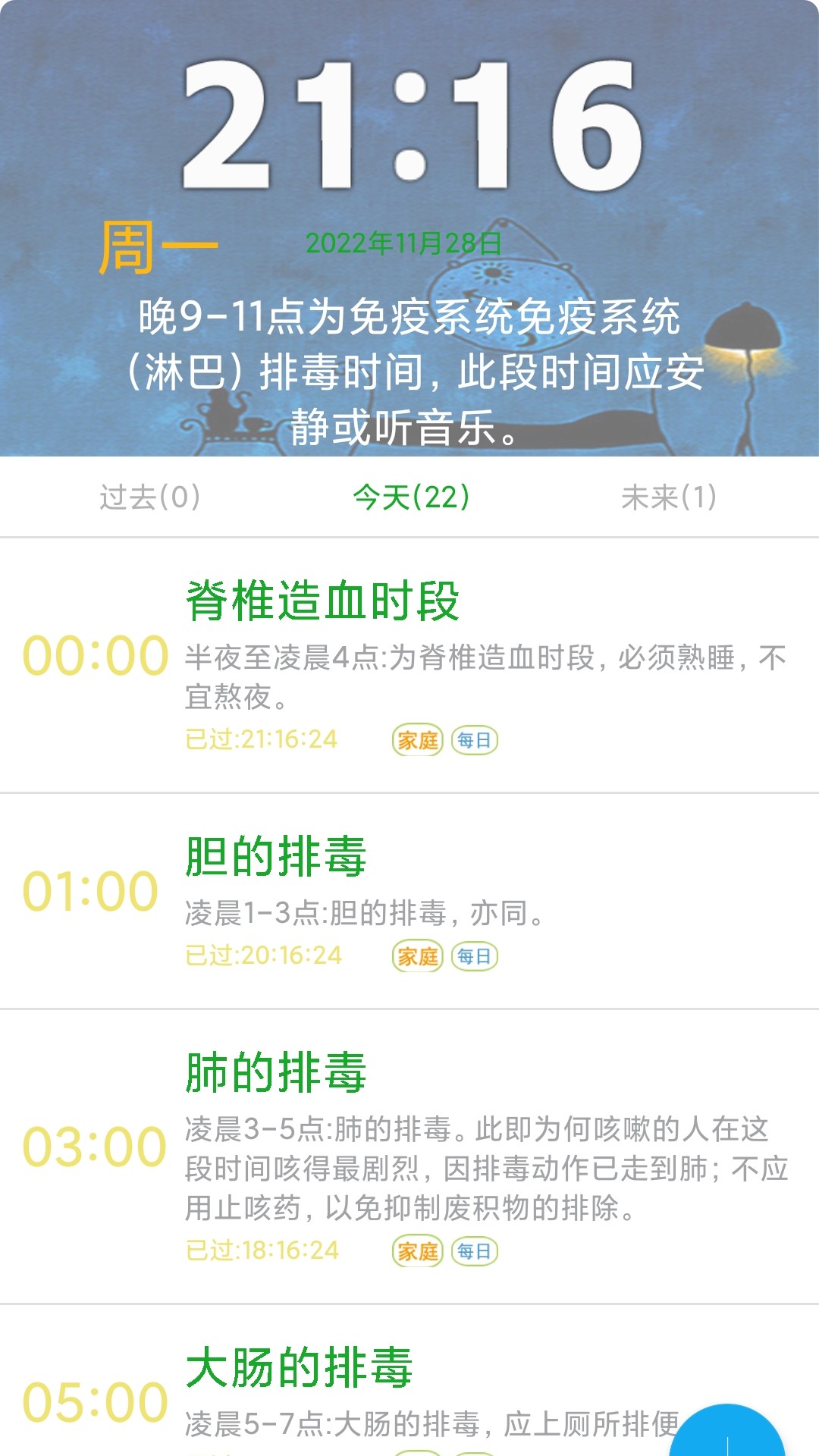
Introduction to scientific schedule software
Scientific work and rest schedule, healthy life tips, a smart schedule that calculates and counts down! Customize planned tasks, check your girlfriend’s menstrual period, the most classic humorous jokes, prompt the current time, week, lunar calendar, horoscope, health regimen, exquisite calendar, encyclopedia! Let ordinary people become health experts!
Scientific work and rest schedule software functions
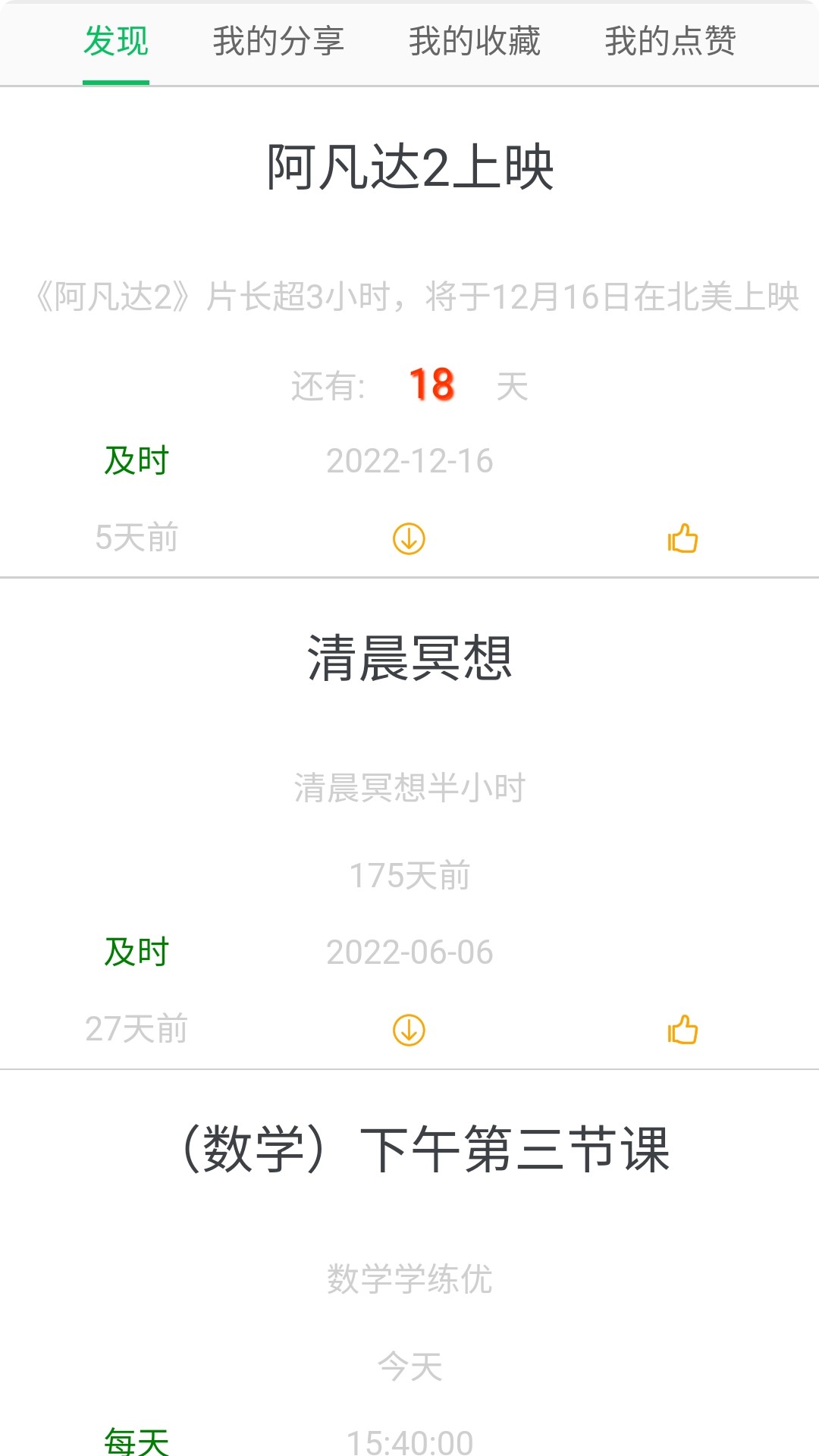
1) Add reminder:
Click the [Add +] button in the middle of the software homepage, select [New], modify the title, reminder time period, and reminder method. The periods include the following: timely, daily, weekly, monthly, yearly, and annual lunar calendar. Reminder methods include: status bar reminder, alarm clock reminder, and vibration reminder. Click [Save] to return to the home page and you can see the reminder you added in the task list.
2)Human body:
The 12 days of stems correspond to the operation of human organs, and the prime time for study and work are marked. BMI calculation, and record of human body height and weight, line chart to display data fluctuation status, and also provides recording function of blood pressure and blood sugar data.
3) Environment:
The climate changes throughout the year bring us different vegetables and fruits, as well as different health care methods. Shows the day's weather, sun's position, zodiac signs, etc.
4) Topic:
izing Suggestion points for attention to more specific health details. More health knowledge that subverts common sense.
5) Settings:
Reset the user and reselect the user icon and gender;
Display system recommendations, is enabled by default, and displays the reminders recommended by the program for you. If it is not enabled, there will be no recommendation reminders.
Automatically create icons. When enabled, the APP will automatically create icons on the desktop after startup and will not create icons repeatedly.
禁用所有提醒,启用后闹钟将不再响;
Display ads, there are ads by default, and you can remove ads after earning a certain amount of points.
FAQ
Unable to save schedule
Check whether the network connection is normal and ensure that the software can access the server normally.
Try closing the software and reopening it, or restarting the device and trying to save again.
If it still cannot be saved, there may be a bug in the software. It is recommended to contact the software customer service for feedback.
Scientific work and rest schedule update log
1.Fix some bugs
2. Optimized some functions
Huajun editor recommends:
If you are dazzled by the introduction of so many functions above, then quickly download the scientific work and rest schedule. This site also providesMeditation,a village,Blacklight Talent Network,WeChat Reading,T3 travelWaiting for you to download.























Useful
Useful
Useful