





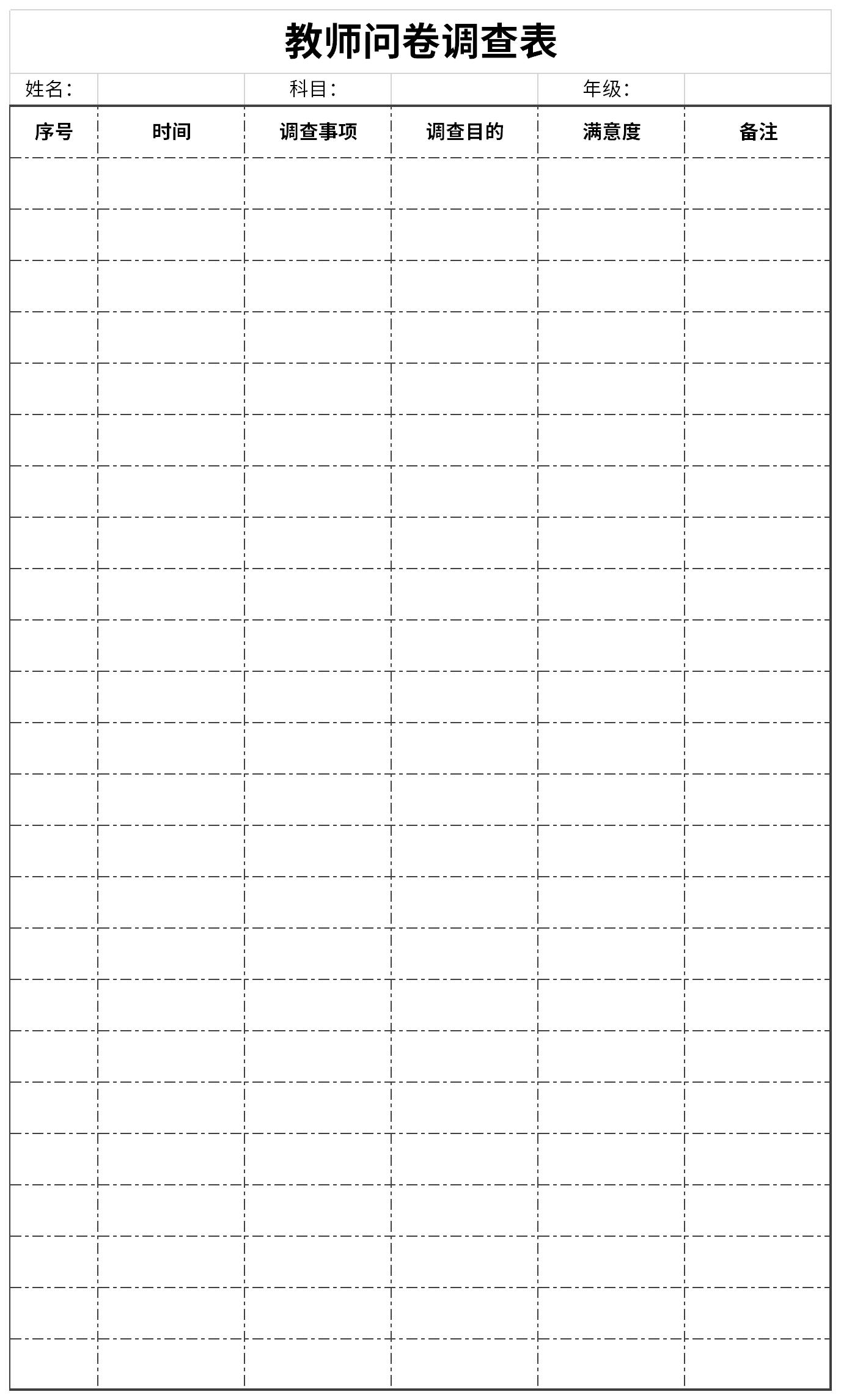
Introduction to Teacher Questionnaire Form Teacher QuestionnaireContent enumeration:
1. 1. Open excel, click to select a cell, and click "Merge and Center" in the "Home" column.
2. Input the purpose of the survey into the form: introduce the purpose and significance of the survey, the overview and development of the unit or department, requirements, etc.
3. Single column title and serial number.
4. Investigation process: including time, content, location, etc., and then conduct quality system investigation item by item in the order of arrangement.
General Tips for Teacher Questionnaires
1. Sum: =SUM(K2:K56) Sum the area from K2 to K56;
2. Average: =AVERAGE(K2:K56) Calculate the average of the area K2 K56;
3. Ranking: =RANK(K2,K$2:KS56) ranks the results of 55 students;
4. Level: =IF(K2>=85, "Excellent", IF(K2>=74, "People", IF(K2>=60, "Pass", "Fail")))
5. Semester overall evaluation: =K2*0.3+M2*0.3+N2*0.4 Assume that column K, column M and column N respectively store the three grades of students: "usual overall evaluation", "midterm" and "final";
6. Highest score: =MAX(K2:K56) Find the highest score in the K2 to K56 area (55 students).
Recommended by the editor of Huajun Software Park
Teacher questionnaireIt is a free Excel template, download it if you need it! Huajun Software Park provides high-quality Excel template downloads.Registration form for primary school students,Statistics table of dropouts in primary and secondary schoolsDownload to get the source file, which you can edit, modify and replace. To download the teacher questionnaire, go to Huajun Software.




Useful
Useful
Useful