




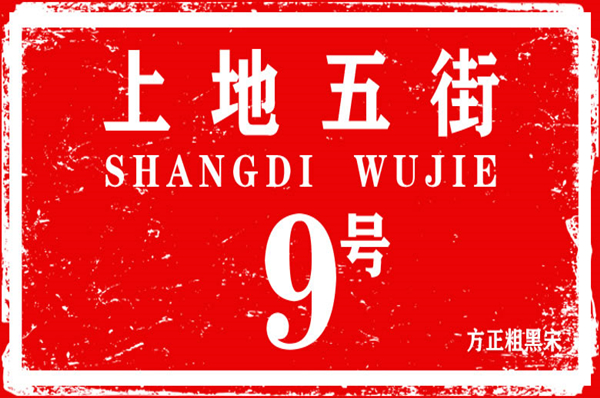
Founder thick black Song SimplifiedSoftware introduction
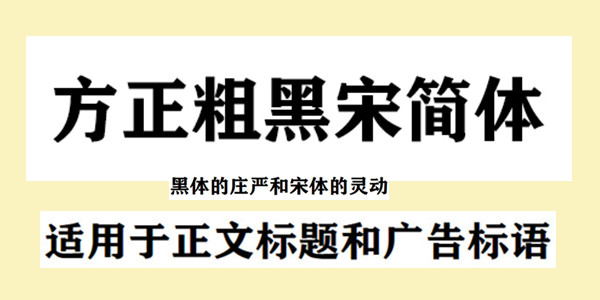
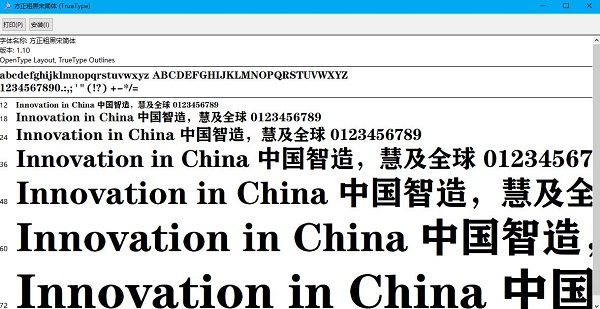
方正粗黑宋结合了黑体与宋体的特征,既有黑体粗壮的几何笔形,又有宋体起笔、折笔、收笔处的饰角,将黑体的庄严和宋体的灵动融为一体,赋予宋体一种中正、硬朗的特质。 The strokes of this font are thicker, and the horizontal and vertical strokes are similar in thickness. Suitable for text titles and advertising slogans.
Founder thick black Song SimplifiedHow to use
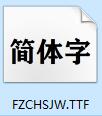
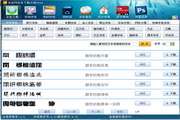
This software has cooperated with the official. Clicking download will jump directly to the official download interface. After downloading and getting the file as shown in the picture, there are three installation methods.
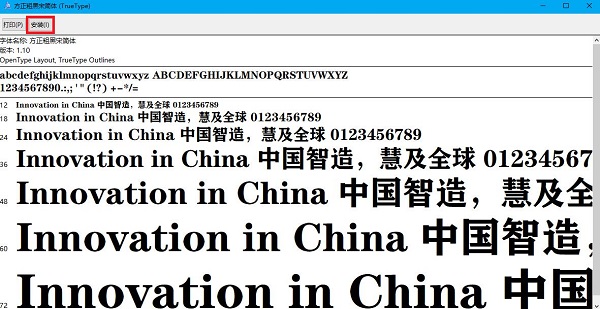
Installation method one: Double-click to open the file and click to install.
Installation method two: Control Panel/Fonts/File/Install new fonts;
Installation method three: Copy the fonts directly to C:WINDOWS/Fonts
Founder thick black Song SimplifiedFAQ
1. Why does "File Corruption" appear during installation?
Answer: This is because the font library conflicts with your system (especially the XP system, because many fonts were previously developed under win98 or earlier versions.)
2. Why after installing the font?I can't find it when using it?
Answer: Some fonts: such as the Huakang series. They are displayed in the list as their related pinyin codes. You can double-click the font when downloading to see what the name of the font is. Then when choosing to use this font, please select its pinyin character, which is the font you want.
3. Why can’t the words in some fonts be typed?
Answer: Some fonts must be typed in Traditional Chinese. (such as Jinmei font library, etc.), if the text input using the Traditional Chinese input method still cannot be output, it may be that the font's font library is incomplete, and the word cannot be typed.
4. How to uninstall fonts?
Answer: Method 1:
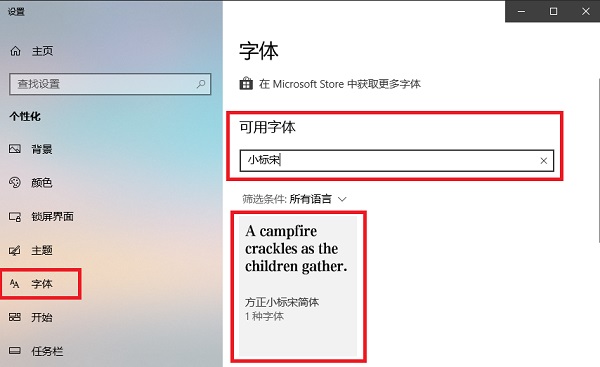
1. Right-click on the desktop and select [Personalization], find [Font], and enter the name of the font you want to search in the search bar (here, we take Founder Xiaobiao Song as an example).
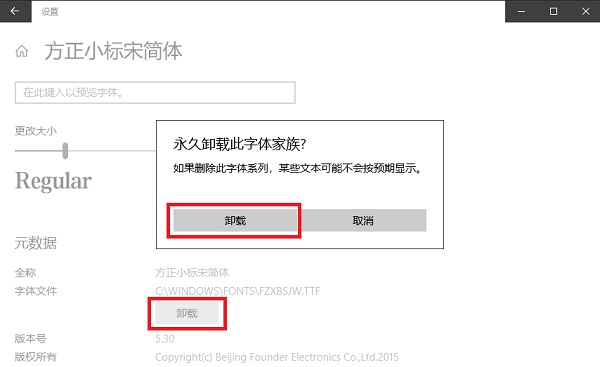
2. Click on the font you want to uninstall and select Uninstall.
Method 2:
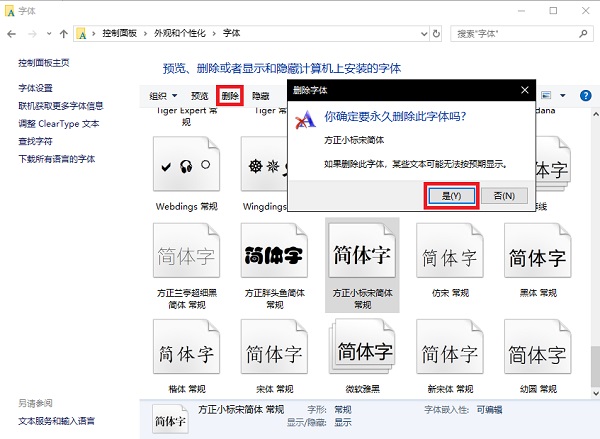
1. Enter the control panel, search for fonts in the search bar, and click to enter.
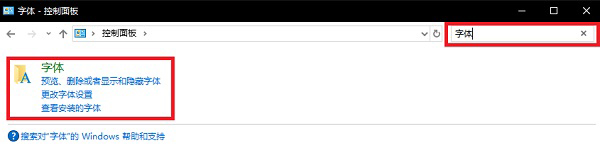
2. Select the font you want to uninstall, click Delete, and select Yes.
Founder Bold Black Song Simplified Update Log
1. Fixed BUG, the new version has a better experience
2. Some pages have been changed
Special Note: All font resources on this site are for personal study and reference only. If you need commercial use, please go to the relevant official website for authorization. This site provides you with the official download address of Founder fonts.
Huajun editor recommends:
Founder Thick Black Song Simplified is a long-lasting font download. It has been updated in versions again and again, bringing users a very high user experience. It is highly recommended for users who need download experience. It is also recommendedFounder popular style,Wending CS medium black,Wenxing Jian Xiaobiao Song,aaa.shx font cad font,Cool 3DDownload and use related software.





Useful
Useful
Useful