
-
Guangxuntong
- Size: 15.17M
- Language: Simplified Chinese
- Category: Chat software
- System: winall






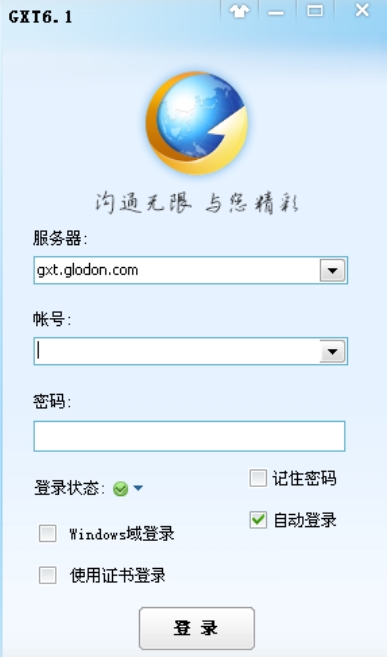
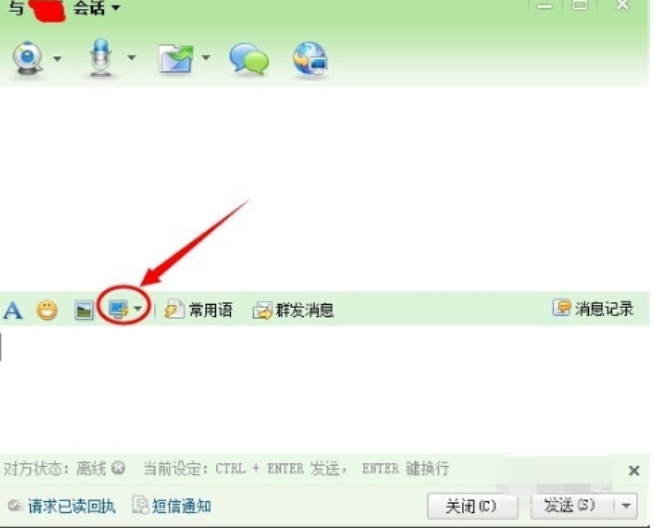
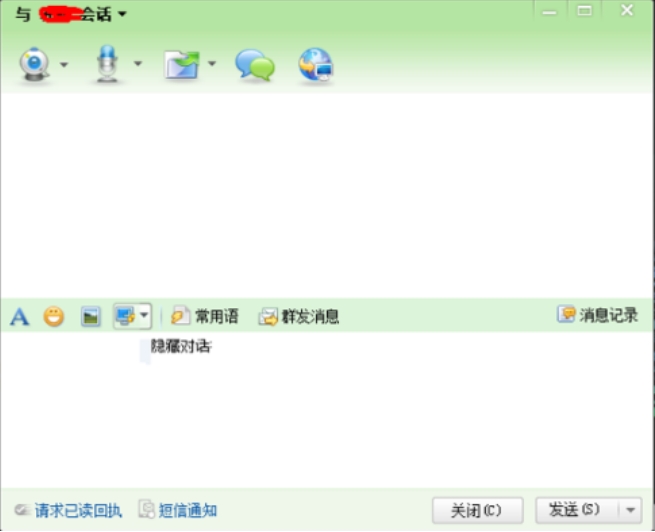
Guangxuntong is an enterprise-level instant messaging tool developed by Shenzhen Guangxuntong Technology Co., Ltd. The software is based on "efficient and accurate SMS communication management" and is suitable for corporate offices, meeting notifications, logistics information and other scenarios, aiming to improve the efficiency of internal communication and brand image of enterprises. Guangxuntong seamlessly connects with the PC-side OA system to achieve multi-platform data synchronization, making it a powerful tool for enterprise mobile office.
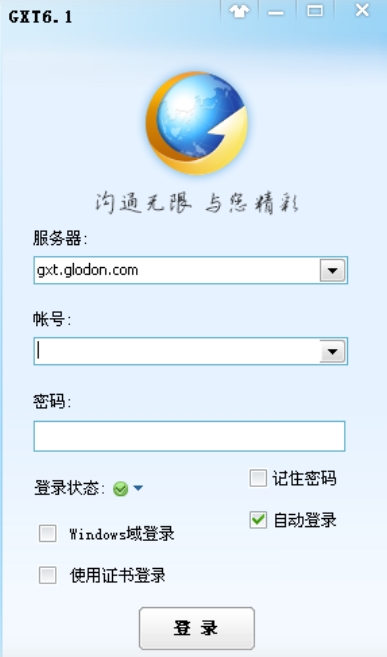
Software features
Multi-user collaborative SMS sending
Efficient communication: supports multiple users to send text messages in parallel, provides a rich phrase library and text message templates, optimizes content and achieves precise reach.
Personalized sending: The content can be customized according to the attributes of the recipient (such as name, position), such as automatically inserting a title (such as "Dear Mr. Zhang").
Real-time tracking and intelligent identification
Status transparency: Track the SMS sending status (to be sent, sent, unsuccessful) in real time, and the reception status of each number is clear at a glance.
Intelligent number identification: Automatically identify the location and operator of the mobile phone, automatically remind you of empty or wrong numbers, and filter effective communication methods.
Permission management and group collaboration
Security control: Support setting publishing and browsing permissions by column to ensure that information is only visible to authorized personnel.
Team collaboration: You can create and manage groups, support multi-person chat, voice intercom, and photo sharing to improve team collaboration efficiency.
Cross-platform compatibility
Seamless switching: Deeply integrated with the PC OA system to synchronize mobile and computer data, supporting work anytime and anywhere.
Multi-terminal support: Compatible with Android, iOS and PC platforms to ensure a consistent experience across devices.
Safety and reliability
Data encryption: Enterprise-level encryption technology is used to ensure the security of address books and text messages.
High success rate: Provide high-quality SMS channels and backup channels to ensure fast delivery of SMS messages and high reception success rate.
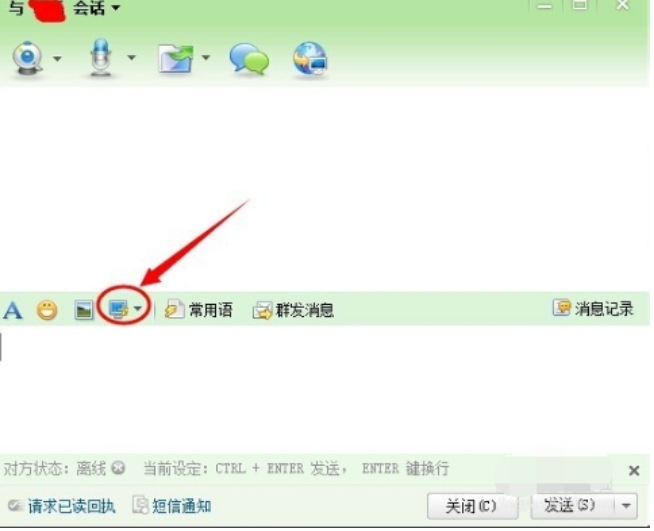
Software function
Core communication functions
Text and multimedia messages: Support text, voice, picture, file transfer, and rich text emoticon (emoji) input.
Group conversation: Real-time chat with multiple people, supporting voice intercom and photo sharing, suitable for team discussions and project collaboration.
Office collaboration function
Process approval: Supports mobile process approval, notification viewing, meeting management, and internal email processing to achieve "anytime, anywhere, and convenient" office work.
Message broadcast: Send notifications to all members or specific groups, suitable for emergency announcements or event promotions.
SMS management function
Template and channel selection: Provide SMS templates such as verification codes and office notifications, and support multi-channel switching (such as 10690 channel) to ensure sending quality.
Sending record tracing: You can view the sending details (time, content, status and reply) of a single contact to optimize subsequent sending strategies.
Personalization
Enterprise link quick entry: Integrate enterprise official website and commonly used tool links for easy and quick access.
Multi-account management: Supports multiple account switching and logout to adapt to the needs of different work scenarios.
System integration
Seamlessly connects with the OA system: data is synchronized between the mobile terminal and PC, and approval, email, schedule and other information are pushed to the mobile phone in real time.
API interface support: Provides SMS interface to facilitate enterprise system integration and customized development.
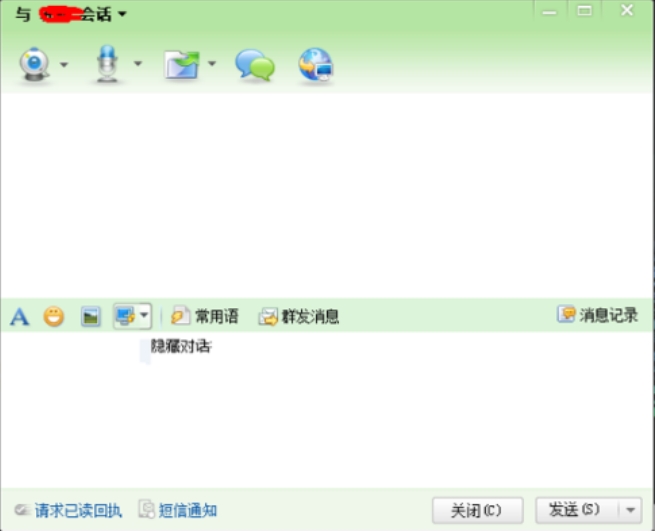
FAQ
Failed to connect to server:
Check your network connection to make sure your device is connected to the Internet.
Restart the application or device and update to the latest version (such as v1.92).
If the server address is 127.0.0.1, confirm that the local service has been started, or check the firewall settings.
Password retrieval: Reset through the "Forgot Password" function, the initial password may be the default value (such as "123456").
Guangxuntong update log:
1. The details are more outstanding!
2. BUG gone without a trace
Huajun editor recommends:
GXT, Firefox, .NET, Cloud Manager, etc. are all very good software. Welcome to our website to download and experience!
Version: v6.1.2016.216 | Update time: 2025-08-05
Similar recommendations





Latest updates




Guangxuntong Comments
Recommended products








- Diablo game tool collection
- Group purchasing software collection area
- p2p seed search artifact download-P2P seed search artifact special topic
- adobe software encyclopedia - adobe full range of software downloads - adobe software downloads
- Safe Internet Encyclopedia
- Browser PC version download-browser download collection
- Diablo 3 game collection
- Anxin Quote Software
- Which Key Wizard software is better? Key Wizard software collection




