
-
imageready
- Size: 29.4M
- Language: Simplified Chinese
- Category: image processing
- System:winall






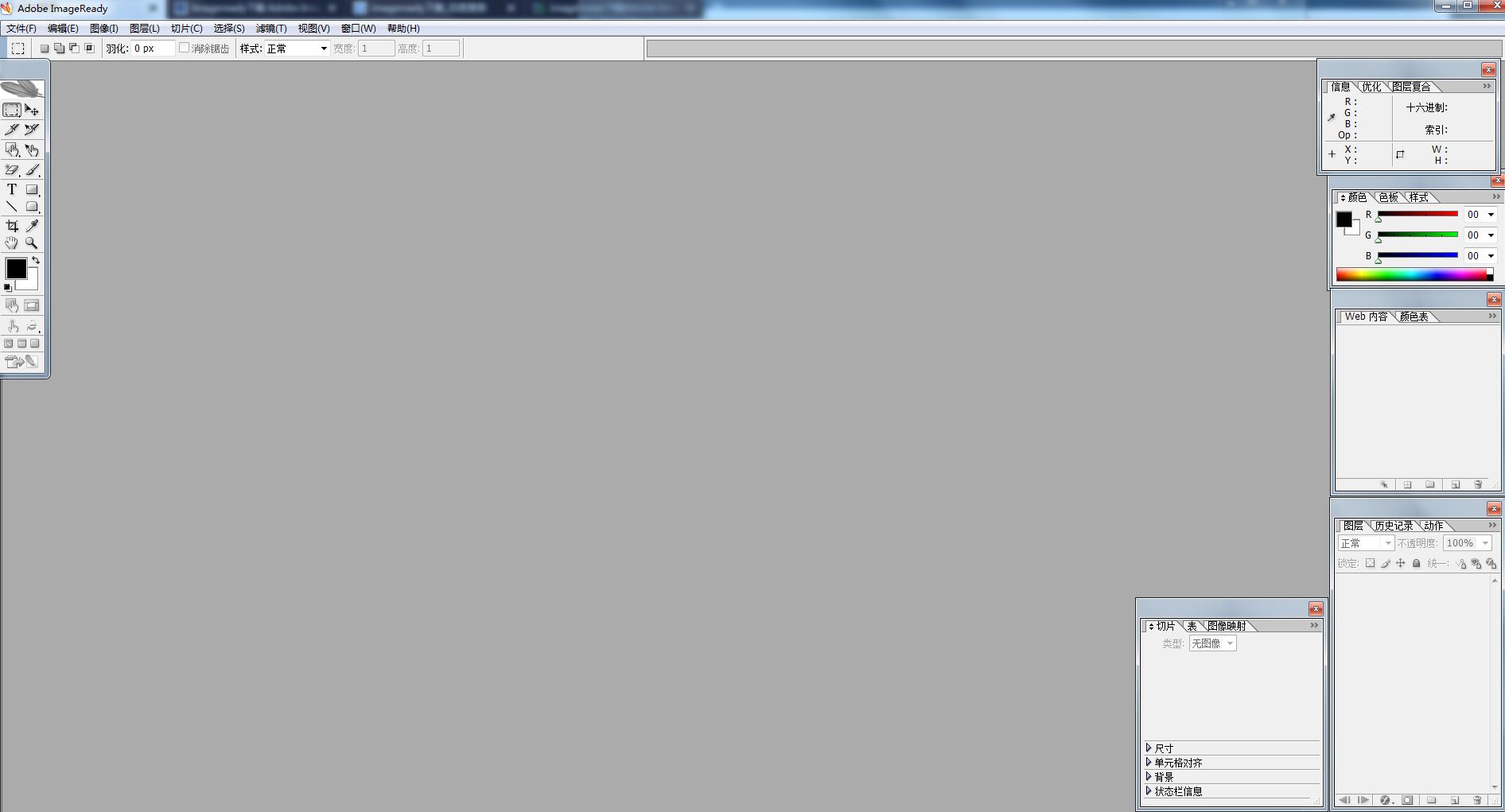
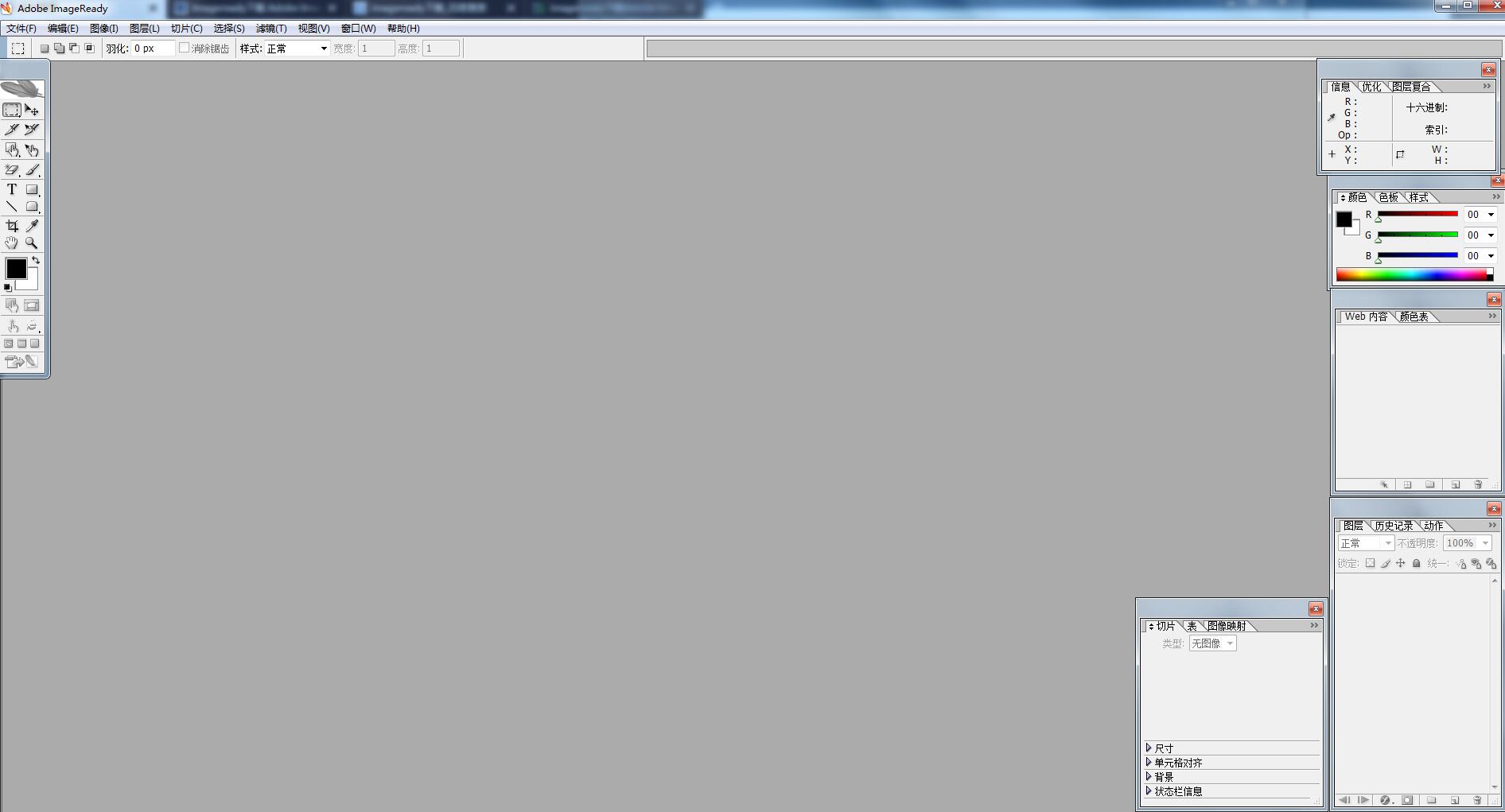
The latest version of imageready is a software from Photoshop CS2 A classic WEB image processing software that was separated in 9.0 and can run independently, imageready starts quickly and has comprehensive functions. It has everything from image cutting tools to a variety of button transformation styles. Imageready also supports graphics optimization and GIF animation production. Image It is very convenient to make maps and draw vector graphics.
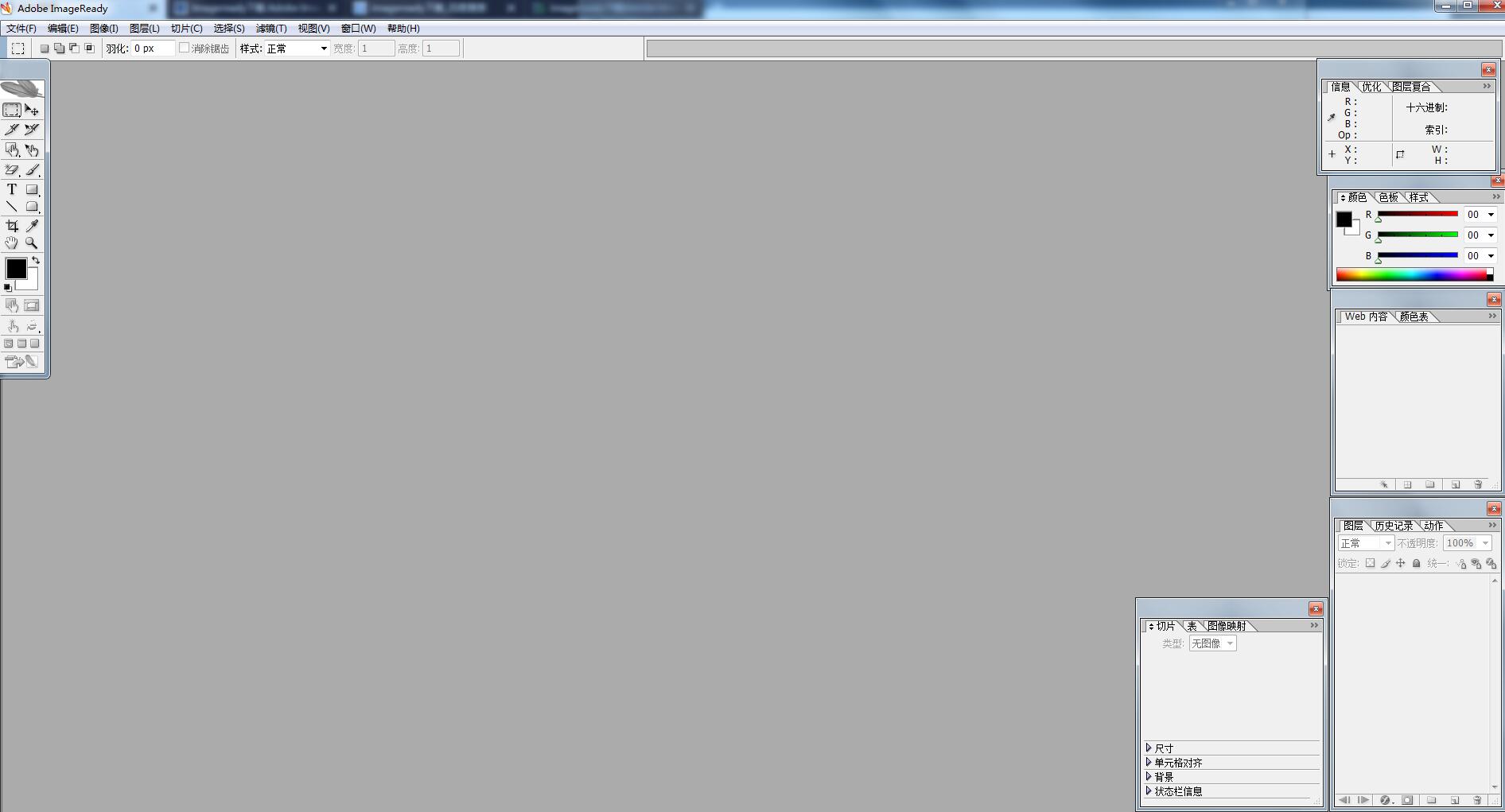
imageready software introduction
Adobe Imageready The function of cs2 is so powerful that it can make people ignore other similar products, including the next-door ImageReady. You know, ImageReady focuses on web page production, although Photoshop It has strengthened its functions in web image production, but in some aspects ImageReady is still ahead. Since ImageReady and Photoshop are sold together, Adobe must have a reason. Newbies often leave ImageReady aside without exploring its unique features. This abandonment will cause you to lose the opportunity to learn about an excellent software.
ImageReady and Photoshop can synchronize images (that is, process one image at the same time). As long as you press the icon below the toolbox in Photoshop, you can jump to the ImageReady interface. You can also click this icon in ImageReady to enter Photoshop. Although subsequent versions of Photoshop have gradually strengthened its web image production functions, ImageReady is still Photoshop in terms of image optimization, animation production, and Web image processing. An essential addition. Although ImageReady exists dependent on Photoshop, it has actually become a relatively independent software in terms of functionality.
imageready features
Create GIF animation
GIF animation is a dot matrix animation. It was once the most important animation method on the Internet and is still the main means of modifying web pages. GIF files allow multiple images to be stored in a single file. In ImageReady, by setting the loading time and playback times of each image, these images can be played in sequence to form an animation effect.
Image flipping (Rollovers)
This is a unique function of ImageReady, which is equivalent to a mouse trigger event, such as a button. We can set dynamic effects in different states of the mouse.
Slice
Although some basic slicing operations are possible in Photoshop, slices cannot be combined, aligned, or distributed. ImageReady has a professional slicing panel and menu, and its slicing editing function is more powerful than Photoshop. Therefore, we are used to jumping to ImageReady to slice the image after completing the image. The significance of slicing is not only to improve access speed, but also to optimize images in different areas in different ways.
Image optimization
ImageReady provides powerful network image optimization functions. In order to obtain faster network transmission speed, we can make precise adjustments through various tools and parameters to reduce the file size as much as possible without significantly weakening the image quality. Image optimization is a crucial process in network image processing.
Image link
By setting functions such as slicing and image mapping, we can make pictures have hyperlinks, and even use a picture with link attributes as the welcome page of the website.
Others
ImageReady also provides other network operations such as dynamic data image functions. Through these operations, we can easily obtain interactive network images with rich changes.
imageready installation steps
1. Download the latest version of imageready installation package from Huajun Software Park
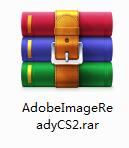
2. After downloading, unzip the compressed package into a folder named after this software

3. Open the folder and double-click the "exe" program
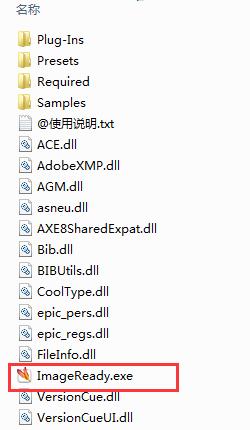
4.imageready is green software and can be used without installation.
imageready update log
1. Fixed other bugs;
2. Optimized software compatibility.
Huajun editor recommends:
imageready is a high-performance software that meets everyone's requirements. The software is free and non-toxic, and has absolutely positive reviews. Our Huajun Software Park has the most authoritative software, which is green, free, and officially authorized. There are also software like Adobe Illustrator CC, Batch Butler, and Cloud Machine Manager. I hope everyone will come and download it!
Version: 9.0 latest version | Update time: 2024-12-30
Similar recommendations





Latest updates





How to add background music in python-How to add background music in python
How to configure environment variables in python - How to configure environment variables in python
How to run python - How to run python
How to create a project in python - How to create a project in python
How to make a blue sky background with scratch-How to make a blue sky background with scratch
How to create a linked list in scratch-How to create a linked list in scratch
How to add local programs to scratch-How to add local programs to scratch
How to input Chinese in scratch-How to input Chinese in scratch
How to fire bullets in scratch-How to fire bullets in scratch
imageready comments
-
1st floor Huajun netizen 2021-08-02 10:45:50The overall feeling of imageready is good, I am quite satisfied, the installation and operation are very smooth! Followed the installation step-by-step instructions and it went very smoothly!
-
2nd floor Huajun netizen 2021-05-26 12:28:58imageready is not bad, the download is very fast, I give you a good review!
-
3rd floor Huajun netizen 2021-03-10 10:39:59imageready is convenient, practical and powerful. The software is very easy to use!
Recommended products






- Diablo game tool collection
- Group purchasing software collection area
- p2p seed search artifact download-P2P seed search artifact special topic
- adobe software encyclopedia - adobe full range of software downloads - adobe software downloads
- Safe Internet Encyclopedia
- Browser PC version download-browser download collection
- Diablo 3 game collection
- Anxin Quote Software
- Which Key Wizard software is better? Key Wizard software collection




