
-
AOMEI Partition Assistant Professional Edition
- Size: 41M
- Language: Simplified Chinese
- Category: Disk Utility
- System: Win









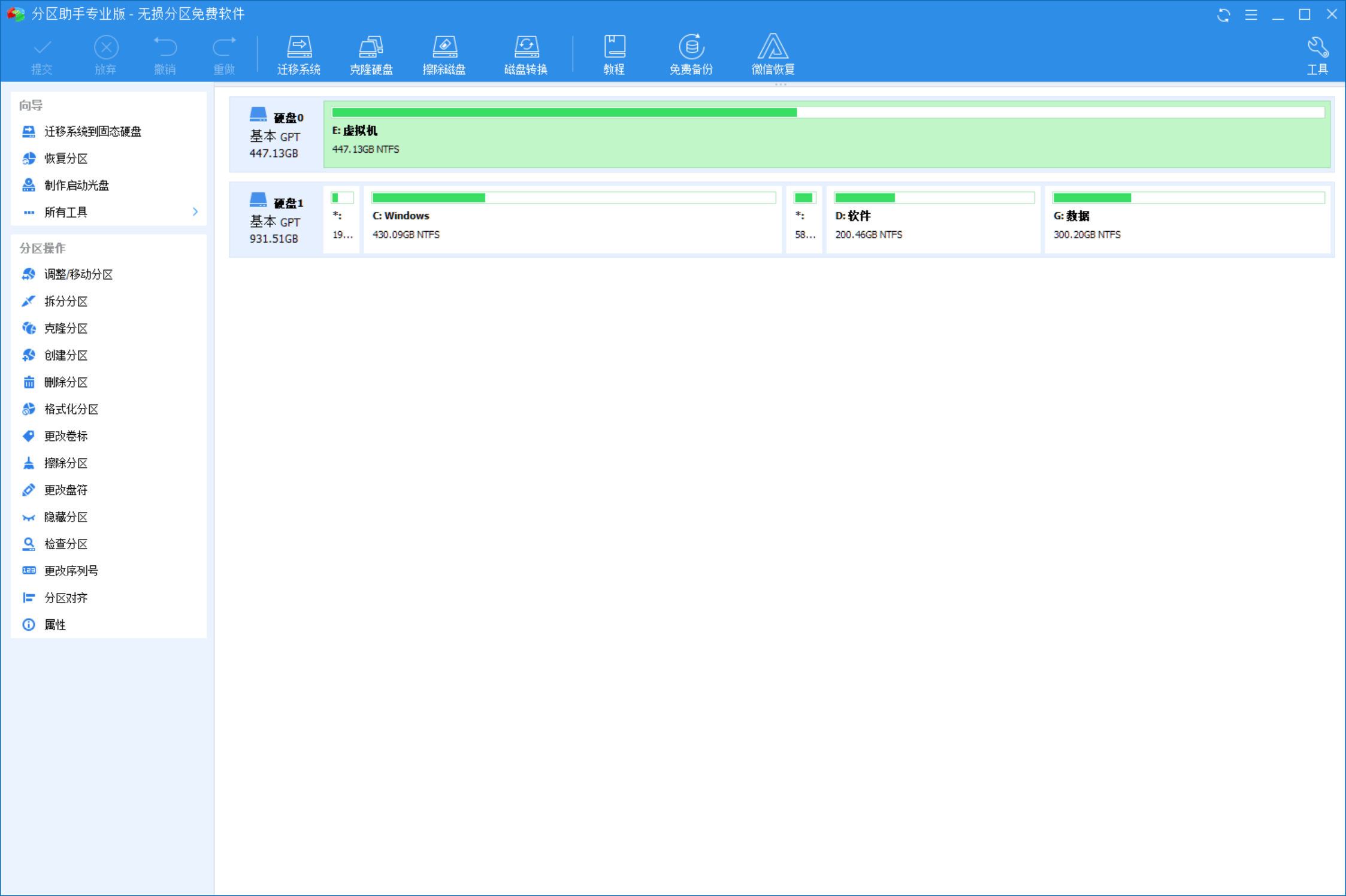
AOMEI Partition Assistant Professional EditionIt is a simple, easy-to-use, multi-functional free disk partition management software. With the help of Partition Assistant Professional Edition, you can perform operations such as resizing partitions, moving partition locations, copying partitions, copying disks, migrating the system to a solid-state drive (SSD), merging partitions, splitting partitions, creating partitions, etc. without losing data. After you use it, you will find that Partition Assistant Professional Edition is a rare disk partitioning tool.
Introduction to AOMEI Partition Assistant Professional Edition software
Partition Assistant is an easy-to-use, multi-functional free disk partition management software. With its help, you can resize partitions, move partition locations, copy partitions, and copy disks without losing data. Migrate the system to a solid state drive (SSD), merge partitions, split partitions, create partitions and other operations. After you use it, you will find that it is a rare disk partitioning tool.
In addition, it can run on all operating systems, including WinPE, Windows 10/7/2000/XP/8/8.1 and Vista, and also supports Win2003. Win2008, SBS 2011, Server systems such as Win2012, including their 32-bit and 64-bit versions. In addition, it supports running on all storage devices recognized by Windows, including all hardware RAID, IDE, SATA, SCSI, SSD and USB types. This software provided by DiskTool supports large disks and partitions of 2TB+, supports GPT disks, and supports file systems including FAT, FAT32 and NTFS.
Any operation can be previewed instantly in the main window of the Partition Assistant. The operation will only take effect after clicking the submit button, which makes the operation more flexible and safer to reduce misoperations. Whether it is an ordinary individual user or an advanced server user, Partition Assistant can meet their needs and provide them with multi-function, stability and reliability. And free disk partition management service.

Main features of AOMEI Partition Assistant Professional Edition
*Resize partition
* Merge partitions
* Cut partition
* Move partition location
* Copy Partition Wizard
* Copy Disk Wizard
*Create/delete/format partitions
*Erase disk/wipe partition
* Allocate free space
* Convert primary logical partition
* Extended Partition Wizard
* Migrate operating system
* Partition recovery
* * Partition alignment
* Rebuild MBR
* GPT/MBR disk transfer
* Modify partition type identifier
* Modify partition serial number
* WinPE ISO Creation Wizard
* Windows To Go Creator
* Quick partition
* * Partition Assistant command line partitioning
Other features of AOMEI Partition Assistant Professional Edition
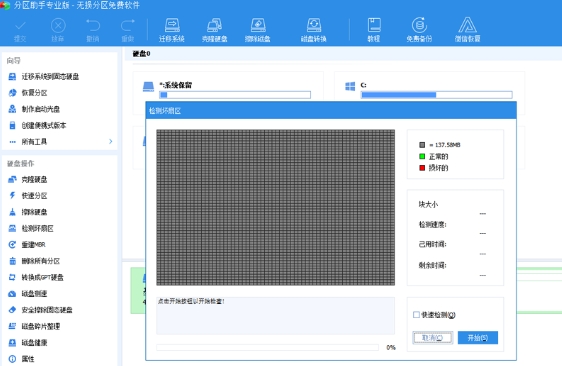
* Bad sector detection
* File system error checking
* Change drive letter
* *Hide/unhide partitions
* *Set as active partition
* Convert FAT32 to NTFS
* * Erase unallocated space
AOMEI Partition Assistant Professional Edition Support Environment
* Support GPT disk
* Support Win 7/2000/XP/Vista
* Support Windows 8/8.1 and Windows 10
* Support Win2003, Win2008, Server 2011, Win2012
* Supports 64-bit and 32-bit Windows operating systems
* Supports all storage devices recognized by Windows such as RAID, IDE, SATA, SCSI, SSD and USB, etc.
* Support WinPE environment
* Support FAT, NTFS, EXT2 and EXT3
* Support UEFI boot.
AOMEI Partition Assistant Professional Edition FAQ
Installation failed:
Check whether the system meets the installation requirements (such as operating system version, memory size, etc.).
Make sure that no security software (such as anti-virus software) blocks the installation during the installation process.
Try running the installer as administrator.
Unable to start:
Check for conflicts with other disk management software.
Confirm that Partition Assistant has been correctly installed on the system.
Try starting Partition Assistant again after restarting your computer.
AOMEI Partition Assistant Professional Edition update log
1. Optimized the display of disk index numbers: starting from disk 0 to be consistent with Windows built-in disk management.
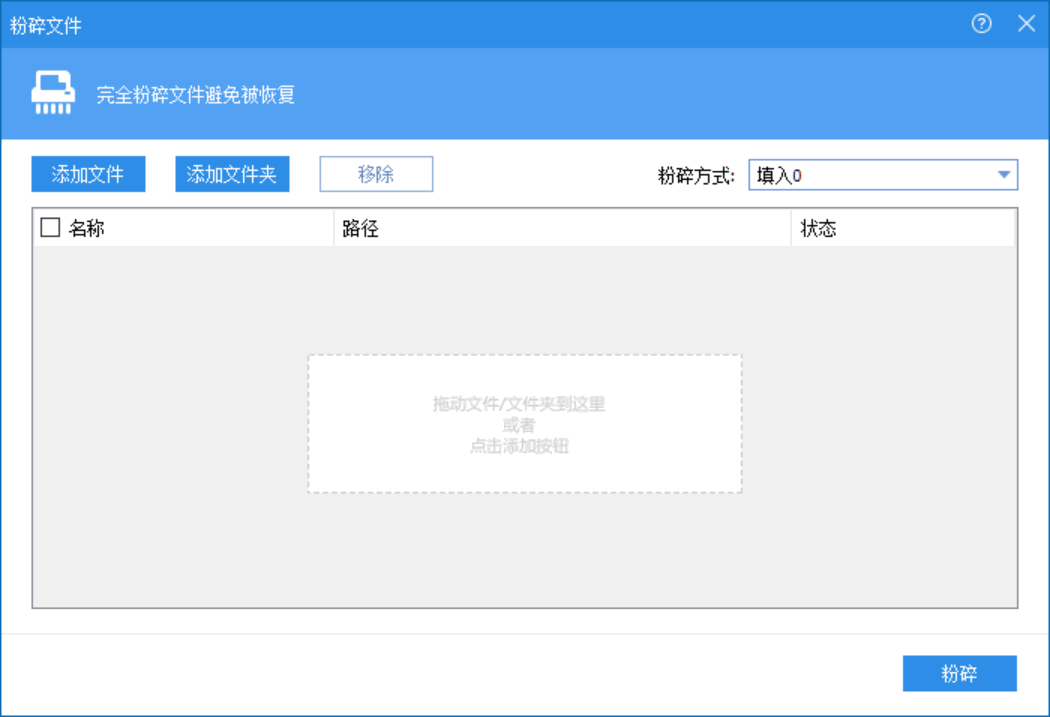
2. Added shredded files: destroy unnecessary files and private data in your computer to avoid recovery.
3. ConvertDisk function added on the menu bar: click to convert the selected disk between MBR and GPT styles without losing data.
4. Added registration verification: In order to protect the legal rights of the licensee, our system will start and register the AOMEI Partition Assistant to verify information about the license code.
5. Improved the compatibility of AOMEI Partition Assistant with Windows 10 versions 1903 and 1909.
6.Fix multiple BUGs
Huajun editor recommends:
The operation steps of AOMEI Partition Assistant Professional Edition are very simple and very fast, so users can use it with confidence. It is also recommended to download and use related software such as Cloud Machine Manager, .NET, and Cloud Machine Manager.
Version: 10.4.0 | Update time: 2025-10-23
Similar recommendations



Latest updates



How to add background music in python-How to add background music in python
How to configure environment variables in python - How to configure environment variables in python
How to run python - How to run python
How to create a project in python - How to create a project in python
How to make a blue sky background with scratch-How to make a blue sky background with scratch
How to create a linked list in scratch-How to create a linked list in scratch
How to add local programs to scratch-How to add local programs to scratch
How to input Chinese in scratch-How to input Chinese in scratch
How to fire bullets in scratch-How to fire bullets in scratch
AOMEI Partition Assistant Pro Review
-
1st floor Huajun netizen 2022-02-23 09:44:08AOMEI Partition Assistant Professional Edition is very useful, thank you! !
-
2nd floor Huajun netizen 2021-11-02 15:44:41AOMEI Partition Assistant Professional Edition software is very easy to use, downloads quickly and is very convenient!
-
3rd floor Huajun netizen 2021-08-19 23:47:11The overall feeling of AOMEI Partition Assistant Professional Edition is good and I am quite satisfied with it. The installation and operation are very smooth! It went very smoothly following the installation step-by-step instructions!
Recommended products
-

Hard disk chkdsk repair tool
-

Kingston USB disk repair tool 2012
-

MHDD hard drive detection tool
-

chkdsk disk repair tool
-

Hard drive low-level formatting tool under Windows
-

Secret Disk (hard disk encryption tool)
-

Hard drive partition magician
-
HD Tune (mobile hard drive repair)
-
Hard drive low-level formatting tool
-

Super Powerful Excel File Recovery Software
- Diablo game tool collection
- Group purchasing software collection area
- p2p seed search artifact download-P2P seed search artifact special topic
- adobe software encyclopedia - adobe full range of software downloads - adobe software downloads
- Safe Internet Encyclopedia
- Browser PC version download-browser download collection
- Diablo 3 game collection
- Anxin Quote Software
- Which Key Wizard software is better? Key Wizard software collection




