
-
Office Mobile for Office 365
- Size: 187.4M
- Language: Simplified Chinese
- Category: Utility tools
- System: Android
- Manufacturer:Shanghai Lanyun Network Technology Co., Ltd.
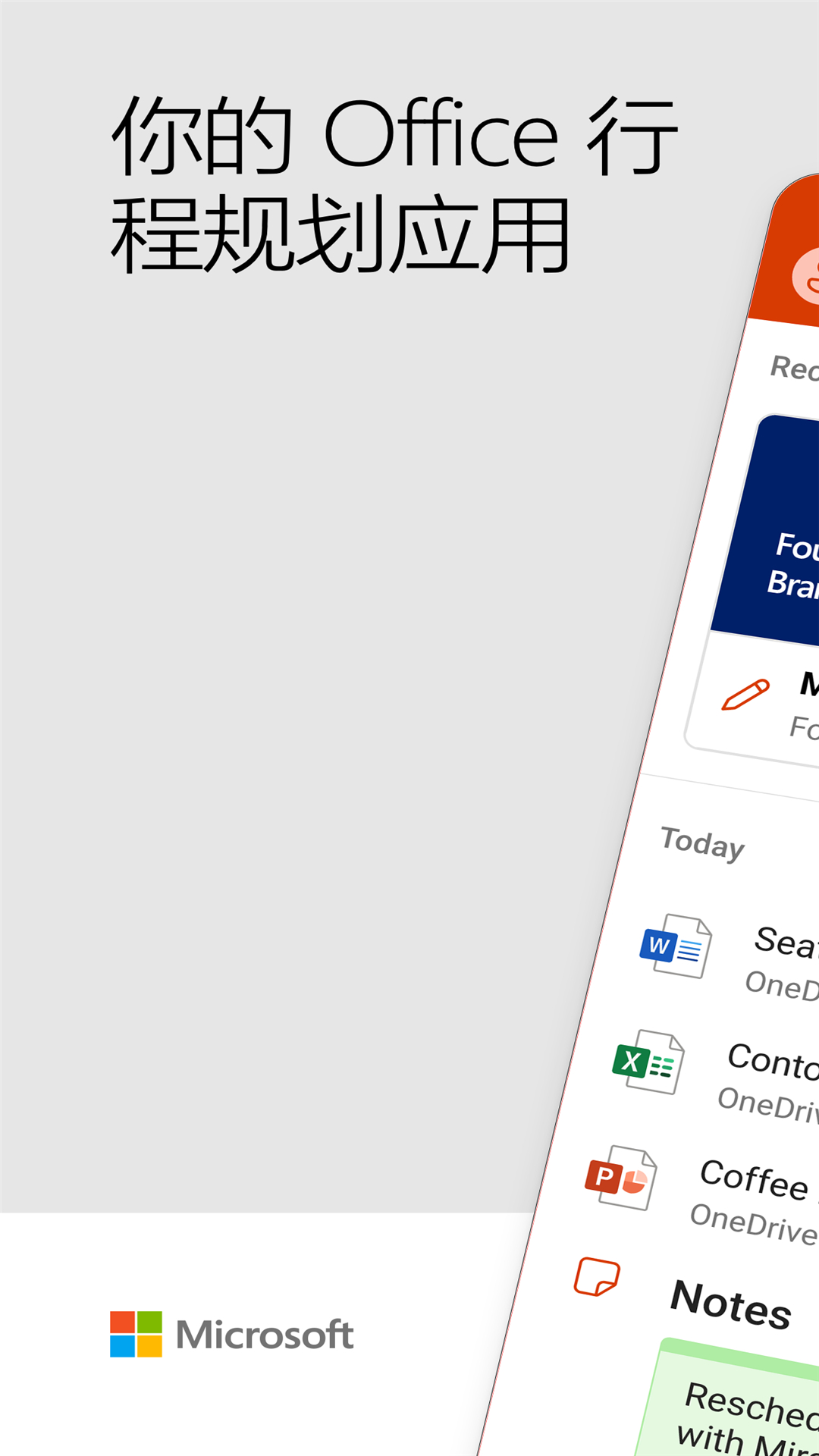


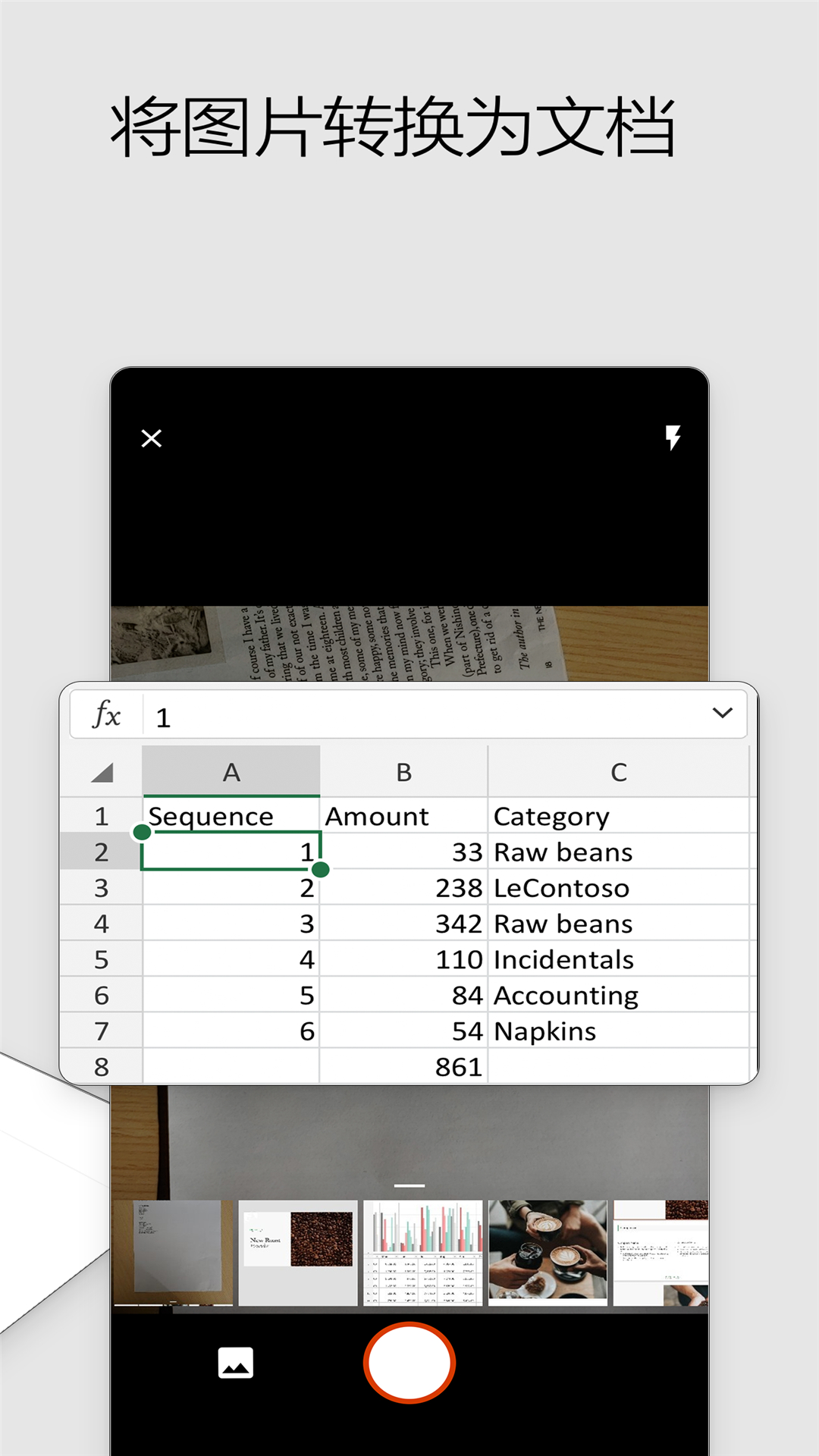
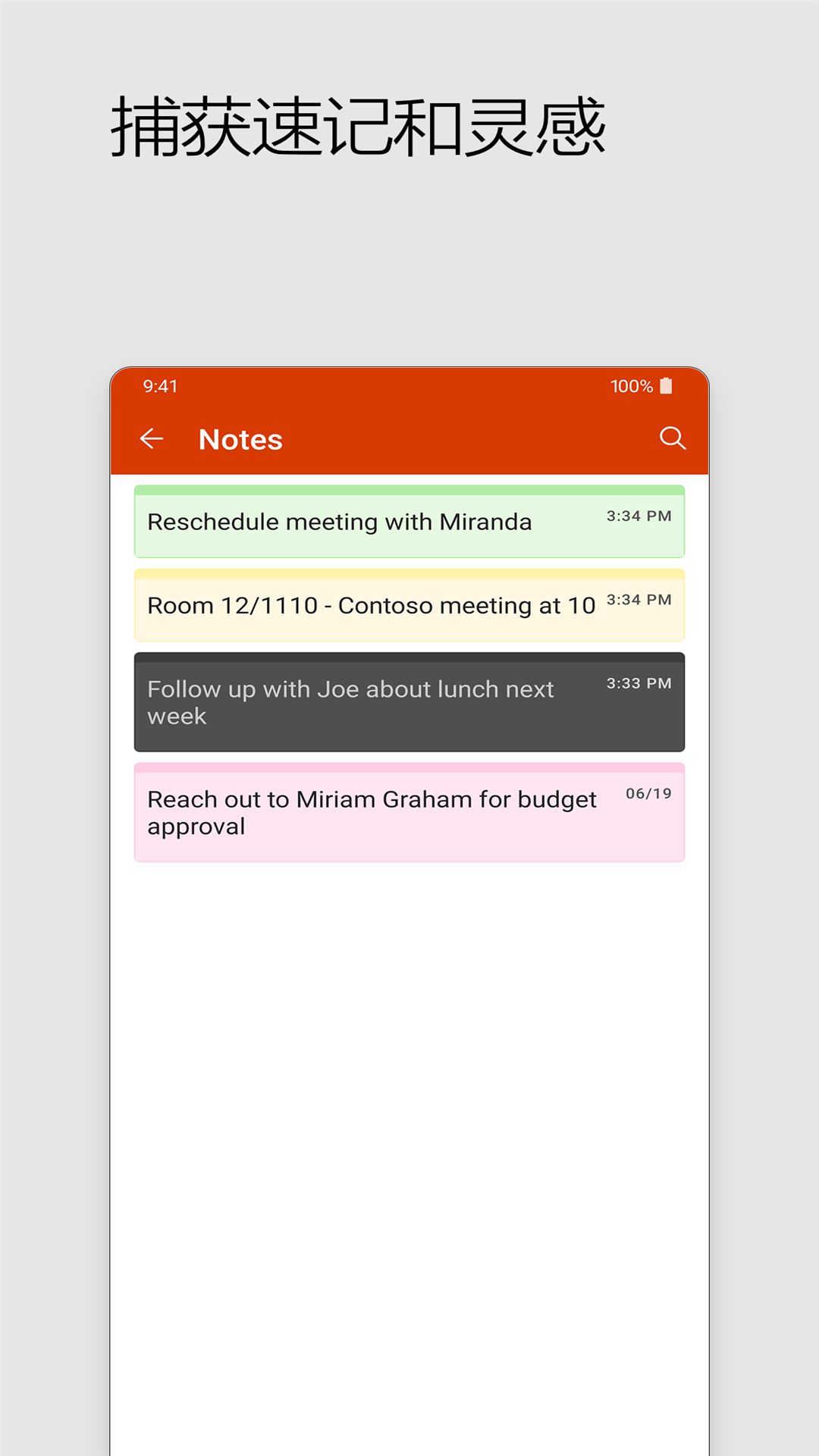
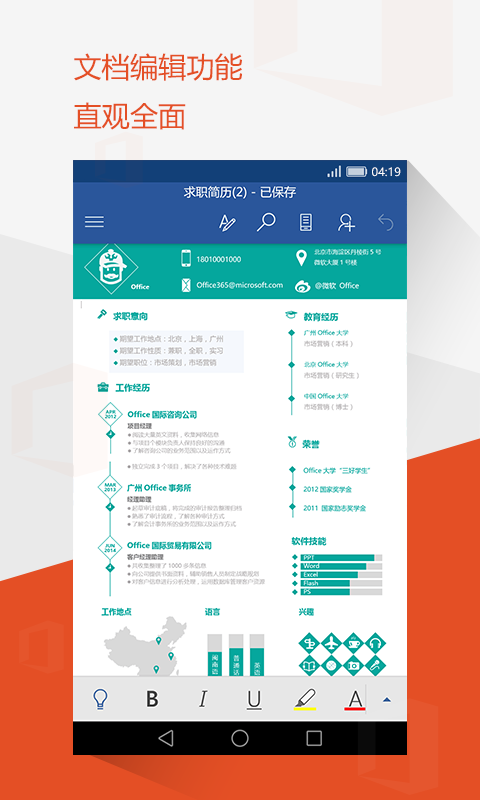
Office Mobile, the free office software for Android phones officially released by Microsoft, is a new application integrating Word, PowerPoint, and Excel, providing you with a complete and convenient mobile office experience. Huajun Software Park provides the download address of the official version of Office Mobile for Office 365app. Users in need can download and use it for free!
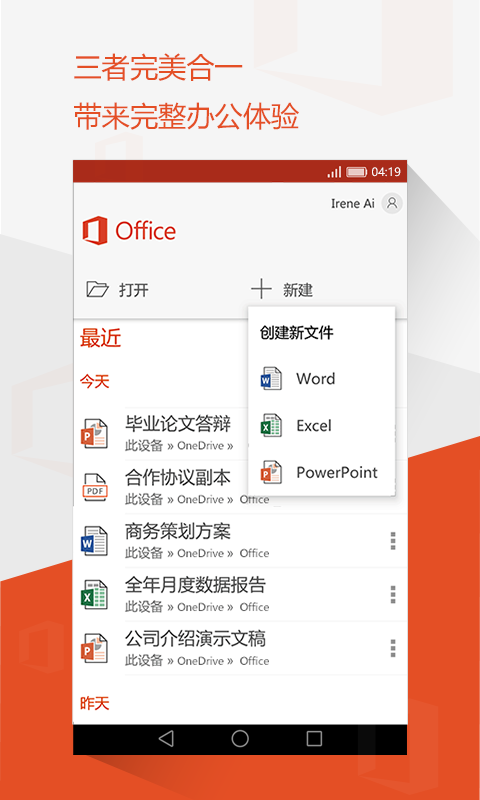
Software advantages:
• Supports accessing, viewing and editing Word, Excel, and PPT documents anytime and anywhere • When editing using different devices, the format and content of all documents remain consistent with the original documents
• Supports functions such as charts, animations, SmartArt graphics, etc. Complete and powerful functions to help you work and study efficiently
• Word’s new mobile reflow mode allows content to be automatically formatted according to the device screen size, providing a comfortable reading experience.
• PowerPoint lets you modify presentations, add animations, and transitions anytime, anywhere on your mobile device
• Excel supports table processing functions, and you can also insert formulas and charts to make tables more professional and beautiful. The new version of Office Mobile supports third-party cloud storage services, and you can open files stored in Tencent Micro Cloud directly in the application. At the same time, your edited documents can also be easily shared to QQ, WeChat, etc. Available for free on phones 7 inches and below. Purchase an Office 365 subscription to get more advanced editing features. Enterprise users need to use an Office 365 Enterprise account to create and edit documents.
FAQ
Application crashes or becomes unresponsive
Problem description: Office Mobile for Office 365 may crash or become unresponsive during operation.
Solution:
Try restarting the device and reopening the app.
Make sure the operating system and Office Mobile apps on your device are both up to date.
If the problem persists, you can try uninstalling and reinstalling the Office Mobile application.
Office Mobile for Office 365 update log:
1. Fixed BUG, the new version has a better experience
2. Some pages have been changed
Huajun editor recommends:
The editor has also used software with similar functions to this software, such as Universal Charger, TFun Game, and Cloud Machine Manager. Huajun Software Park provides them and can be downloaded and used!
Version: 16.0.17928.20046 | Update time: 2025-06-16
Similar recommendations






Latest updates





How do I view my collection in Movie Paradise? -How to view collections in Movie Paradise
How to cancel the account in Movie Paradise? -How to cancel your account in Movie Paradise
How to back up the Flash Wizard - How to back up the Flash Wizard
How to clear the cache of Movie Paradise? -How to clear the cache of Movie Paradise
How to check the privacy policy of Movie Paradise? -How to view the privacy policy of Movie Paradise
How to give feedback on Movie Paradise? -How to give feedback to Movie Paradise
How to give feedback on Movie Paradise? -How to give feedback to Movie Paradise
Office Mobile for Office 365 Review
Recommended products








- Diablo game tool collection
- Group purchasing software collection area
- p2p seed search artifact download-P2P seed search artifact special topic
- adobe software encyclopedia - adobe full range of software downloads - adobe software downloads
- Safe Internet Encyclopedia
- Browser PC version download-browser download collection
- Diablo 3 game collection
- Anxin Quote Software
- Which Key Wizard software is better? Key Wizard software collection




