
-
China Telecom test network speed
- Size: 0.39M
- Language: Simplified Chinese
- Category: Network detection
- System: win7 and above






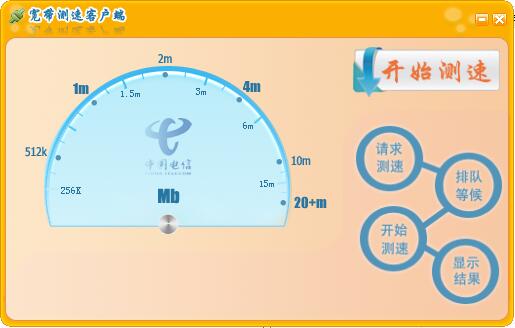
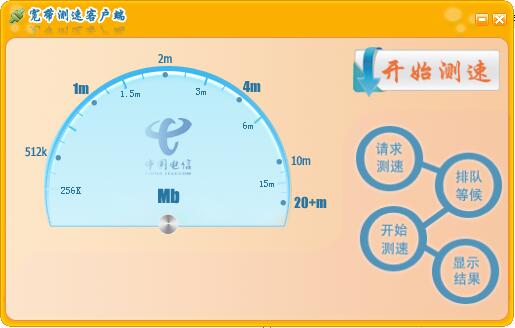
The official version of China Telecom Network Speed Tester is a network speed test tool launched by China Telecom Guangdong Branch. The latest version of Telecom's official Internet speed test tool (SpeedTest) supports testing broadband speed, helping you detect whether it has reached the speed given by the operator. China Telecom's network speed measurement software can display the speed of the network in real time with high accuracy, allowing users to keep track of the network situation at any time.
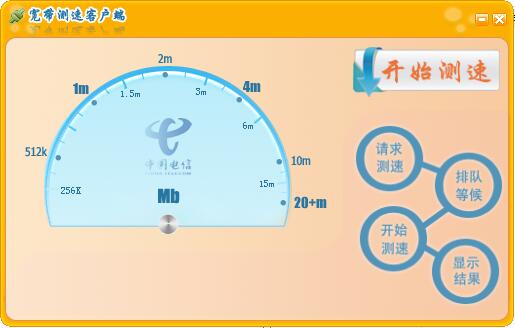
China Telecom network speed test software function
1. The official version of speedtest can check your downloads, uploads and pings.
2. The software’s real-time chart shows that the stability of the connection is very high.
3. You can quickly troubleshoot or confirm the network speed you should have.
4. Track the results of past tests and draw detailed reports.
5. The official version of speedtest can easily share your test results.
6. The official version of speedtest searches for specific reports of previous speed tests.
Features of China Telecom’s network speed test software
Can support detection of upload and download network delays
Can support chart pointer display
Can support saving speed measurement details
Can support selecting network speed type and sorting method
Can support intranet or extranet IP address
Speedtest can support server selection
China Telecom network speed test installation steps
1. Download the installation package of the official version of China Telecom’s network speed test in Huajun Software Park
2. After downloading, unzip the compressed package into a folder named after this software

3. Open the folder and double-click the "exe" program
4. China Telecom’s network speed tester is a green software that can be used without installation.
FAQ
An error message appears during the speed test
Cause of the problem:
The network connection is unstable or interrupted.
The speed test server is busy or down.
There are bugs or compatibility issues in the speed testing software itself.
Solution:
Check whether the network connection is stable and try to reconnect to the network.
Test the speed later to avoid testing during busy times when the speed test server is busy.
China Telecom network speed test update log
1. Optimized some functions
2. Solved many unbearable bugs
Huajun editor recommends:
China Telecom Network Speed Test is an excellent software for network testing. The editor strongly recommends it to you. Once you download it, you will know how good it is. The editor has also prepared Google Chrome, .NET, and Cloud Manager for you
Version: Official version | Update time: 2025-07-08
Similar recommendations






Latest updates




Pixel Naruto online play entrance-Pixel Naruto web version online play-Huajun Software Park
How to add background music in python-How to add background music in python
How to configure environment variables in python - How to configure environment variables in python
How to run python - How to run python
How to create a project in python - How to create a project in python
Comments on China Telecom’s network speed test
Recommended products










- Diablo game tool collection
- Group purchasing software collection area
- p2p seed search artifact download-P2P seed search artifact special topic
- adobe software encyclopedia - adobe full range of software downloads - adobe software downloads
- Safe Internet Encyclopedia
- Browser PC version download-browser download collection
- Diablo 3 game collection
- Anxin Quote Software
- Which Key Wizard software is better? Key Wizard software collection




